
Read the first chapter
The whole of chapter one, free. About 7 min. Turn the pages with the arrows, your keyboard, or a swipe.
Chapter 1
AI Productivity Revolution Basics
What AI Can and Cannot Do for You
Could an AI assistant turn a messy lecture recording into useful revision notes before your next class? Could it help a shop owner reply to ten customer questions, draft a product description, and spot gaps in a weekly plan? Yes - but only if you understand where its help ends and your responsibility begins.
Artificial intelligence (AI) is software that recognizes patterns in information and produces an output such as text, images, audio, recommendations, or a prediction. A chatbot can explain a difficult topic, rewrite an email, or create a first draft. It does not think like a person, understand your life automatically, or guarantee that its answer is correct.
That difference matters because AI can save you time while also creating new work if you trust it blindly. By the end of this section, you should be able to identify useful AI tasks, separate assistance from judgment, and decide when you need to check the result yourself. The practical tool for making that decision is the Reality Check Map.
The Reality Check Map
The Reality Check Map helps you place any task into four areas: Create, Clarify, Check, and Decide. AI works well in the first two areas, can assist with the third, and should not replace you in the fourth.
1. Create - Ask AI to produce a starting point. It can draft a study guide, write three versions of a customer email, turn notes into a checklist, or suggest ideas for a short video. The benefit comes from avoiding a blank page, not from accepting the first answer. 2. Clarify - Ask AI to explain, simplify, compare, or organise information. For example, you can paste a paragraph about photosynthesis and request an explanation suitable for a twelve-year-old, followed by five questions to test your understanding. 3. Check - Ask AI to find missing details, compare two drafts, identify unclear wording, or list claims that need evidence. AI can help you inspect work, but you still need to confirm important facts with reliable sources. 4. Decide - Keep final choices with a person. You decide whether medical advice makes sense, whether a refund follows your business policy, whether an assignment reflects your own learning, or whether a job applicant meets your requirements.
The map also shows what AI cannot reliably do. It may produce a confident answer when it lacks enough information. It may invent a source, confuse dates, misunderstand a local rule, or copy a pattern without understanding the real situation. A tool can write a polite complaint, but it cannot know whether sending that complaint will damage an important relationship.
Use this simple test before you hand a task to AI: What would happen if the answer were wrong? If the result only gives you a rough starting point, you can work quickly and review it. If the result affects money, safety, grades, privacy, or another person’s rights, slow down and verify every important part.
AI already changes everyday work by moving the first draft closer to the start of a task. A freelancer can turn a client brief into a list of questions. A student can convert class notes into practice questions. A small bakery can create five social media captions from one weekend offer. In each case, the person still supplies the facts, checks the output, and chooses what to publish or submit.
| Task | Useful AI role | Your responsibility | |---|---|---| | Summarising a lecture | Create organised notes | Compare the summary with the original | | Drafting a customer reply | Create a clear first draft | Check prices, promises, and tone | | Explaining a difficult idea | Clarify with examples | Test whether you truly understand it | | Researching a policy | Find questions and key terms | Confirm the current official source | | Choosing a business action | Compare possible options | Make the final decision |
Ask yourself: Am I asking AI to produce a draft, or am I asking it to make a decision that belongs to me? That question prevents many avoidable mistakes.
A Realistic Work-and-Study Test
A student preparing for a biology test has 18 pages of class notes and three evenings available. At the same time, a small online seller needs to answer customer questions about delivery and write a product description. Both can use AI productively, but neither should treat the output as finished work.
Follow these steps to apply the Reality Check Map:
1. Name the task and its risk. Write “turn biology notes into practice questions” and “draft delivery replies.” Both tasks have low risk as starting points, but incorrect biology answers or false delivery promises would create problems.
2. Give AI the right material. Paste the student’s own notes, or upload them to a tool that supports document input. For the seller, provide the actual delivery times, return policy, product size, and price. AI cannot safely fill gaps that you leave blank.
3. Request a useful first output. Use a prompt such as: “Create 15 biology questions from these notes. Mix short-answer and multiple-choice questions. Do not add facts outside the notes. Mark any point that seems unclear.” For the seller: “Draft three friendly replies using only the delivery and return information below. If the information does not answer the customer’s question, write ‘Needs confirmation’ instead of guessing.”
4. Check the result against the source. The student compares each answer with the notes and marks two questions that include material the class did not cover. The seller checks every delivery promise against the store’s policy and removes a sentence that suggests next-day shipping.
5. Use the output actively. The student answers the questions without looking at the notes, then reviews mistakes. The seller edits one reply to match the shop’s normal tone and saves the approved version for future use.
6. Measure the result. After 45 minutes, the student has a 15-question practice set and a list of three weak topics. The seller has five approved reply templates and spends less time answering repeated questions. The time saving comes from review-ready drafts, not from skipping review.
Quick checklist
• State the exact task. - Identify what could go wrong. - Give AI accurate, relevant information. - Tell it not to guess when details are missing. - Compare important claims with the original source. - Edit the result so it matches your purpose and voice. - Keep final decisions, submissions, and promises under human control.
Time Saver: Save a clean document called “Trusted Facts” for recurring work. Include current prices, opening hours, delivery rules, course terms, or product details. Update it when something changes. This reduces repeated typing and gives AI better information to work from.
The same process works for an employee preparing a meeting summary, a freelancer responding to a project enquiry, or a gym owner creating a class announcement. The task changes, but the boundary stays the same: AI can prepare and organise; you inspect and decide.
Mistakes That Turn Helpful AI Into Extra Work
Treating a fluent answer as a true answer
AI often writes smoothly, so beginners may mistake confidence for accuracy. A chatbot can state an incorrect tax rule, invent a book quotation, or give an outdated software instruction without warning.
Do this: Ask for the source, check the date, and confirm important claims through an official website, textbook, teacher, or qualified professional. For research, copy the exact claim into your notes and record where you verified it.
Not this: “The answer sounds professional, so I will use it.”
For ordinary brainstorming, a wrong suggestion may cost only a few minutes. For health, legal, financial, safety, academic, or customer commitments, verify before acting.
Giving AI too little context
A request such as “Write an email about the problem” forces AI to guess the audience, purpose, facts, and tone. The result may sound polished but fail to solve the real problem.
Do this: Include who will read the message, what happened, the result you want, important facts, and any limits. Say, “Write under 120 words, use a calm tone, and do not promise a refund until I confirm the policy.”
Not this: “Make this better.”
Better instructions produce fewer rewrites because the tool has a clear target. Context also helps you notice when AI has added details that you never supplied.
Using AI to avoid learning or thinking
A student who submits an AI-written explanation may receive words without gaining understanding. A business owner who lets AI choose every response may lose the judgment that customers value. AI can shorten practice, but it cannot build knowledge if you never test yourself.
Do this: Ask for hints before answers, explain a concept in your own words, and request questions that reveal gaps. For work, ask AI to show two options and the trade-offs rather than choosing automatically.
Not this: Copy the first response, submit it, or send it without reading.
A useful rule is simple: use AI to make your thinking clearer, not to make your thinking unnecessary. When you apply the Reality Check Map, you gain speed without giving away control. That balance forms the foundation for using AI across study, work, and business: create faster, clarify sooner, check carefully, and decide with purpose.
End of chapter one. 4 more chapters in the full book.
Swipe or use the arrows to turn the page
What's inside: 5 chapters
- 1. AI Productivity Revolution Basics
- 2. Your First AI Toolkit Setup
- 3. Prompting for Reliable Results
- 4. AI for Studying Without Cheating
- 5. Build Your 30-Day AI Productivity System
About this book
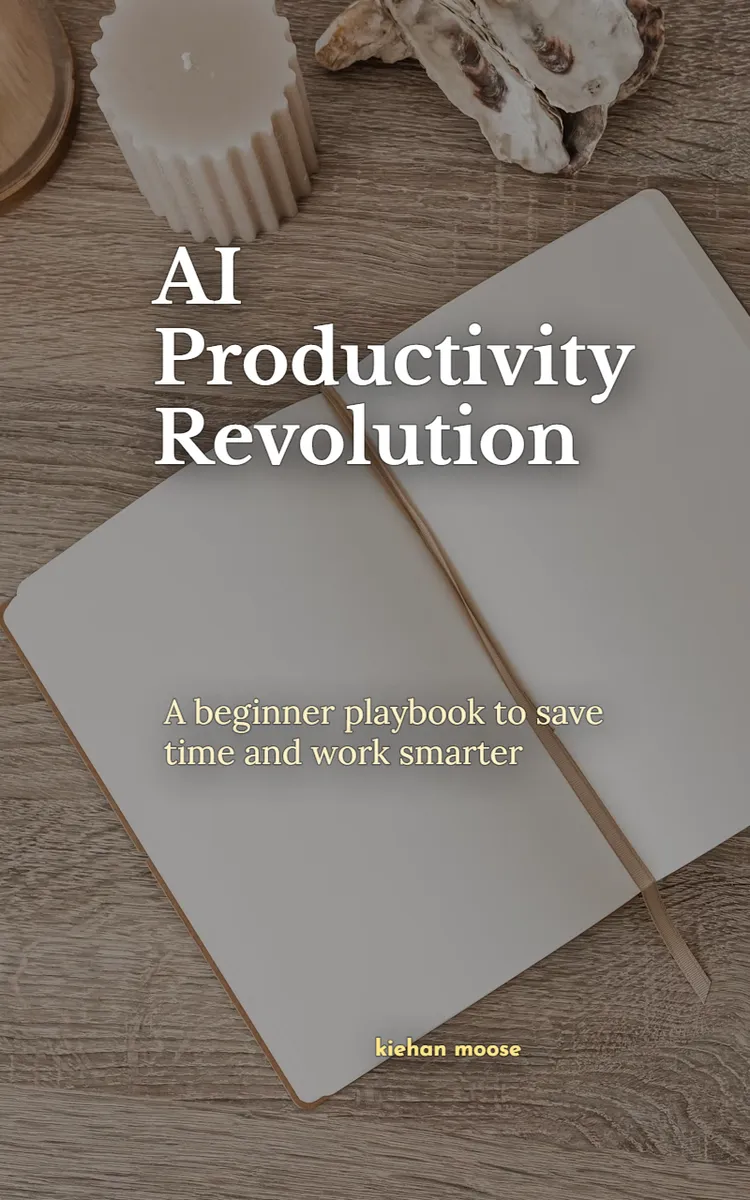
"AI Productivity Revolution" is a how-to guide book by kiehan moose with 5 chapters and approximately 8,600 words. Practical AI tools, prompts, workflows, and a 30-day challenge.
This book was created using Inkfluence AI, an AI-powered book generation platform that helps authors write, design, and publish complete books. It was made with the AI Ebook Generator.
Frequently Asked Questions
What is "AI Productivity Revolution" about?
Practical AI tools, prompts, workflows, and a 30-day challenge
How many chapters are in "AI Productivity Revolution"?
The book contains 5 chapters and approximately 8,600 words. Topics covered include AI Productivity Revolution Basics, Your First AI Toolkit Setup, Prompting for Reliable Results, AI for Studying Without Cheating, and more.
Who wrote "AI Productivity Revolution"?
This book was written by kiehan moose and created using Inkfluence AI, an AI book generation platform that helps authors write, design, and publish books.
How can I create a similar how-to guide book?
You can create your own how-to guide book using Inkfluence AI. Describe your idea, choose your style, and the AI writes the full book for you. It's free to start.
Write your own how-to guide book with AI
Describe your idea and Inkfluence writes the whole thing. Free to start.
Start writingCreated with Inkfluence AI


