

Read the first chapter
The whole of chapter one, free. About 6 min. Turn the pages with the arrows, your keyboard, or a swipe.
Chapter 1
Reset Your Freelancer Mindset
A spiral can start with one harmless-looking thought: “I’m already behind.” Five minutes later, you’re checking messages, reopening old tabs, and avoiding the task that needs your attention. The work hasn’t changed. Your mental state has.
A quick reset creates a pause between the alarm in your head and the next action you take. You don’t need a perfect mood or a free afternoon. You need a repeatable sequence that brings you back to the present task.
Key takeaway: Before touching the task, reset your state, name the next move, and give yourself one small finish line.
The reset has four parts:
1. Stop the spiral. Put down the phone, close the extra tabs, and pause for three slow breaths. 2. Name what’s true. Separate facts from the story your stressed brain is adding. 3. Choose one next move. Pick an action that takes 10 minutes or less. 4. Set a finish line. Decide what “done for now” means before you begin.
That last part matters when you’re juggling several gigs. “Work on the website” is wide enough to swallow your whole morning. “Write the homepage headline options for Client A” gives your brain a door it can actually walk through.
Use the Four-Part Reset Before You Start
Materials needed: A notebook or notes app, your current task list, and a timer. Time required: 7 minutes for the first few attempts; about 2 minutes once familiar.
Choose one task you’re avoiding or one moment when your thoughts are bouncing between projects. Don’t choose your entire workload. The reset works on one immediate situation.
Your Turn
1. Write the task that’s pulling you into a spiral. Use plain words. Task: ________________________________________________
2. Set a timer for 60 seconds. Put both feet on the floor. Take three slow breaths. On each exhale, relax your jaw and shoulders. Don’t try to solve anything yet.
3. Draw two columns in your notebook. Label them Facts and Story. Under Facts, write only what you could prove with a message, file, calendar entry, or clock. Under Story, write the predictions and judgments your mind is adding.
4. Circle one fact that requires action today. Ignore the rest for the moment. You’re not denying the other projects. You’re choosing the next doorway.
5. Turn that fact into one action that can be started in 10 minutes or less. Begin with a verb: open, list, draft, send, check, label, or outline.
6. Set a timer for 10 minutes. Write a finish line before you start. Make it visible and specific. For example: “Three rough subject lines in the client document,” not “make progress.”
7. Work until the timer ends or the finish line is reached. Then stop and mark the result. Write either finished, partly finished, or blocked. If you’re blocked, name the exact missing item.
8. Choose the next decision: continue for another 10 minutes, schedule the next block, or send one message that removes the blockage. Your reset is complete when you’ve recorded the result and chosen that decision.
Here’s what a completed reset might look like:
> Task: Finish the product photos for the café menu. > Facts: The owner needs the menu file by Thursday. Twelve photos are in the shared folder. Six photos still need cropping. > Story: I’m terrible at managing deadlines. The owner will think I’m unreliable. I’ll never catch up with the other two clients. > One next move: Open the shared folder and crop the first three photos. > Finish line: Three cropped photos exported to the “Menu Final” folder. > Result: Finished. > Next decision: Schedule a 20-minute block tomorrow for the remaining three photos.
Notice what happened here. The reset didn’t magically remove the deadline or finish all six photos. It reduced a noisy problem to one visible action. That’s the point.
If writing two columns feels like too much on a busy day, use the short version: Pause, fact, next move, finish line. Say each word quietly as you do it. The phrase becomes a useful handle when your brain is slippery.
Apply the Reset When Work Starts to Blur Together
Use the reset at transition points, especially when you’re moving from one client to another. A message from a design client can stay in your head while you’re trying to quote a plumbing job. A late invoice can make a simple editing task feel like proof that everything is falling apart. The reset gives each situation its own container.
Imagine you open your laptop at 9:00 a.m. and see four notifications. Before replying, pause. The facts might be that one client asked a question, one invoice is seven days late, and two tasks are scheduled for today. The story might be that all four clients are angry and you’re already failing. Your next move could be opening the project board and choosing the task with the nearest promised handoff. Your 10-minute finish line might be “write the first five bullet points of the proposal.” The expected outcome is not a completed proposal. It’s a clear starting point and less mental switching.
Use it again after an interruption. If a client calls during your work block, don’t expect to return to the same focus automatically. Write a two-line reset before reopening the file: “Fact: I completed the outline and still need the examples. Story: I’ve lost the whole afternoon. Next move: draft one example. Finish line: one example added by 2:40.” This takes less than two minutes and prevents the interruption from becoming a full-day derailment.
The reset also helps with tasks that feel emotionally loaded. Before sending a late reply, separate the fact “I owe a response” from the story “They’ll never hire me again.” Choose a small action, such as writing a three-sentence update. Set the finish line as “message reviewed and sent,” not “make the client feel completely satisfied.” The expected outcome is a completed communication, not control over someone else’s reaction.
Apply It
For the next three work transitions, record the following:
• The situation that triggered the spiral. - The fact you acted on. - The 10-minute next move. - The finish line. - The result: finished, partly finished, or blocked.
You’re done when you have three completed records. Review them at the end of the day. Look for one pattern: Do you spiral most often after notifications, before difficult tasks, after interruptions, or near a deadline? That pattern tells you where to place your reset card, note, or timer.
Keep the tool easy to reach. Put the four words - Pause. Fact. Move. Finish. - on a sticky note beside your monitor or at the top of your notes app. When your projects pile up, you shouldn’t have to search for the method that helps you sort them.
Make Your Reset Easy to Repeat
The goal isn’t to become someone who never spirals. Freelancing includes uncertain feedback, uneven income, shifting deadlines, and days when your brain feels like a browser with 38 tabs open. The useful skill is noticing the spiral sooner and shortening the time between noticing it and taking a grounded action.
Reflect
1. Which situation most often pulls you into a spiral: a full inbox, a late payment, a difficult client message, or a task with unclear instructions? ________________________________________________ ______________________________________________ ________________________________________________
2. What is one 10-minute next move you can use for a current project today? Write the action and its finish line. ________________________________________________ ______________________________________________ ________________________________________________
3. Where will you keep the words Pause. Fact. Move. Finish. so you’ll see them before starting work? ________________________________________________ ______________________________________________ ________________________________________________
When the next wave of panic arrives, don’t argue with the whole ocean. Pause, find the fact, choose the move, and give yourself a finish line. One clear action is often enough to get your mind back in the room.
End of chapter one. 9 more chapters in the full book.
Swipe or use the arrows to turn the page

Civilian Airgun Safety & Maintenance

Mail-Order Defense Bible

Airgun & Defense Equipment Master Reference
What's inside: 10 chapters
- 1. Reset Your Freelancer Mindset
- 2. Identify Your Stress Triggers
- 3. Build a Weekly Priorities Loop
- 4. Time-Block for Multiple Deadlines
- 5. Set Boundaries Without Losing Clients
- 6. Create a Single Source of Truth
- 7. Handle Scope Creep with Change Requests
- 8. Protect Energy with Micro-Recovery
- 9. Communicate Progress Like a Pro
- 10. Run a Monthly Mindset Audit
About this book
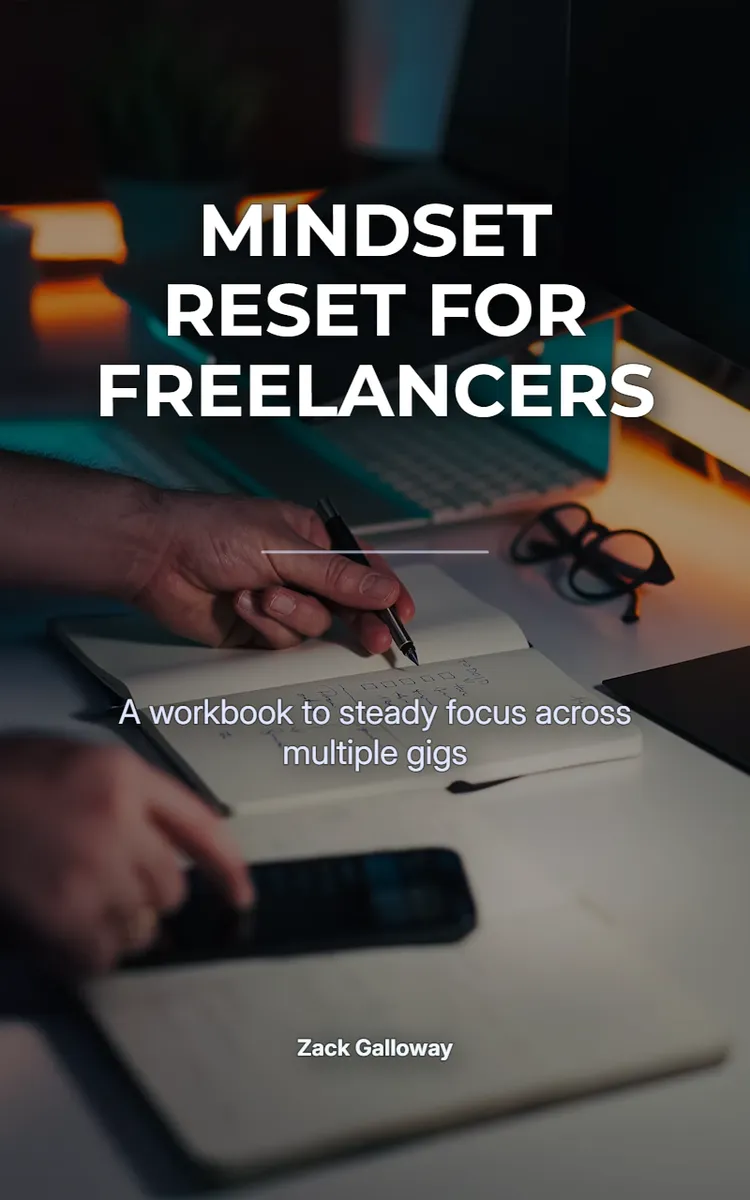
"Mindset Reset For Freelancers" is a workbook by Zack Galloway with 10 chapters and approximately 14,461 words. Mindset reset exercises for freelancers managing multiple gigs.
This book was created using Inkfluence AI, an AI-powered book generation platform that helps authors write, design, and publish complete books. It was made with the Workbook Generator.
Frequently Asked Questions
What is "Mindset Reset For Freelancers" about?
Mindset reset exercises for freelancers managing multiple gigs
How many chapters are in "Mindset Reset For Freelancers"?
The book contains 10 chapters and approximately 14,461 words. Topics covered include Reset Your Freelancer Mindset, Identify Your Stress Triggers, Build a Weekly Priorities Loop, Time-Block for Multiple Deadlines, and more.
Who wrote "Mindset Reset For Freelancers"?
This book was written by Zack Galloway and created using Inkfluence AI, an AI book generation platform that helps authors write, design, and publish books.
How can I create a similar workbook?
You can create your own workbook using Inkfluence AI. Describe your idea, choose your style, and the AI writes the full book for you. It's free to start.
Write your own workbook with AI
Describe your idea and Inkfluence writes the whole thing. Free to start.
Start writingCreated with Inkfluence AI


