

Read the first chapter
The whole of chapter one, free. About 5 min. Turn the pages with the arrows, your keyboard, or a swipe.
Chapter 1
Days 1-6: Setup, Prompts, and Profits
If your AI prompts don’t turn into real outputs, it’s not a “you problem”… it’s usually a “prompt-to-profit” problem. Here’s the fix: you’ll stop guessing what to ask, set up the right tools, and build your first monetizable assets with a repeatable workflow.
Ready to make AI feel less like magic and more like a money machine? Good. Days 1-6 are your foundation-setup, prompt skills, and your first simple products you can sell (or use to land paid gigs). We’ll use the Prompt-to-Profit Launchpad so every session ends with something usable, not just more ideas.
---
Day 1: Set up your AI stack (so you can actually ship)
Tip of the Day: What’s the point of having 20 AI apps if none of them are ready when you need them? Today is about removing friction: accounts, logins, and a clean workspace so you can move fast tomorrow.
Nadia, 26, an aspiring freelancer and content writer, doesn’t need “more inspiration.” She needs a setup that lets her go from idea → draft → client-ready content without hunting for logins or copy-pasting instructions across random notes. When your tools are organized, your output gets consistent. Consistency is how you earn.
Today's Action: Create a folder called “Prompt-to-Profit Launchpad” on your computer (or Google Drive) and add three subfolders: “Prompts,” “Assets,” and “Client-Ready.” Then open ChatGPT, Canva AI, and Notion AI and sign in to each one.
---
Day 2: Learn the Prompt-to-Profit Launchpad (your new default workflow)
Tip of the Day: Most people use AI like a search bar: they ask one question, read one answer, then get stuck. The Prompt-to-Profit Launchpad is your “always move forward” workflow. It turns one prompt into a chain of outputs you can reuse for money.
Here’s how Nadia makes it practical. She doesn’t ask ChatGPT for “a blog.” She asks for a blog structure, then turns that into a draft, then turns that into a client deliverable. Same skill, different framing. You’re not collecting answers-you’re building assets.
Today's Action: Write your first Prompt-to-Profit Launchpad template in Notion AI with these sections: Goal, Audience, Offer/Asset, Inputs (links/notes), Style rules, Output format (headings/bullets), Quality checklist, Next actions. Save it as “Launchpad - Template.”
---
Day 3: Turn vague requests into prompts that work (the real skill)
Tip of the Day: Be honest-how many times have you typed something like “write a landing page” and got something… decent-ish? The problem is your prompt didn’t tell the AI what “good” means for your use case.
Today you’ll stop being generic and start giving constraints. Constraints are how you get consistent results. If Nadia wants client-ready writing, she specifies tone, structure, and what to avoid. You’ll do the same, using ChatGPT to generate a usable draft for a monetizable asset.
Today's Action: Use ChatGPT to create a “Freelance Content Sample” asset. Prompt it to produce a complete short landing page draft for a service (choose one you could sell): “content writing for small businesses.” Include exact sections (headline, 3 benefit bullets, proof placeholders, FAQ, CTA), and add a quality checklist at the end. Copy the final output into your “Assets” folder.
---
Day 4: Build your first sellable digital asset (fast, not perfect)
Tip of the Day: Perfection is a trap when you’re learning. Money doesn’t require flawless-money requires “good enough to buy.” Your job is to ship an asset people can use right now.
Nadia’s move is simple: she packages a small, specific outcome into a downloadable deliverable. Not a giant course. Not a complicated system. A focused mini-resource that matches what clients and creators actually need.
Today's Action: In Canva AI, create a one-page “AI Content Brief Template” (downloadable PDF). Use ChatGPT to generate the content for the template (fields + instructions), then paste it into Canva and export as PDF. Save it as “AI Content Brief Template - v1” in your “Assets” folder.
---
Day 5: Use AI for packaging + pitching (freelancing starts here)
Tip of the Day: You don’t get paid for “having ideas.” You get paid for delivering outcomes, and you prove that with packaging. Today you’ll turn your outputs into a simple pitch and a client-ready mini portfolio.
Nadia doesn’t overthink her first outreach. She highlights one or two assets, shows what they do, and makes the next step easy. Your job is to make your work obvious.
Today's Action: In Notion AI, create a “Client-Ready Portfolio” page with three blocks: 1) Your offer (one sentence), 2) Your asset list (at least two items from Days 3-4), 3) A short pitch message you can paste into DMs or emails. Then write that pitch using ChatGPT: keep it under 120 words, include a CTA, and mention what the client receives.
---
Day 6: Pricing + monetization test (make it real in 24 hours)
Tip of the Day: If you’re waiting until you feel “ready” to sell, you’ll be waiting forever. Today is a reality check: you’re testing demand with a clear offer and a simple price.
This is also where you start thinking like a creator who earns, not just a person who posts drafts. Your first monetization can be small. The goal is proof that your workflow generates revenue-or at least leads you can follow up on.
Today's Action: Pick one monetization method for your Day 6 test and publish it today. Choose one: sell your Canva PDF as a $9-$19 digital download, or offer a one-time “content brief + mini draft” service. Then write a listing description using ChatGPT (include who it’s for, what’s inside, deliverable format, and turnaround time) and post it on one platform you already use.
---
✅ Motivational challenge checkpoint (end of Days 1-6): Open your “Assets” folder and list everything you created in the last 6 days. If you only have one usable asset, that still counts-because it’s shippable. Now choose one: either improve your asset once using better prompts, or create a second version with a different audience angle. The point is momentum, not perfection.
---
Before Day 7, one quick question to keep you sharp: will your next prompt create an output you can sell, or will it create another “cool idea” you don’t ship? Keep that answer in your head-because the next phase is where your content engine starts turning.
End of chapter one. 4 more chapters and about 5,372 words in the full book.
Swipe or use the arrows to turn the page
What's inside: 5 chapters
- 1. Days 1-6: Setup, Prompts, and Profits
- 2. Days 7-12: Content Engine with Canva + Notion
- 3. Days 13-18: AI Video, Voice, and Automation
- 4. Days 19-23: AI Images, Music, and Brand Assets
- 5. Days 24-28: Passive Income Systems and Scaling
About this book
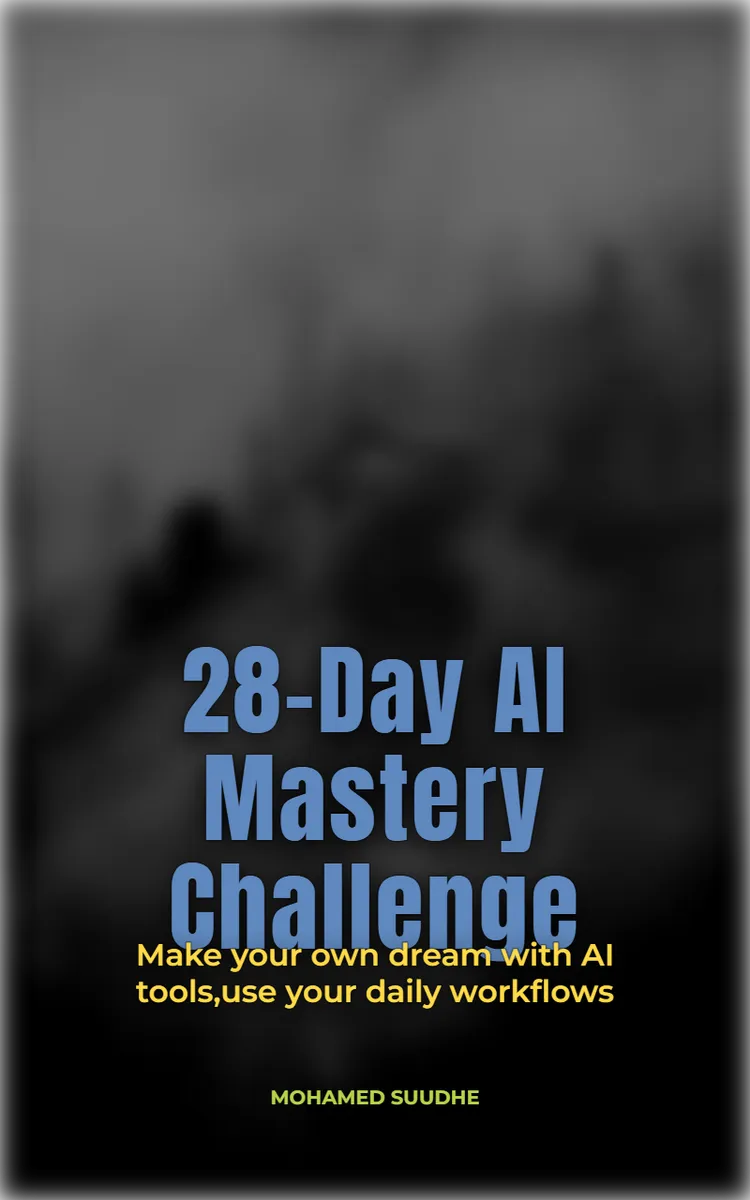
"28-Day AI Mastery Challenge" is a day challenge book by MOHAMED SUUDHE with 5 chapters and approximately 5,372 words. 28-day program to master AI tools and earn online.
This book was created using Inkfluence AI, an AI-powered book generation platform that helps authors write, design, and publish complete books.
Frequently Asked Questions
What is "28-Day AI Mastery Challenge" about?
28-day program to master AI tools and earn online
How many chapters are in "28-Day AI Mastery Challenge"?
The book contains 5 chapters and approximately 5,372 words. Topics covered include Days 1-6: Setup, Prompts, and Profits, Days 7-12: Content Engine with Canva + Notion, Days 13-18: AI Video, Voice, and Automation, Days 19-23: AI Images, Music, and Brand Assets, and more.
Who wrote "28-Day AI Mastery Challenge"?
This book was written by MOHAMED SUUDHE and created using Inkfluence AI, an AI book generation platform that helps authors write, design, and publish books.
Write your own day challenge book with AI
Describe your idea and Inkfluence writes the whole thing. Free to start.
Start writingCreated with Inkfluence AI


