
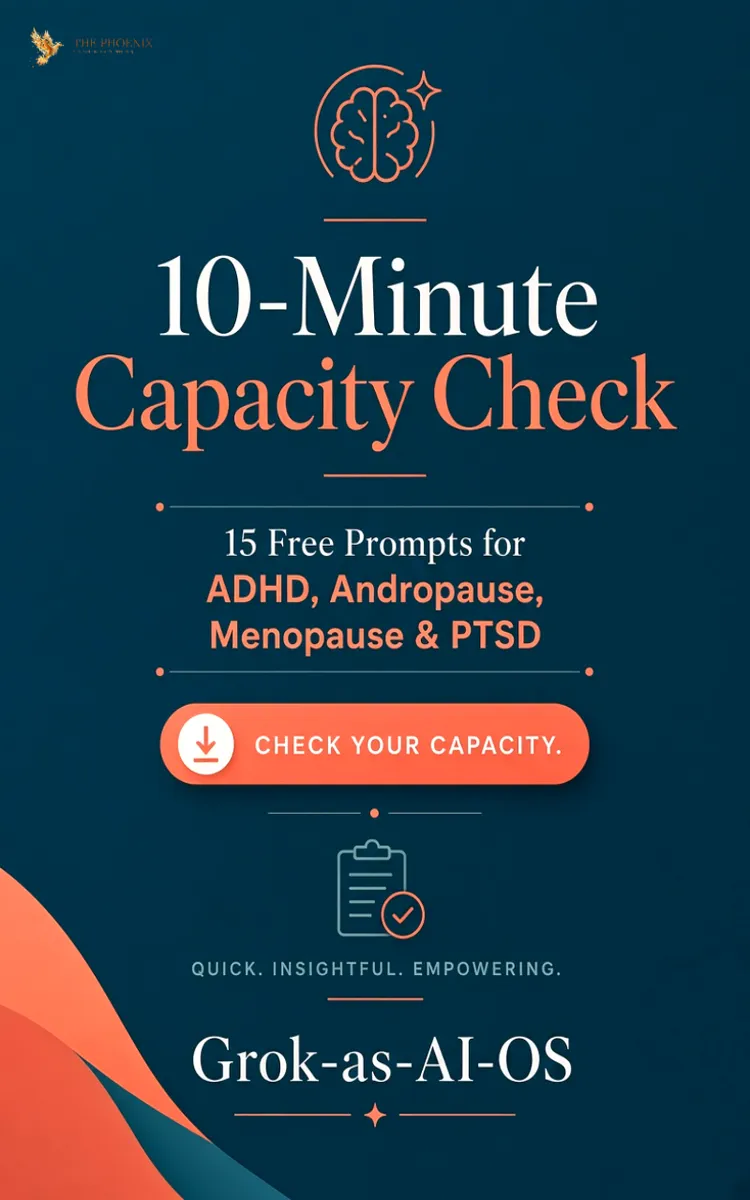

Read the first chapter
The whole of chapter one, free. About 5 min. Turn the pages with the arrows, your keyboard, or a swipe.
Chapter 1
Chapter 1
Start Here: Your 10-Minute Grok AI Operating System Setup
For Solopreneurs, Executives with ADHD, Andropause, Menopause & PTSD
A Note from Me
I’m 62 going on 63. I live with ADHD and the symptoms of andropause.
Most productivity systems assume you have steady energy, clear focus, and unlimited willpower. I don’t. And if you’re reading this, you probably don’t either.
This short guide gives you a simple way to start using Grok as your personal AI Operating System — one that works with your fluctuating capacity instead of fighting against it.
No complicated setups. No pressure. Just a calm place to begin.
What “OS” Means Here
OS stands for Operating System
Instead of forcing yourself into a heavy Notion dashboard or another complex system, you use Grok as the system. You talk to it. It helps you think, prioritise, and take the next small step — especially on low-capacity days.
---
Do I Need to Connect My Email, Calendar, or Other Apps?
No. You do not need to.
You can start using Grok as your AI Operating System right away simply by talking to it on your phone or computer. Paste notes, tasks, emails, or questions whenever you want. That is enough to begin.
Optional next step: If you later want Grok to work more deeply with your tools, Grok now offers "official Connectors". These allow Grok to securely link to services such as:
• Gmail
• Google Calendar
• Outlook Mail & Calendar
• Notion
• Google Drive
• OneDrive
You can connect these at, grok.com/connector when you feel ready.
Note: Some of the more advanced connector features may require a higher Grok membership tier. If you wish, you can upgrade your Grok membership to unlock fuller access to the official connectors for both personal and business use.
But again — none of this is required to start. Begin simply. Add connections only if and when they feel helpful to you.
Your OS State Template
Copy this into a note or paste it into Grok whenever you need to reset:
Current Focus:
Next Small Actions:
Open Loops:
Parking Lot:
What I’m Protecting:
Recent Wins:
Grok-as-AI-OS
Important Note!
These prompts are capacity-aware support tools for daily functioning.
They are not a treatment for ADHD, Andropause, Menopause, hormonal conditions, PTSD, or any mental-health condition.
Please continue working with qualified professionals and crisis resources when needed.
How to Use These Prompts
1. Open Grok on your phone, tablet, or computer.
2. Copy the prompt that matches how you feel right now.
3. Paste it into the chat.
4. Answer honestly.
5. Take only the next small step that feels doable.
---
Core Capacity Prompts
(ADHD • Andropause • Menopause, PTSD)
1. Capacity Check
“I’m not sure how much energy or focus I have today. Please help me check my real capacity right now without any pressure, then suggest the gentlest possible plan for the next few hours.”
2. Fog-to-Clarity
“My mind feels foggy and scattered. Help me clear just enough space to identify one small, doable next step.”
3. One Spark Action
“I feel overwhelmed. Help me choose one tiny action I can take in the next 10–15 minutes that moves something forward without draining me.”
4. Protect the Ember
“My energy is very low today. Help me protect what little I have by deciding what can wait, what can be simplified, and what is truly worth doing.”
5. Rising After the Crash
“I lost most of the day / crashed. Help me restart with kindness. Give me a short, low-pressure way to re-enter the rest of the day.”
6. Permission to Rest
“I feel guilty for resting. Please help me give myself permission to rest without shame and still feel like I handled the day with care.”
7. Task Triage
“I have too many things open. Help me sort them into: do now, do later, and let go of for today.”
8. Evening Ember Review
“The day is ending. Help me gently review what went okay, what drained me, and what I want to protect tomorrow — without judgment.”
9. Gentle Restart Ritual
“I need a soft way to begin again. Walk me through a short, kind restart for the next part of my day.”
10. Decision Fatigue Relief
“I can’t make one more decision. Please help me reduce choices and pick the simplest next step.”
---
Supportive Prompts for Trauma-Related Symptoms, PTSD
(Non-clinical • Capacity-focused)
11. Capacity Check (Trauma-Aware)
“Today my energy and focus feel affected by trauma-related symptoms. Please help me check my real capacity right now without pressure. Then suggest the gentlest possible next step for the next hour.”
12. Overwhelm Reset
“I feel overwhelmed and my system is on high alert. Help me slow down, name what feels heaviest, and choose one small, safe action that doesn’t require high energy.”
13. Fog-to-One-Step
“My mind feels foggy and scattered. Please help me clear just enough mental space to identify one doable next step — nothing more.”
14. Protect the Day
“I have limited capacity today because of trauma-related symptoms. Help me protect my energy by deciding what can wait, what can be simplified, and what one thing is worth doing.”
15. Gentle Restart After a Hard Moment
“I just had a hard moment / crash. Help me restart the day with kindness. Give me a short, low-pressure way to re-enter the next part of my day.”
Closing Note
You don’t have to use all 15 prompts.
Start with the one that matches how you feel right now.
Work with your capacity. Be kind to yourself.
Grok-as-AI-OS • Free Guide
Want the Full System?
This free guide is the beginning.
The complete Grok-as-AI-OS system includes the full guide, expanded prompt library, planner, video training, and everything you need to run your Life, Career and Business with more ease — especially on the hard days.
Created with care for people whose energy and focus fluctuate. Start simple. Stay kind to yourself.
Grok-as-AI-OS • Free Guide
Founder
End of chapter one.
Swipe or use the arrows to turn the page
What's inside: 1 chapter
- 1. Chapter 1
About this book
"FREE GUIDE PROMPTS" is a general book by Juan Luis Figueroa Calderon with 1 chapters and approximately 1,011 words. It covers key insights and practical takeaways on the topic.
This book was created using Inkfluence AI, an AI-powered book generation platform that helps authors write, design, and publish complete books.
Frequently Asked Questions
What is "FREE GUIDE PROMPTS" about?
"FREE GUIDE PROMPTS" is a general book by Juan Luis Figueroa Calderon covering key insights and practical takeaways on the topic.
How many chapters are in "FREE GUIDE PROMPTS"?
The book contains 1 chapters and approximately 1,011 words. Topics covered include Chapter 1.
Who wrote "FREE GUIDE PROMPTS"?
This book was written by Juan Luis Figueroa Calderon and created using Inkfluence AI, an AI book generation platform that helps authors write, design, and publish books.
Write your own book with AI
Describe your idea and Inkfluence writes the whole thing. Free to start.
Start writingCreated with Inkfluence AI


