
Read the first chapter
The whole of chapter one, free. About 4 min. Turn the pages with the arrows, your keyboard, or a swipe.
Chapter 1
Days 1-5: Start Strong, Stay Clear
You don’t need “better AI.” You need a better first conversation - one that’s clear, specific, and easy to actually use at work. If you’ve ever typed a vague request and gotten a wall of generic text back, you’re not alone. Sound familiar?
Here’s the shift for Days 1-5: you’ll set a small, realistic commitment, learn what AI is (and isn’t), and start sending prompts that get you answers you can act on. We’re using the 21-Minute Momentum Loop to keep it simple: short effort, fast feedback, and no waiting around for “perfect.”
Nadia, 34, a busy marketing manager, doesn’t have time for experiments that don’t pay off today. So each day includes one concrete action you can do right now - then reuse when you’re busy, stressed, or in a rush.
---
Day 1: Make AI a daily habit (not a “someday” project)
Tip of the Day: What if your AI practice wasn’t a big project - what if it was just a dependable part of your day? You don’t need motivation. You need a routine that survives real life: meetings, deadlines, and the “I forgot” moments.
Nadia tried treating AI like a hobby. Results were hit-or-miss, and she’d abandon it after one frustrating prompt. The fix wasn’t “try harder.” It was shrinking the commitment so she could actually finish it. When you can finish in one sitting, you get momentum instead of guilt.
Today’s Action: Schedule your first 21-minute session on your calendar and label it “21-Minute Momentum Loop: Prompt Practice.”
---
Day 2: Know what AI can do - and what it can’t yet
Tip of the Day: AI is great at turning your instructions into words, structure, options, and drafts. It’s not great at magically “knowing” your business, your brand, or your exact situation unless you tell it. And it definitely doesn’t replace your judgment - especially when accuracy matters.
Think of it like a fast assistant who’s really good at writing and organizing, but only as good as the input you give. If your prompt is vague, you’ll get vague output. If you ask for something you can’t verify, you’ll still need to verify it. (That’s not a flaw - that’s just how to use it.)
Nadia learned this the hard way when she asked for “a strong marketing plan” with zero details. The response was polished - but it didn’t match her goals or her audience. Once she started giving clear context, the quality jumped fast.
Today’s Action: Write a two-sentence “AI boundaries” note for yourself: what you want AI to help with, and what you will always double-check before using.
---
Day 3: Start your first conversation with a clear goal
Tip of the Day: Your first prompt should be boringly practical. Don’t try to “invent” something huge. Pick one deliverable you actually need - an email, a caption, an outline, a meeting recap, a list of questions - and ask for that.
Here’s the secret: the more you name the target, the easier it is for AI to hit it. Vague prompts invite generic answers. Clear prompts invite useful drafts. You’re not trying to impress anyone - you’re trying to get work done.
Nadia’s favorite first prompt wasn’t glamorous. It was: “Help me draft the first version.” She used AI to get moving, then adjusted from there. That’s the whole game for busy people - get a starting point you can edit, not a perfect final product you’re afraid to touch.
Today’s Action: Draft one prompt that includes your goal and the format you want (for example: “Write a 150-word email to…”).
---
Day 4: Run the 21-Minute Momentum Loop (and don’t overthink it)
Tip of the Day: Today you’ll use the 21-Minute Momentum Loop so you stop spiraling over prompts. The loop is simple: you ask, you review, and you make one improvement - quickly. No endless revisions. No “let me tweak it for the perfect version.”
Set a timer. In the time you work, you’re proving to yourself that AI can support your day, not derail it. When you do this consistently, you’ll start noticing patterns in what works - your prompts get sharper without you having to study for weeks.
Nadia does this on busy days when she doesn’t feel “creative.” She asks for a draft, picks one part to improve, and runs it again. The result isn’t just better writing - it’s less stress.
Today’s Action: Run one 21-minute loop: ask your prompt once, review the output once, then rewrite your prompt with one added detail.
---
Day 5: Turn one good output into something usable today
Tip of the Day: Getting an answer is nice. Turning it into something you can send, post, or use is the win. Your goal today is to take what AI gives you and make it real - clean up the wording, align it with your voice, and lock it into your workflow.
Choose a single piece you can finish today. If you try to “optimize everything,” you’ll do nothing. If you pick one deliverable and make it usable, you’ll build confidence fast - and that confidence carries into the next prompt.
Nadia’s rule is simple: if it can’t go out the door today, she doesn’t call it done. So she takes AI drafts, trims the fluff, fixes anything that doesn’t match her brand, and sends a first version. Then she iterates based on feedback. That’s how you stay productive without waiting for perfection.
Today’s Action: Edit one AI-generated draft into a final version you can use today (send the email, post the caption, or save the outline as your working document).
---
━━━━━━━━━━━━━━━━━━━━━━━━━━━━━━━━━━━━━━━━━━━━━━━━━━━━━━━━━━━━ Word Count: 1,170 Chapter Status: Ready for Review Key Templates Included: 21-Minute Momentum Loop prompt session instruction (schedule + run once)
End of chapter one. 4 more chapters and about 4,728 words in the full book.
Swipe or use the arrows to turn the page
What's inside: 5 chapters
- 1. Days 1-5: Start Strong, Stay Clear
- 2. Days 6-10: Prompt Anatomy That Works
- 3. Days 11-15: Advanced Tactics for Real Tasks
- 4. Days 16-19: Build Workflows, Not One-Offs
- 5. Days 20-21: Ethics, Toolkit, and Next Steps
About this book
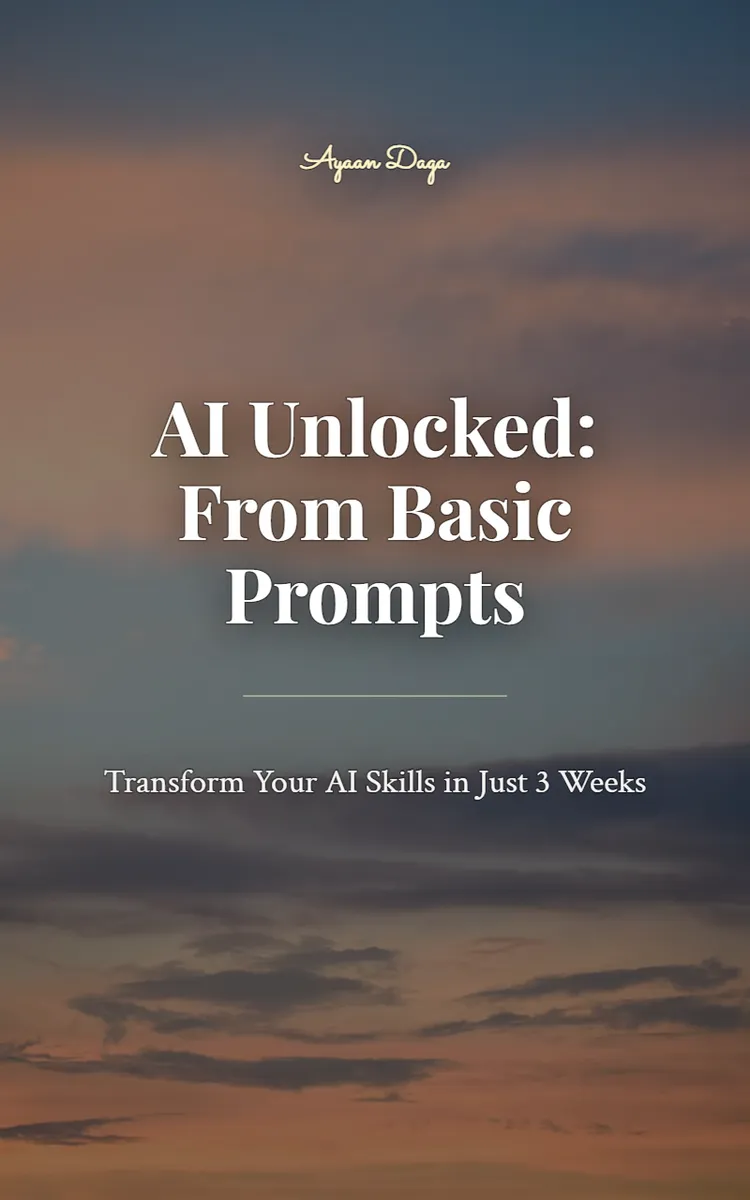
"AI Unlocked: From Basic Prompts" is a day challenge book by Ayaan Daga with 5 chapters and approximately 4,728 words. A 21-day program to improve AI prompting and productivity.
This book was created using Inkfluence AI, an AI-powered book generation platform that helps authors write, design, and publish complete books.
Frequently Asked Questions
What is "AI Unlocked: From Basic Prompts" about?
A 21-day program to improve AI prompting and productivity
How many chapters are in "AI Unlocked: From Basic Prompts"?
The book contains 5 chapters and approximately 4,728 words. Topics covered include Days 1-5: Start Strong, Stay Clear, Days 6-10: Prompt Anatomy That Works, Days 11-15: Advanced Tactics for Real Tasks, Days 16-19: Build Workflows, Not One-Offs, and more.
Who wrote "AI Unlocked: From Basic Prompts"?
This book was written by Ayaan Daga and created using Inkfluence AI, an AI book generation platform that helps authors write, design, and publish books.
Write your own day challenge book with AI
Describe your idea and Inkfluence writes the whole thing. Free to start.
Start writingCreated with Inkfluence AI


