
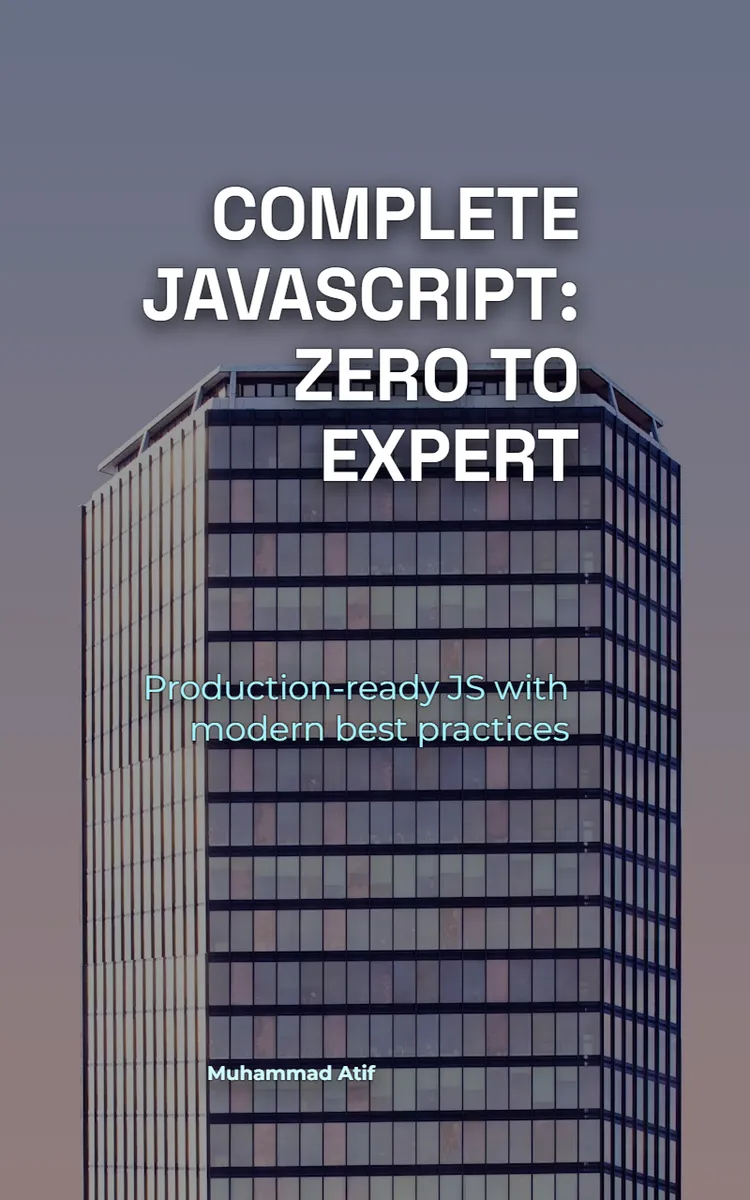
Read the first chapter
The whole of chapter one, free. About 2 min. Turn the pages with the arrows, your keyboard, or a swipe.
Chapter 1
JavaScript Setup & console.log
VS Code open karte hi ek hi cheez verify karni hoti hai: code run ho raha hai ya nahi. This section shows how to set up VS Code, run your first JavaScript using console.log, and understand the difference between running JS in the browser vs Node.js - so you don’t get stuck when APIs behave differently.
Overview This section covers (1) installing and configuring VS Code for JavaScript, (2) running a minimal JS file that prints using console.log, and (3) learning comments plus the browser vs Node runtime differences. Use it when you want a working local environment and a correct mental model for where your code executes.
Quick Reference | Topic | What to use | Output/Where it appears | |---|---|---| | Run JS in VS Code (local file) | node yourfile.js | Terminal output | | Run JS in browser |
First-Run Checklist (framework): - Install VS Code - Install Node.js (so node command works) - Create first-run.js - Open VS Code terminal: node first-run.js - Open DevTools Console (browser) and verify the HTML example prints too
Response Format
Expected output (Node) json { "environment": "node", "logs": [ "JS is running in Node", { "name": "Riya", "age": 19 }, "Riya", 19 ] }
Expected output (Browser) json { "environment": "browser", "logs": [ "JS is running in the browser" ] }
Field notes: - environment: where the JS executed (node or browser) - logs: values passed to console.log in execution order
Notes & Best Practices - console.log is not the same everywhere: Node prints to terminal; browser prints to DevTools Console. - Environment-specific APIs: window/document are browser globals; fs/process are Node globals. If you call the wrong one, you’ll get ReferenceError. - Error handling: if the file doesn’t run, check node yourfile.js command path and filename spelling in VS Code terminal. - Comments affect readability only: comments don’t change execution; keep them precise (“what/why”), not “what the code already shows”.
This setup is the base for everything next: once you know where your JS runs and how console.log surfaces output, debugging and API usage become predictable across browser and Node runtimes.
Chapter 1 complete. Next chapter likhu ya koi change chahiye?
End of chapter one. 4 more chapters and about 3,920 words in the full book.
Swipe or use the arrows to turn the page
What's inside: 5 chapters
- 1. JavaScript Setup & console.log
- 2. let/const, Types & Coercion Traps
- 3. Optional Chaining ?., ?? and Ternary
- 4. Closures for Private State (Module Pattern)
- 5. Promises: Promise.all, race & async/await
About this book
"Complete Javascript: Zero To Expert" is a technical book by Muhammad Atif with 5 chapters and approximately 3,920 words. Comprehensive JavaScript learning path from beginner to expert.
This book was created using Inkfluence AI, an AI-powered book generation platform that helps authors write, design, and publish complete books. It was made with the AI Documentation Generator.
Frequently Asked Questions
What is "Complete Javascript: Zero To Expert" about?
Comprehensive JavaScript learning path from beginner to expert
How many chapters are in "Complete Javascript: Zero To Expert"?
The book contains 5 chapters and approximately 3,920 words. Topics covered include JavaScript Setup & console.log, let/const, Types & Coercion Traps, Optional Chaining ?., ?? and Ternary, Closures for Private State (Module Pattern), and more.
Who wrote "Complete Javascript: Zero To Expert"?
This book was written by Muhammad Atif and created using Inkfluence AI, an AI book generation platform that helps authors write, design, and publish books.
How can I create a similar technical book?
You can create your own technical book using Inkfluence AI. Describe your idea, choose your style, and the AI writes the full book for you. It's free to start.
Write your own technical book with AI
Describe your idea and Inkfluence writes the whole thing. Free to start.
Start writingCreated with Inkfluence AI


