
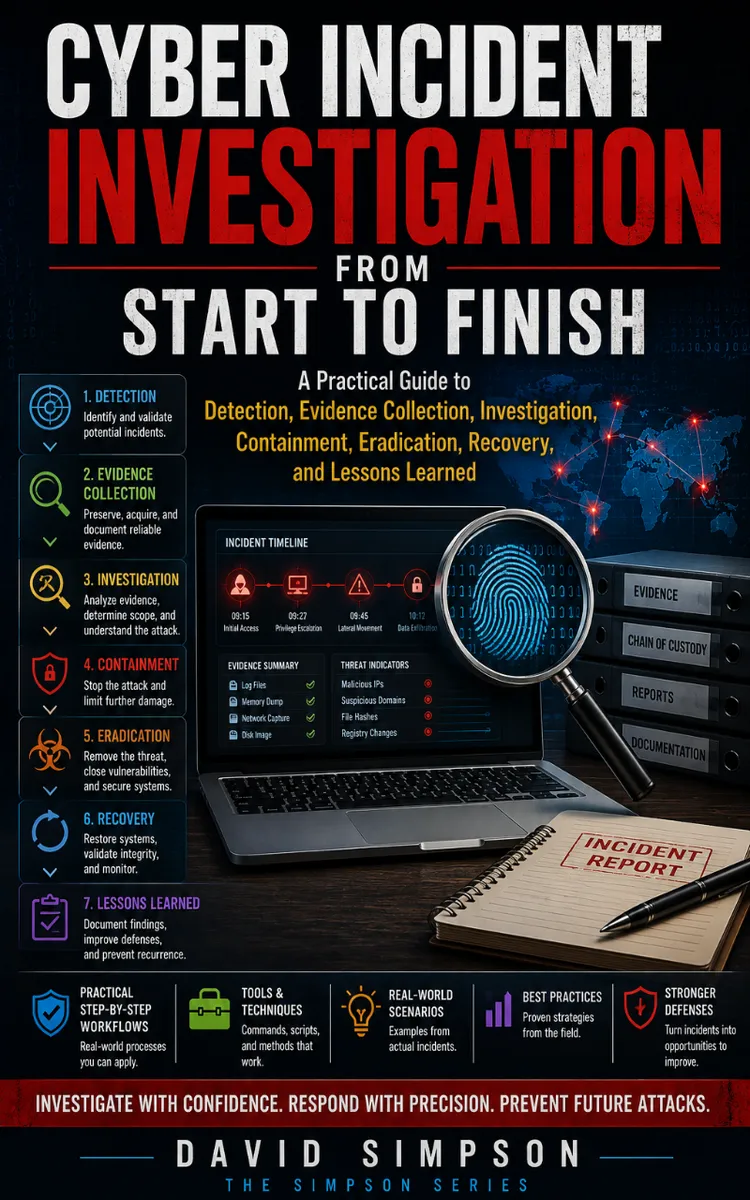
Cyber Incident Investigation
Created with Inkfluence AI
End-to-end workflows for cyber incident detection, evidence, response, and recovery
Table of Contents
- 1. Incident Investigation Mindset
- 2. Define Scope and Success Criteria
- 3. Triage Alerts with a Decision Tree
- 4. Establish Evidence Handling Rules
- 5. Build the Investigation Timeline
- 6. Map the Kill Chain to Observables
- 7. Understand Log Sources and Coverage
- 8. Know What Endpoint Telemetry Captures
- 9. Collect Volatile Data First
- 10. Acquire Logs with Integrity Checks
- 11. Create an Evidence Index
- 12. Use SIEM Queries for Initial Findings
- 13. Perform Authentication Anomaly Checks
- 14. Analyze Process Trees and Parentage
- 15. Hunt for Persistence Mechanisms
- 16. Detect Credential Access Attempts
- 17. Investigate Lateral Movement Indicators
- 18. Trace Command-and-Control Traffic
- 19. Validate File and Hash Artifacts
- 20. Interpret Malware Behavior from Logs
- 21. Create a First Draft Incident Report
- 22. Decide Containment Actions Safely
- 23. Isolate Hosts Using EDR Controls
- 24. Block Indicators at the Right Layer
- 25. Preserve Evidence During Containment
- 26. Eradicate Malicious Artifacts Methodically
- 27. Remove Persistence and Re-Check Systems
- 28. Rotate Credentials and Invalidate Sessions
- 29. Patch and Harden the Root Cause
- 30. Perform Recovery with Controlled Reintroduction
- 31. Verify System Integrity After Eradication
- 32. Validate Detection Coverage and Tuning
- 33. Run Tabletop Lessons with Real Artifacts
- 34. Use Command-Line Tools for Live Triage
- 35. Collect Memory and Disk Artifacts
- 36. Analyze a Ransomware Incident Case Study
- 37. Analyze a Cloud Account Takeover Case Study
- 38. Write Audit-Ready Incident Documentation
- 39. Conduct Post-Incident Review and Action Plan
- 40. Senior Practitioner Closure and Metrics
Preview: Incident Investigation Mindset
A short excerpt from “Incident Investigation Mindset”. The full book contains 40 chapters and 76,256 words.
The Question That Sets the Investigation
When an alert arrives at 02:13, can your team show exactly what happened, what it did, who approved each action, and why the evidence still supports the conclusion?
That question defines the practical mindset for cyber incident investigation. An incident creates pressure to act quickly, but rushed actions can destroy volatile evidence, change timestamps, interrupt attacker activity before you understand it, or leave an audit trail that cannot explain key decisions. A safe investigation does not mean waiting. It means acting in a controlled order, recording each action, and separating facts from assumptions.
The goal is closure that another qualified practitioner can review and understand. By the end of this section, you should be able to move from a first alert through triage, evidence collection, response, recovery, and closure without losing control of the record. You will also have a repeatable way to identify gaps before the next incident: the Incident Readiness Loop.
The Incident Readiness Loop
The Incident Readiness Loop connects preparation to investigation instead of treating readiness as a one-time project. You use the loop during an incident and improve it after the incident. Each pass should make the next investigation faster, safer, and easier to defend.
Use these five actions in order:
1. Detect and preserve the starting point. Record the original alert, its timestamp, source, severity, affected account or asset, and the person who received it. Export the alert or save a read-only copy when possible. The original alert provides the baseline for later decisions; a copied summary can omit important fields.
2. Scope before you change. Identify affected systems, accounts, network addresses, files, and time ranges. Check related logs before disabling an account, isolating a host, or deleting a scheduled task. Early scoping helps you contain the incident without destroying evidence or overlooking a second affected system.
3. Collect evidence with a record of handling. Create an evidence identifier, calculate a cryptographic hash such as SHA-256, and record who collected, transferred, accessed, or stored each item. A hash is a fixed value that helps prove that a file did not change. The handling record, often called a chain of custody, shows how the evidence moved from collection to analysis.
4. Respond according to risk and approval. Select containment, eradication, and recovery actions based on the evidence and business impact. Record the command, tool, operator, time, approval, and result. This prevents a later review from confusing an approved containment action with an untracked change.
5. Close with verification and learning. Confirm that the threat no longer operates, affected services work normally, monitoring detects the relevant behavior, and owners accept the remaining risk. Then update detections, logging, procedures, and training. Closure without verification only hides unresolved risk.
The loop prevents a common failure: treating the first alert as the whole incident. For example, a suspicious PowerShell command on one workstation may point to a stolen account, a remote management tool, and activity on a file server. PowerShell is a Windows command and scripting tool; its legitimate use makes context important. The alert gives you a starting point, not a verdict.
Use a working timeline from the first minute. Record times in Coordinated Universal Time (UTC) or clearly identify the time zone. Note clock differences between endpoint, cloud, firewall, and authentication logs. Ask yourself: “If another investigator reads this timeline tomorrow, can they tell which entries are observed facts and which entries are conclusions?”
Keep three types of notes separate. Facts state what a source shows, such as “the endpoint log records a successful login at 01:58 UTC.” Actions state what the team did, such as “the account was disabled at 02:21 UTC by the identity administrator.” Assessment states what the evidence currently suggests, such as “the login is consistent with credential misuse.” This separation keeps uncertainty visible and makes updates easier when new evidence changes the assessment.
A practical investigation record should include:
...
About this book
"Cyber Incident Investigation" is a how-to guide book by David Simpson with 40 chapters and approximately 76,256 words. End-to-end workflows for cyber incident detection, evidence, response, and recovery.
This book was created using Inkfluence AI, an AI-powered book generation platform that helps authors write, design, and publish complete books. It was made with the AI Ebook Generator.
Frequently Asked Questions
What is "Cyber Incident Investigation" about?
End-to-end workflows for cyber incident detection, evidence, response, and recovery
How many chapters are in "Cyber Incident Investigation"?
The book contains 40 chapters and approximately 76,256 words. Topics covered include Incident Investigation Mindset, Define Scope and Success Criteria, Triage Alerts with a Decision Tree, Establish Evidence Handling Rules, and more.
Who wrote "Cyber Incident Investigation"?
This book was written by David Simpson and created using Inkfluence AI, an AI book generation platform that helps authors write, design, and publish books.
How can I create a similar how-to guide book?
You can create your own how-to guide book using Inkfluence AI. Describe your idea, choose your style, and the AI writes the full book for you. It's free to start.
Write your own how-to guide book with AI
Describe your idea and Inkfluence writes the whole thing. Free to start.
Start writingCreated with Inkfluence AI


