

Read the first chapter
The whole of chapter one, free. About 2 min. Turn the pages with the arrows, your keyboard, or a swipe.
Chapter 1
Authentication & API Keys Endpoint
Overview
How does your chatbot backend distinguish a trusted client from an untrusted request? This chapter defines API-key authentication for chatbot calls, including environment-variable storage, request headers, validation, and failure responses. Use this endpoint whenever a client must access a protected backend route without exposing provider credentials.
Quick Reference
Item
Value
Protected endpoint
POST /api/chat
Authentication header
Authorization: Bearer <CHATBOT_API_KEY>
Server secret
CHATBOT_API_KEY environment variable
Client-visible secret
None
Missing or invalid key
401 Unauthorized
Valid request body
{ "message": "..." }
Key storage rule
Keep secrets on the server; never commit.env files
Parameters
Parameter
Type
Required
Description
Authorization
string
Yes
Bearer token containing the configured API key.
message
string
Yes
User message sent to the chatbot backend. Must contain 1-4,000 characters.
CHATBOT_API_KEY
string
Yes
Server-side environment variable used to authenticate callers.
PORT
integer
No
Server listening port. Defaults to 3000.
NODE_ENV
string
No
Runtime mode, commonly development or production.
Code Example
// server.js import "dotenv/config"; import express from "express";
const app = express(); app.use(express.json());
const expectedKey = process.env.CHATBOT_API_KEY;
if (!expectedKey) { throw new Error("CHATBOT_API_KEY is not configured"); }
app.post("/api/chat", (req, res) => { const authorization = req.get("authorization") || ""; const [scheme, suppliedKey] = authorization.split(" ");
// Require the exact Bearer scheme and configured server key. if (scheme!== "Bearer" || suppliedKey!== expectedKey) { return res.status(401).json({ error: { code: "UNAUTHORIZED", message: "Invalid API key" } }); }
const { message } = req.body; if (typeof message!== "string" || message.length === 0 || message.length > 4000) { return res.status(400).json({ error: { code: "INVALID_MESSAGE", message: "message is invalid" } }); }
// Call the model provider here using a separate server-only provider key. return res.json({ id: crypto.randomUUID(), reply: Authenticated request received: ${message} }); });
app.listen(process.env.PORT || 3000); Store the key outside source control:
.env CHATBOT_API_KEY=replace-with-a-long-random-value PORT=3000 Add.env to.gitignore, and send the key from a trusted server-side client:
curl -X POST http://localhost:3000/api/chat \ -H "Authorization: Bearer replace-with-a-long-random-value" \ -H "Content-Type: application/json" \ -d '{"message":"List three database options."}' Response Format
Successful responses return JSON:
{ "id": "4f1c7b35-5f8b-4f08-8d9c-1b0f1d8d1e25", "reply": "Authenticated request received: List three database options." } Field
Type
Description
id
string
Unique request identifier.
reply
string
Chatbot response text.
error.code
string
Machine-readable failure code.
error.message
string
Safe client-facing error message.
Notes & Best Practices
• Use The Key Vault Checklist: load secrets from the environment, exclude secret files from Git, avoid logging authorization headers, rotate keys, and revoke exposed keys immediately.
• Compare keys with a constant-time function such as Node.js timingSafeEqual when threat models require protection against timing analysis.
• Return 401 for missing or invalid credentials; return 400 for malformed message data. Do not reveal whether a partial key matched.
• Apply rate limits per API key and record request IDs, status codes, and latency without recording message content or secrets. Proper key isolation keeps provider credentials behind the chatbot backend.
End of chapter one. 8 more chapters in the full book.
Swipe or use the arrows to turn the page


What's inside: 9 chapters
- 1. Authentication & API Keys Endpoint
- 2. Create Chat Session (POST /sessions)
- 3. Send Message (POST /messages)
- 4. List Messages (GET /sessions/{id}/messages)
- 5. Update Session Settings (PATCH /sessions/{id})
- 6. Streaming Responses (GET /messages/stream)
- 7. Tool Calls via /tools/execute
- 8. Webhooks for Message Events (/webhooks)
- 9. Error Handling & Retries (429/5xx)
About this book
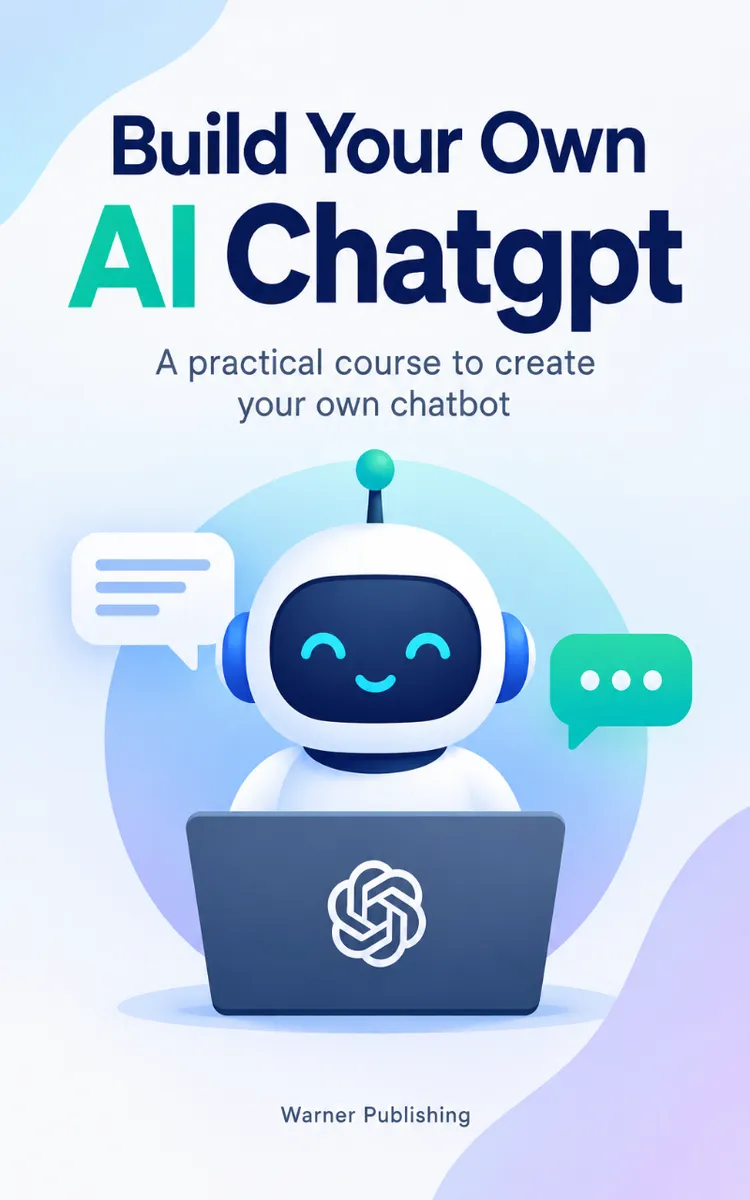
"Build Your Own AI Chatgpt" is a technical book by Warner Publishing with 9 chapters and approximately 4,569 words. Your chatbot can be brilliant and still fail if the backend is insecure, the sessions are wrong, or the API contracts are unclear. This guide shows you how to build an AI chatbot like ChatGPT using modern tools, with a clean, reference-style backend you can hand to a team.
This book was created using Inkfluence AI, an AI-powered book generation platform that helps authors write, design, and publish complete books. It was made with the AI Documentation Generator.
Frequently Asked Questions
What is "Build Your Own AI Chatgpt" about?
Your chatbot can be brilliant and still fail if the backend is insecure, the sessions are wrong, or the API contracts are unclear. This guide shows you how to build an AI chatbot like ChatGPT using modern tools, with a clean, reference-style backend you can hand to a team. You will implement the core endpoints that make a chat system real: API key authentication, session creation, and message handling that preserves context over time. Each chapter is structured for fast implementation and fast onboarding, so engineers can move from zero to working behavior without guessing. Build the system your team can trust, test, and extend, starting now.
How many chapters are in "Build Your Own AI Chatgpt"?
The book contains 9 chapters and approximately 4,569 words. Topics covered include Authentication & API Keys Endpoint, Create Chat Session (POST /sessions), Send Message (POST /messages), List Messages (GET /sessions/{id}/messages), and more.
Who wrote "Build Your Own AI Chatgpt"?
This book was written by Warner Publishing and created using Inkfluence AI, an AI book generation platform that helps authors write, design, and publish books.
How can I create a similar technical book?
You can create your own technical book using Inkfluence AI. Describe your idea, choose your style, and the AI writes the full book for you. It's free to start.
Write your own technical book with AI
Describe your idea and Inkfluence writes the whole thing. Free to start.
Start writingCreated with Inkfluence AI


