
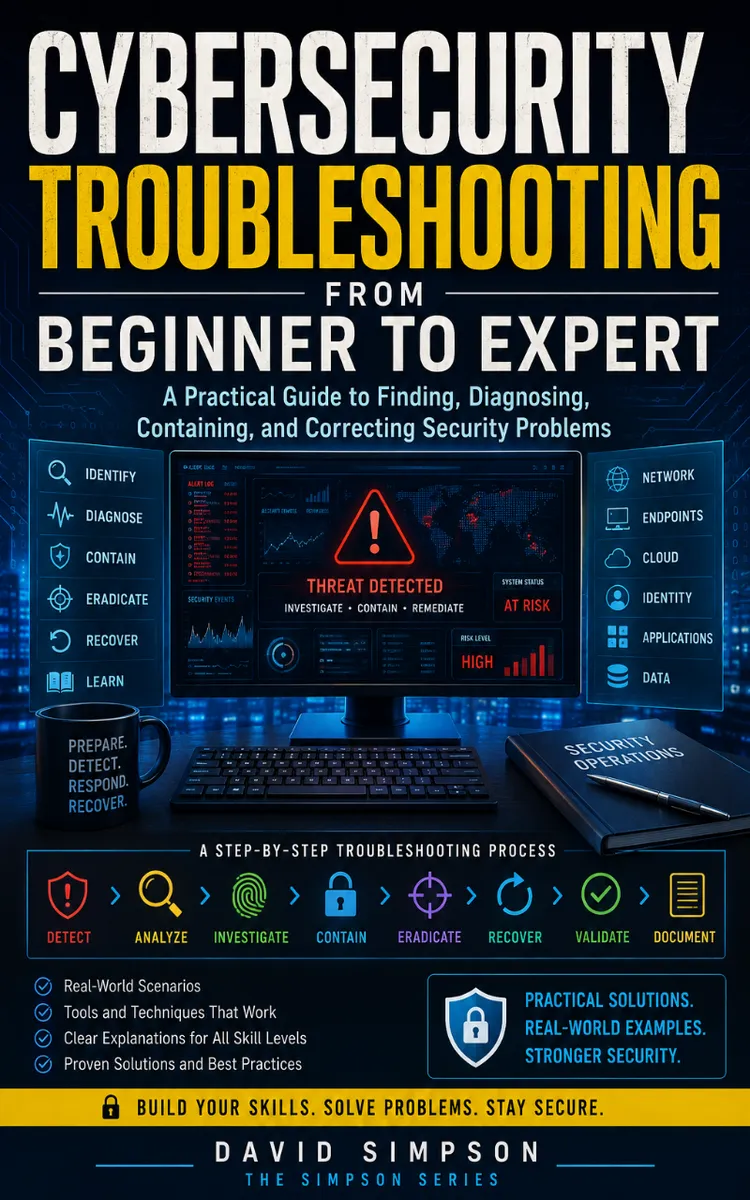
Cybersecurity Troubleshooting Path
Created with Inkfluence AI
Step-by-step methods to troubleshoot and remediate cybersecurity problems
Table of Contents
- 1. Turning Vague Alerts Into Hypotheses
- 2. Understanding the Troubleshooting Workflow
- 3. Building an Evidence Collection Kit
- 4. Mapping Assets With an Attack Surface Inventory
- 5. Baseline Normal With Golden Metrics
- 6. Interpreting Log Sources and Timestamps
- 7. Using the OSI Layer Triage Model
- 8. Applying the 5W1H Incident Question Set
- 9. Prioritizing Alerts With Business Impact Scoring
- 10. Creating a Troubleshooting Decision Tree
- 11. Lab Setup for Safe Reproduction
- 12. Command-Line Basics for Security Troubleshooting
- 13. Network Basics: IP, DNS, and Routing
- 14. DNS Troubleshooting With Query-First Methods
- 15. TLS Handshake Analysis for Secure Connections
- 16. HTTP and Web App Error Triage
- 17. Authentication Failures and MFA Drift
- 18. Authorization Problems With Least-Privilege Checks
- 19. Windows Event Logs for Incident Clues
- 20. Linux Journal and Syslog Forensics
- 21. Process and Service Investigation Basics
- 22. File Integrity and Malware Indicators
- 23. Credential Exposure Triage With Pattern Matching
- 24. Cloud Logging and Identity Signals
- 25. Firewall Rule Debugging With Hit Counters
- 26. Proxy and Egress Troubleshooting
- 27. Endpoint Detection Signals and Triage
- 28. SIEM Correlation: From Events to Stories
- 29. Root Cause Analysis Using Change Timelines
- 30. Containment Playbooks for Active Incidents
- 31. Eradication Steps: Remove, Patch, Reconfigure
- 32. Validation Testing With Security Acceptance Criteria
- 33. Writing an Audit-Ready Incident Report
- 34. Post-Incident Review and Control Improvements
- 35. Hardening Configurations With Secure Baselines
- 36. Automation With Runbooks and Idempotent Fixes
- 37. Threat Hunting Queries for Proactive Troubleshooting
- 38. Advanced Forensics: Memory and Persistence Checks
- 39. Designing Detection Improvements From Fixes
- 40. Senior Practitioner Playbook for Complex Incidents
Preview: Turning Vague Alerts Into Hypotheses
A short excerpt from “Turning Vague Alerts Into Hypotheses”. The full book contains 40 chapters and 71,427 words.
From “Something Isn’t Right” to a Testable Question
What exactly does “something isn’t right” mean on the affected system: a failed login, an unexpected process, missing logs, or a network connection that should not exist? Until you answer that question, you do not have a security problem you can test. You have a signal with no boundaries.
A vague alert creates two risks. You may chase harmless activity while an actual intrusion continues, or you may change the system too early and destroy evidence. The Hypothesis Ladder Protocol gives you a controlled way to move from an observation to a claim, from a claim to expected evidence, and from evidence to the next action.
You will learn to write a useful problem statement, separate facts from assumptions, rank competing explanations, and define what result would support or weaken each explanation. The goal is not to guess correctly on the first attempt. The goal is to make every next check reduce uncertainty.
Build the Hypothesis Ladder
The Hypothesis Ladder Protocol turns one vague report into increasingly specific statements. Each rung adds a condition that you can verify. Start with the broad observation, then narrow it without adding facts that you have not collected.
Use these six rungs:
1. Observation: Record exactly what someone saw or what a tool reported. Write “Defender for Endpoint reported PowerShell activity on `FIN-WS-042 at 10:14 UTC`,” not “the workstation was hacked.” The first version preserves evidence; the second states a conclusion.
2. Scope: Identify the systems, accounts, time range, and services involved. Scope prevents you from treating one event as an environment-wide failure.
3. Assumption: State what you currently believe could explain the observation. Mark it as an assumption so nobody mistakes it for a fact.
4. Hypothesis: Convert the assumption into a claim with conditions. A strong hypothesis says what happened, where, and when.
5. Evidence expectation: Define the records or system state you should find if the hypothesis is true. This step makes the claim testable.
6. Decision: State what each result means and what check comes next. You should know the next move before you run the command.
For example, “PowerShell activity occurred” becomes: “The account `svc-backup` launched PowerShell on `FIN-WS-042` between 10:13 and 10:15 UTC to download a script.” If true, you expect a process-creation record showing the account, a parent process, command-line details, and a network connection to the download destination. If the process record shows an administrator’s interactive session and no network connection, that evidence weakens this hypothesis and supports a different one.
Keep facts, assumptions, and interpretations in separate fields. A simple worksheet works well:
| Field | Example |
|---|---|
| Observation | Endpoint alert reported `powershell.exe` |
| Known facts | Host `FIN-WS-042`; time 10:14 UTC; alert severity high |
| Assumption | The command downloaded a script |
| Hypothesis | PowerShell downloaded and ran an unauthorized script |
| Expected evidence | Command line, parent process, file creation, destination address |
| Disconfirming evidence | No PowerShell process at that time; approved management tool as parent |
| Next check | Query process and network telemetry from 10:05-10:25 UTC |
Use a time window wider than the alert timestamp. Start with ten minutes before and after the event because process creation, authentication, and network records often use different timestamps. Confirm the time zone and whether the tool records event time, ingestion time, or display time. A five-minute mismatch can place related events in the wrong order.
Rank hypotheses by both risk and test cost. Test a high-risk, low-cost explanation first, but do not ignore a high-risk explanation simply because it requires more data. Ask yourself: “What evidence would make me stop pursuing this explanation?” If you cannot answer, you have written a story, not a hypothesis.
The practical takeaway is simple: every hypothesis needs an expected trace and a result-based next step. If you cannot name both, narrow the claim again.
Applying the Ladder to a Suspicious PowerShell Alert
A security analyst receives an alert at 10:14 UTC for PowerShell on a finance workstation. The alert says only: “Suspicious script execution.” The workstation runs Windows 11, Microsoft Defender for Endpoint collects endpoint telemetry, and the organization forwards Windows event logs to a Security Information and Event Management (SIEM) system.
Follow the ladder instead of immediately isolating the workstation:
1. Capture the observation at 10:20 UTC. Record the alert identifier, host name, alert time, severity, user context, and detection rule. Copy the original alert text into the case record. Expected outcome: another analyst can see exactly what triggered the investigation without relying on memory.
2....
About this book
"Cybersecurity Troubleshooting Path" is a how-to guide book by David Simpson with 40 chapters and approximately 71,427 words. Step-by-step methods to troubleshoot and remediate cybersecurity problems.
This book was created using Inkfluence AI, an AI-powered book generation platform that helps authors write, design, and publish complete books. It was made with the AI Ebook Generator.
Frequently Asked Questions
What is "Cybersecurity Troubleshooting Path" about?
Step-by-step methods to troubleshoot and remediate cybersecurity problems
How many chapters are in "Cybersecurity Troubleshooting Path"?
The book contains 40 chapters and approximately 71,427 words. Topics covered include Turning Vague Alerts Into Hypotheses, Understanding the Troubleshooting Workflow, Building an Evidence Collection Kit, Mapping Assets With an Attack Surface Inventory, and more.
Who wrote "Cybersecurity Troubleshooting Path"?
This book was written by David Simpson and created using Inkfluence AI, an AI book generation platform that helps authors write, design, and publish books.
How can I create a similar how-to guide book?
You can create your own how-to guide book using Inkfluence AI. Describe your idea, choose your style, and the AI writes the full book for you. It's free to start.
Write your own how-to guide book with AI
Describe your idea and Inkfluence writes the whole thing. Free to start.
Start writingCreated with Inkfluence AI


