
Inkfluence AI vs Canva (2026): Best Tool for Ebook Creation?
Canva is a design-first tool. Inkfluence AI is built for long-form publishing. This comparison breaks down writing, structure, exporting, and workflow for modern ebooks.
Quick Answer
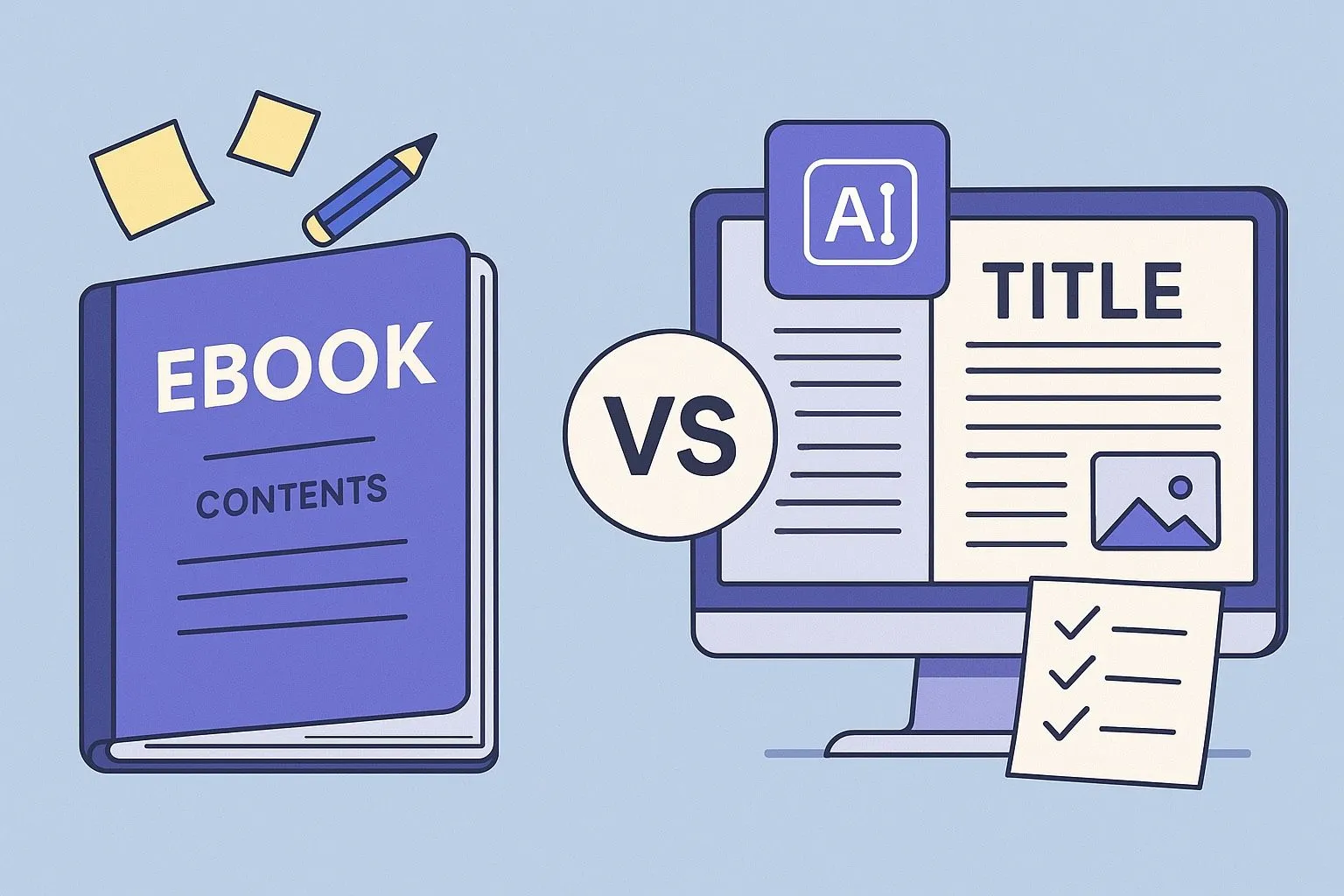
Canva is a design-first tool best for short, visual PDFs. Inkfluence AI is a writing-first platform built for long-form ebook publishing - with AI chapter generation, 20+ content blueprints, and native PDF/EPUB/audiobook export. If your project is text-heavy or longer than 10 pages, Inkfluence AI handles structure, formatting, and export far more efficiently than Canva's page-by-page canvas.
For years, Canva has been the default tool creators lean on whenever they need to make something visual: social posts, slide decks, flyers, thumbnails, even simple ebooks. It's accessible, familiar, and powerful in its own domain. But as the demand for ebooks, workbooks, and digital products has exploded-especially among coaches, creators, agencies, and solo entrepreneurs-we've reached a point where Canva's design-first workflow simply doesn't match the complexity of long-form publishing.
- Write fast: AI ebook generator
- Export clean PDFs: AI PDF ebook maker
- Formatting tips: ebook design best practices
At the same time, new AI-powered tools have emerged with a completely different philosophy. Inkfluence AI is one of them: a writing-first, publishing-native platform built around structure, chapter generation, PDF and EPUB exporting, audiobook narration, and branded layouts. While Canva's roots lie in graphic design, Inkfluence's foundation is the end-to-end writing and publishing journey.
Both tools are exceptional, but they serve very different purposes. And for creators who are serious about producing ebooks that read professionally, generate leads, or support their business, the differences matter more than ever.
This comparison examines the full reality, not the marketing spin: how each tool handles writing, structure, formatting, exporting, design, AI, and the entire workflow of building an ebook from idea to finished, publish-ready product.
Why Canva Became the Default - And Why It's No Longer Enough for Books
Canva didn't become popular by accident. Its drag-and-drop editor, template library, and collaborative features made design accessible for millions of users who would never touch Photoshop or InDesign. Early creators used it for posters and social content, then gradually started assembling simple ebooks in it. For short PDFs or highly visual documents, Canva remains an excellent option.
But ebooks have changed. Today's readers expect structured chapters, proper pacing, clear transitions, consistent typography, and formats that work across Kindle, EPUB readers, mobile screens, and desktop PDF viewers. Businesses need ebooks that aren't just pretty, but purposeful-assets that convert readers into leads and customers.
Canva's template-based approach forces creators to build ebooks page by page. Every paragraph is a separate text box. Every adjustment requires manual effort. A 20-30 page project becomes a careful game of nudging elements around the canvas, checking margins, fixing spacing, reusing page templates, duplicating layouts, and hoping nothing shifts out of place.
It's a beautiful design tool, but it was never designed for writing or publishing in the true sense of those words.
This is the gap Inkfluence AI was built to fill.
Inkfluence AI and the Shift Toward Writing-First Ebook Creation
Inkfluence AI emerged not as a competitor to Canva, but as a remedy to the frustration writers experience when forced to use design tools for long-form work. Unlike graphic platforms that treat text as decorative elements, Inkfluence treats writing as the core of the product.
The platform begins by asking users what their book is about, not what template they want to decorate. It analyses the topic, generates a structured outline, and writes full chapters with continuity and flow. Instead of juggling dozens of pages in a canvas-style editor, creators manage their work through chapter navigation, drag-and-drop reordering, research notes, and voice-to-text dictation. Once the writing is complete, Inkfluence automatically formats it into clean, professional layouts that are consistent from the first page to the last.
This shift-from designing pages to generating books-is what separates Inkfluence from Canva at a foundational level.
The Writing Experience: Where the Differences Become Unavoidable
The biggest divergence between the two platforms appears the moment you start trying to write more than a few paragraphs.
Canva's writing workflow revolves around Magic Write, a capable short-form assistant built to help users brainstorm ideas, create captions, or generate small sections of text. But Magic Write has no true understanding of long-form structure. It cannot maintain continuity across chapters, preserve themes, or build a coherent narrative over dozens of pages. Every section must be generated manually, then adjusted to fit a template, then moved into position. If you're writing a full ebook, the process quickly becomes repetitive and chaotic.
Inkfluence's writing engine does the opposite. Entire chapters are generated at once, guided by a structured outline the AI produces upfront. A book with ten chapters can be drafted in minutes, and each section follows a predictable internal rhythm: introduction, core content, subtopics, examples, takeaways, and transitions. It feels like working with a writing partner that understands the architecture of a book, not just individual paragraphs. Rewrites, variations, expansions, and tone adjustments all happen inside a chapter-focused editor that was built specifically for authors.
In practice, this means Canva is excellent for designing things with words. Inkfluence is excellent for writing things that need to become a book.
Design Philosophy: Templates vs. Professional Formatting
Canva's templates are its superpower. Thousands of designs, styles, and layouts make it easy to create beautiful pages quickly. If you want a highly visual PDF-like a recipe guide, a graphic-heavy workbook, or a magazine-style layout-Canva gives you near-limitless control.
But that freedom comes with responsibility. When everything is editable, everything must be edited. If you move one element, other elements shift. If you adjust a headline, spacing changes. If you duplicate a page, you must ensure the layout still aligns with the rest of the document. Ebook creation becomes a very manual, design-centric process.
Inkfluence uses a different philosophy: design should never interrupt writing. Its formatting engine automatically ensures consistent spacing, typography, alignment, header styles, and section flow. You choose a theme, customize your fonts and colors, and the platform applies those rules across the entire book. You don't manually adjust where a paragraph sits; the platform handles it. You don't have to worry about widows and orphans; the system optimizes those automatically. You don't need to rebuild page templates; the structure is already unified.
This makes Inkfluence ideal for content-heavy ebooks where clarity, readability, and professionalism matter more than ornamental design. Learn more about professional ebook formatting.
Export Quality and File Formats: A Critical Difference for Authors
Many creators don't realize how important export formats are until they try to publish or distribute their ebook.
Canva exports PDFs that look beautiful, but the platform does not offer EPUB export and cannot generate files compatible with Kindle or other ebook marketplaces. Anyone hoping to publish beyond a simple PDF download must use third-party converters, which often break formatting, strip styles, or introduce inconsistencies.
Inkfluence was built around the needs of real authors, so it supports PDF, DOCX, and EPUB natively. A single click produces a Kindle-ready file with proper metadata, table of contents, and formatting conventions. For creators planning to sell ebooks, upload them to marketplaces, or distribute them professionally, this difference is not minor-it fundamentally determines what the ebook can become.
And beyond print formats, Inkfluence adds another layer Canva doesn't offer: audiobook generation with realistic AI voices. This feature transforms the same content into a new format instantly, giving creators more ways to monetize and repurpose their work without hiring voice actors or purchasing separate software.
For anyone serious about multi-format publishing, the capabilities simply aren't comparable.
Workflow Speed: Where AI Makes the Gap Impossible to Ignore
Creators often underestimate how many micro-decisions go into producing a long-form product. Canva requires users to manually manage nearly every aspect: text placement, page templates, sizing, alignments, image selection, formatting adjustments, and export settings. On small projects, this is manageable. On 30-page ebooks or 60-page workbooks, it becomes a production process in itself.
Inkfluence approaches this with automation. Instead of building each page individually, users work chapter by chapter. AI generates content in seconds, organizes it across the book, formats it instantly, and syncs changes throughout the document. Voice-to-text allows spontaneous ideation. Audiobook generation transforms text to audio with a click. The editing experience resembles a modern writing studio rather than a drag-and-drop designer.
The outcome is a significantly faster workflow. What takes much longer in Canva often takes just 2-3 minutes in Inkfluence, not because Canva is inadequate, but because it was never designed to handle the structural complexity of books. See our comparison of the fastest ebook creation methods.
Who Each Tool Is Actually For
Canva remains the best tool in the world for creators who want complete artistic control. Brand designers, social media managers, and creators producing image-rich PDFs will still find Canva indispensable. It excels at visual storytelling, creative layout, and anything requiring heavy customization.
But when the goal is to produce a structured ebook, a polished lead magnet, a full manuscript, a coaching workbook, or a publish-ready digital product, Inkfluence is simply better aligned with the task. Its writing engine, chapter organization, multi-format exporting, audiobook generation, and streamlined publishing workflow solve a very different problem-one Canva isn't built to address.
Most creators will continue using both tools, but for different purposes. Canva for visuals. Inkfluence for books.
The Bottom Line: Which Platform Should You Use?
The most honest way to compare the two platforms is to acknowledge what they are fundamentally designed to do.
Canva is a stunning, versatile design environment that empowers creators to build anything visual. But its strengths are not in long-form writing, structured content, or professional publishing formats.
Inkfluence AI is a full publishing system focused entirely on helping creators go from idea to finished ebook-written, formatted, branded, exported, and even narrated-with as little friction as possible. Its writing-first approach, combined with structured generation and multi-format output, makes it uniquely suited to the realities of modern ebook creation.
In 2025, when coaches, creators, founders, and authors need to produce more content than ever-and do it faster than ever-the difference between a design tool and a publishing tool becomes impossible to ignore.
If your goal is to write a book, ship a professional PDF, publish an EPUB, or create an audiobook, Inkfluence AI is the platform built for that journey. Canva remains excellent for what it does best, but for serious ebook creation, Inkfluence isn't just an alternative-it's the new standard.
Ready to experience the difference? Try Inkfluence AI free and see how quickly you can turn your ideas into a complete ebook. Or explore our full feature set to understand everything the platform offers.

Founder, Inkfluence AI
Sam is the founder of Inkfluence AI. He built the platform to make book creation accessible to everyone - from first-time authors to seasoned publishers.
Helpful links
Ready to Create Your Own Ebook?
Start writing with AI-powered tools, professional templates, and multi-format export.
Get Started FreeRelated Articles
 Guides
 Selling AI Coloring Books on Amazon KDP: The 2026 Rules, Specs, and Math
Are AI coloring books allowed on KDP? Yes, with disclosure. The part nobody covers: the AI workflow that passes review, style consistency across 30 pages, the interior specs that cause rejections, and the royalty ladder that decides your price.
 Guides
 How to Make an Adult Coloring Book in 2026: From Idea to Printed Pages
The modern walkthrough: what makes line work read as "adult", the three ways to create pages (draw, convert, generate), how to assemble a real book instead of a stack of pages, and the fork between KDP paperbacks, Etsy printables, and printing at home.
 Guides
 Consistent Characters in AI Children's Books: Why They Drift, and Every Method That Fixes It (2026)
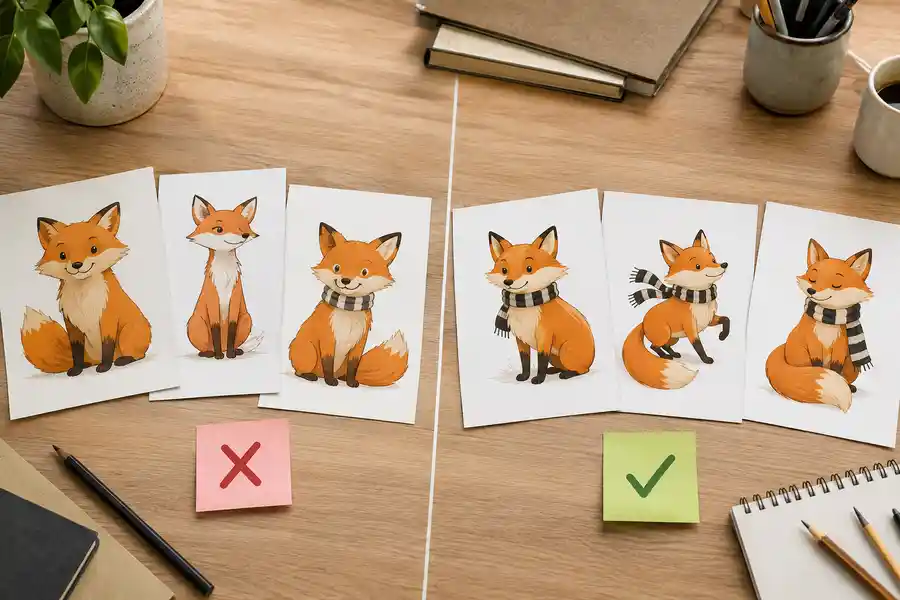
The fox on page 3 never matches the fox on page 7, until you understand why. The four methods for character consistency in AI illustration, compared honestly, plus the page-7 test to run before trusting any tool's claim.
Get ebook tips in your inbox
Join creators getting weekly strategies for writing, marketing, and selling ebooks.