
Read the first chapter
The whole of chapter one, free. About 8 min. Turn the pages with the arrows, your keyboard, or a swipe.
Chapter 1
Writing Better Prompts for Results
Have you ever pasted the same task into ChatGPT twice and gotten two totally different answers? If you have, the problem usually isn’t “AI quality.” It’s your prompt. When your prompt doesn’t say who the assistant should be, what situation it should assume, and what limits it must follow, you get answers that miss your real needs.
Think about a simple work task: writing an email to a customer, turning notes into a meeting summary, or planning study practice for a certification. You don’t just want “an answer.” You want the right format, the right tone, and the right level of detail - without extra back-and-forth. This chapter teaches you the prompt basics that create that consistency.
After this chapter, you’ll be able to write prompts that produce clear outputs on the first try more often. You’ll use the ROLE-Context-Constraints Prompt Formula, with copy-and-paste examples you can reuse for daily productivity tasks. You’ll also learn what to watch for when outputs look good but still aren’t usable.
ROLE-Context-Constraints Prompt Formula for Clear Outputs
When you ask ChatGPT for help, you’re really telling it three things: (1) what role to take, (2) what context to use, and (3) what constraints to follow. Most “bad prompt” problems come from missing one of those pieces. For example, you ask for “a summary,” but you don’t say the audience, the length, or what to keep. Or you ask for “a plan,” but you don’t limit the time, format, or assumptions.
Here’s a beginner-friendly way to remember it: you’re building a mini instruction sheet. Your prompt becomes a job description. The assistant can’t reliably guess the missing parts, so you give them directly.
Use this formula like a template. You don’t need fancy wording - just clear sections you can fill in. For this chapter, we’ll use a realistic example: Talia, 24, a junior analyst, who often turns messy notes into clean deliverables for her team.
The ROLE-Context-Constraints Prompt Formula breaks into three parts:
1. Role: Tell ChatGPT who to be - Write a short role line like: “Act as a senior analyst who formats deliverables for a busy manager.” - Why it helps: The assistant chooses an appropriate voice, structure, and level of detail.
2. Context: Tell ChatGPT what situation to assume - Include the task goal, source material (paste notes), audience, and any background facts you already know. - Why it helps: The assistant stops making up assumptions that don’t match your work.
3. Constraints: Tell ChatGPT what rules to follow - Add explicit limits: length, format (bullets, table, sections), tone, and what to avoid. - Why it helps: The assistant produces output you can use immediately, not something you need to rewrite from scratch.
A quick comprehension check: after you write a prompt, ask yourself, “If I had to show this to a coworker, could they answer the same question without asking me anything?” If yes, your prompt likely has enough context and constraints.
Putting Roles, Context, and Constraints into Practice (with Examples)
Let’s build a prompt the way Talia would for a daily productivity task. Her job often involves turning notes into something her manager can scan quickly. She wants a summary that fits a specific format: short, structured, and action-focused.
First, she decides on the role. She doesn’t want “a generic helper.” She wants a deliverable-style summary.
Second, she adds context. She includes the notes she already has, the audience (her manager), and what the manager will use it for (a decision meeting).
Third, she adds constraints. She limits length, requires a specific section order, and asks for decisions and risks to be clearly separated.
Here are two concrete prompt examples you can copy. Notice how each one includes all three parts.
Example A: Turn notes into a manager-ready update - Role: Act as a junior analyst who writes manager-ready updates. - Context: I’m sending this to my manager before a 15-minute decision meeting. Notes: [paste notes here]. The goal: highlight what changed, what we recommend, and what we still need. - Constraints: Output must be 180-220 words. Use exactly these sections in this order: “What changed”, “Recommendation”, “Open questions”, “Risks”. Use short sentences. Do not add new facts not found in my notes.
Expected outcome: A tight summary with the exact section headers Talia’s manager expects, without random extra commentary.
Example B: Draft a customer email with a specific tone - Role: Act as a customer support specialist who writes clear, calm emails. - Context: Customer message: [paste message]. Our goal: acknowledge the issue, explain next steps, and set a realistic timeline. Audience: the customer, not internal staff. - Constraints: Write 120-160 words. Tone: friendly and direct. Include one question at the end to confirm the next step. Do not blame the customer. Use “we” and “you” (no “I” unless necessary).
Expected outcome: An email that matches the right tone and length, with a clear next step.
Now let’s make the formula even more practical by turning it into a mini checklist you can follow while writing prompts.
A Real-World Prompt Build for Talia (and the Output You Should Get)
Talia gets a messy batch of notes after a meeting. She needs to send a clean update the same day. She also knows her manager will skim, so she wants structure and a predictable format.
She starts by writing a prompt using the ROLE-Context-Constraints Prompt Formula.
Step-by-step prompt (with details and expected outcomes)
1. Choose the role - Talia writes: “Act as an analyst who produces fast, skimmable updates for a manager.” - Expected outcome: The assistant uses short sections and doesn’t drown her in detail.
2. Add context that limits assumptions - Talia pastes her notes under a “Notes:” line and adds the goal and audience: - Goal: “Help my manager decide what to do next.” - Audience: “Manager who needs a quick scan.” - Expected outcome: The assistant sticks to her notes and focuses on decisions.
3. Add constraints that lock the format - Talia includes these constraints: - “Use exactly four sections: Summary, Decisions needed, Risks, Next actions.” - “Keep each section under 60 words.” - “If notes don’t mention something, say ‘Not stated in notes.’” - “Do not add new numbers.” - Expected outcome: The output becomes usable immediately, and missing info stays honest.
4. Ask for the exact deliverable - Talia ends with: “Write the final output now.” - Expected outcome: The assistant doesn’t ask extra questions first.
Here’s what Talia’s full prompt might look like:
• Role-Context-Constraints Prompt: - Role: Act as an analyst who writes skimmable manager updates. - Context: I need to send this before a decision meeting. Audience: my manager. Notes: [paste notes here]. Goal: help the manager decide what to do next. - Constraints: Output must have exactly these sections in this order: Summary, Decisions needed, Risks, Next actions. Each section must be under 60 words. Do not add any new facts or numbers not in my notes. If something is missing, write “Not stated in notes.” - Write the final output now.
Quick checklist (use this every time)
• Add a Role line that matches the job you want done (not “help me”). - Paste your Context (notes, message, topic) and tell the audience. - Add Constraints for format (section names), length (word limits), and honesty (“don’t add new facts”). - End by asking for the final output in one clear line.
Ask yourself a fast comprehension check When you read the output, can you answer these questions without editing it? - Does it use the exact section headers you requested? - Does it stay within the length limits? - Does it avoid adding facts you didn’t provide?
If the answer is “yes,” you built a prompt that produces reliable results.
What to Watch For: Common Prompt Mistakes and Fixes
Even with a solid formula, prompts can fail in predictable ways. Here are the most common issues beginners hit, plus quick fixes.
Unclear role selection (wrong voice, wrong structure) If you only say “Summarize this,” you get a generic summary. If you want a manager-ready deliverable, you must say so in the Role. Do this: Add a role like “Act as a manager-ready analyst who writes skimmable updates with clear next actions.” Not this: “Summarize these notes.”
Missing constraints (pretty but not usable) Sometimes you get a thoughtful answer that still doesn’t fit your workflow: wrong length, wrong format, missing sections. That happens when you don’t tell ChatGPT the rules for the output. Do this: Specify exact sections and length, like “Use exactly four sections” and “Keep each section under 60 words.” Not this: “Make it shorter and easier to read.”
Letting ChatGPT invent details (confident but inaccurate) If you don’t set a “no new facts” rule, ChatGPT may fill gaps with guesses. This shows up when the output sounds confident but includes numbers, dates, or claims you never gave it. Do this: Add a constraints line: “Do not add any new facts or numbers not in my notes. If missing, write ‘Not stated in notes.’” Not this: “Add anything relevant that improves the summary.”
A practical takeaway: if you want reliability, you must tell ChatGPT what counts as reliable. Your constraints define the boundary between “helpful” and “make-believe.”
Closing: Your Next Prompt Should Feel Like a Job Ticket
Once you start writing prompts with a Role, Context, and Constraints, you’ll notice something: the output becomes repeatable. You stop fighting the format. You stop correcting tone. You stop rewriting answers that don’t match your real task.
For Talia-style work, the fastest improvement comes from one habit: before you hit Enter, check that you included (1) an audience, (2) a required format, and (3) a rule about missing facts. That combination turns ChatGPT from a “maybe” into a daily tool you can trust.
Keep that mindset as you move into the next skills in this book - because better prompts don’t just produce better text. They produce better outcomes you can actually use tomorrow.
End of chapter one. 4 more chapters in the full book.
Swipe or use the arrows to turn the page
![How to get more views on youtube]](https://wsrv.nl/?url=https%3A%2F%2Fstorage.googleapis.com%2Finkfluenceai.firebasestorage.app%2Fshowcase-covers%2F61jycjiljb.webp&w=300&h=480&fit=cover&output=webp&q=80)
What's inside: 5 chapters
- 1. Writing Better Prompts for Results
- 2. Turning Tasks into Checklists
- 3. Using ChatGPT for Learning Plans
- 4. Drafting Emails and Messages Faster
- 5. Building a Daily AI Productivity Routine
About this book
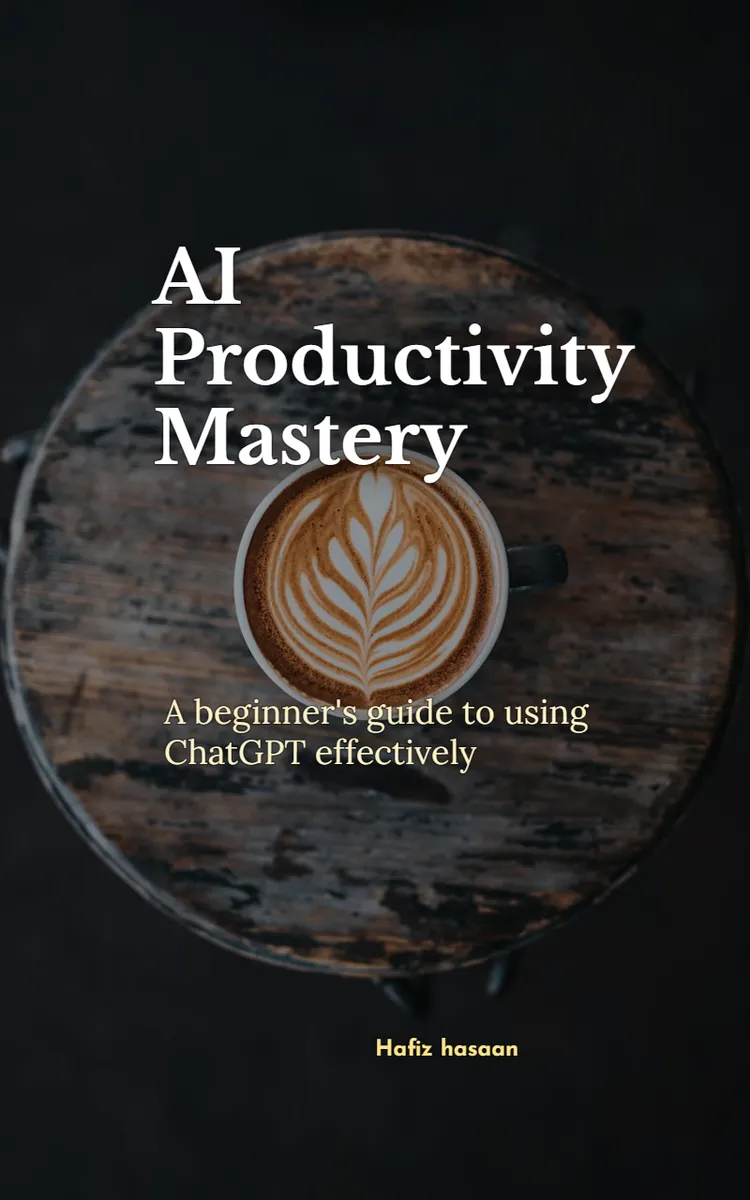
"AI Productivity Mastery" is a how-to guide book by Hafiz hasaan with 5 chapters and approximately 9,072 words. Using ChatGPT to improve productivity for work and learning.
This book was created using Inkfluence AI, an AI-powered book generation platform that helps authors write, design, and publish complete books. It was made with the AI Ebook Generator.
Frequently Asked Questions
What is "AI Productivity Mastery" about?
Using ChatGPT to improve productivity for work and learning
How many chapters are in "AI Productivity Mastery"?
The book contains 5 chapters and approximately 9,072 words. Topics covered include Writing Better Prompts for Results, Turning Tasks into Checklists, Using ChatGPT for Learning Plans, Drafting Emails and Messages Faster, and more.
Who wrote "AI Productivity Mastery"?
This book was written by Hafiz hasaan and created using Inkfluence AI, an AI book generation platform that helps authors write, design, and publish books.
How can I create a similar how-to guide book?
You can create your own how-to guide book using Inkfluence AI. Describe your idea, choose your style, and the AI writes the full book for you. It's free to start.
Write your own how-to guide book with AI
Describe your idea and Inkfluence writes the whole thing. Free to start.
Start writingCreated with Inkfluence AI
![How to get more views on youtube]](https://wsrv.nl/?url=https%3A%2F%2Fstorage.googleapis.com%2Finkfluenceai.firebasestorage.app%2Fshowcase-covers%2F61jycjiljb.webp&w=400&h=640&fit=cover&output=webp&q=80)


