
Read the first chapter
The whole of chapter one, free. About 6 min. Turn the pages with the arrows, your keyboard, or a swipe.
Chapter 1
Designing Your AI Command Center
Set up Your Reusable Workflow Hub (So Every Task Starts With the Right Inputs)
If you’re tired of starting each task from scratch - new doc, new email chain, new “what do I even need?” moment - this chapter fixes that at the source. The goal is simple: build a reusable workflow hub where every AI prompt starts with the same inputs, produces the same outputs, and uses the same templates. Think of it like your personal task “front desk.” You walk in, hand it the details, and it hands you back a finished draft (or a clean next step) instead of chaos.
For corporate professionals, this matters because most burnout isn’t “too much work.” It’s work that keeps restarting. A workflow hub stops the reset button from being pressed every morning. When your AI has consistent context and constraints, you spend less time correcting it and more time reviewing.
Key takeaway: Build one workflow hub that standardizes your task inputs, outputs, and templates - then reuse it until your day feels shorter.
A workflow hub has three parts you’ll reuse constantly: 1. Inputs: the exact details your AI needs every time (not “whatever you remember”). 2. Outputs: what “done” looks like (draft email, meeting notes, action list, etc.). 3. Templates: prompt blocks you copy-paste, with the same structure and formatting.
---
Build the Hub Template for Your Daily Work (Inputs, Outputs, Templates)
Time required: 35-45 minutes Materials needed: a notes app (or doc), a place to store templates (even a simple folder), and your most common task types (pick 1-2).
Alright - hands on. We’re going to build your workflow hub template for one recurring corporate task. Marketing, HR, project leadership, admin - pick the one you do most often this week. (If you’re not sure, choose the one that currently eats the most “invisible time.”)
Your Turn: Create your first workflow hub entry 1. Choose one task type you do weekly. Write it on the next line: - Example task types (pick one): “first-draft client email,” “HR policy summary for employees,” “project status update,” “meeting notes + action items.” 2. Define your Inputs: write a list of 6-10 fields you want filled in before you run AI. - Format it like this (copy the structure): - Input field 1: ______ - Input field 2: ____ - Input field 3: ______ 3. Define your Outputs: decide what you want back from AI every time. - Write 3-5 output items (example: “email draft,” “subject line options,” “tone adjustments,” “open questions list”). 4. Add your Template rules: define formatting constraints once. - Example rules: “Use short paragraphs,” “Include a 3-bullet action list,” “End with 2 clarifying questions if info is missing.” 5. Create your copy-paste prompt block using the template below. - Replace bracketed parts with your own fields.
Copy-paste this prompt block (template): > Task: [your task type] > Goal: Produce [your output type(s)] that are ready to send/use. > Tone: [your tone - e.g., clear, concise, friendly-professional] > Inputs (fill in): > - Company/Team: [ ] > - Audience: [ ] > - Context (what happened): [ ] > - Key points to include: [ ] > - Constraints (must/avoid): [ ] > - Deadline/Timing: [ ] > - Links/docs (if any): [ ] > - Anything to be careful with: [ ] > Output format (use exactly): > 1) [Output 1] > 2) [Output 2] > 3) [Output 3] > If any inputs are missing: Ask up to 5 questions first. Otherwise, proceed and note assumptions at the end.
Completed example (so you can see the shape) > Task: Project status update (weekly) > Goal: Produce a ready-to-share status update for stakeholders. > Tone: clear, concise, confident > Inputs (fill in): > - Company/Team: Acme Product Ops > - Audience: VP Product + cross-functional leads > - Context (what happened): Sprint 12 wrap + next sprint planning > - Key points to include: progress vs plan, risks, decisions needed > - Constraints (must/avoid): no long narratives; avoid blame language > - Deadline/Timing: send by Thu 3pm > - Links/docs (if any): Sprint dashboard link + backlog summary > - Anything to be careful with: don’t speculate on launch date > Output format (use exactly): > 1) Status summary (4 sentences max) > 2) Progress vs plan (bullets) > 3) Risks + mitigations (bullets) > 4) Decisions needed (bullets) > If any inputs are missing: Ask up to 5 questions first. Otherwise, proceed and note assumptions at the end.
Self-check (measurable completion criteria) You’re done when: - You have one completed hub entry (task type + inputs + outputs + rules). - Your copy-paste prompt block is filled in enough that you can run it with real details today. - Your outputs include at least three distinct sections (not just “write an email”).
---
Turn Your Hub Into a Daily “AI Command Center” Workflow
Now that your hub entry exists, you’ll stop “thinking” your way through tasks. You’ll run the same flow every time - because the hub already knows what inputs to ask for and what outputs to deliver.
Here’s the everyday setup: pick a moment in your day where you switch from collecting info to producing drafts. For many office roles, that’s right after you skim email, check your calendar, or open the project dashboard. Instead of starting from a blank doc, you open your hub template and fill your Inputs. Then you paste them into your prompt block.
You’ll see the difference fast in two scenarios:
Scenario 1: HR manager “policy to plain English.” You take a policy doc and need a message to employees. With your hub, you standardize the Inputs (audience, what changed, what employees must do, timing). Your Output format might include: a short summary, “what you need to do,” and “when it starts.” Expected outcome: every message has the same sections, so you don’t rebuild structure every time.
Scenario 2: Project leader “status update that doesn’t ramble.” You paste in progress facts and constraints (no blame language, no launch speculation). Expected outcome: the update comes back already organized - status summary, progress vs plan, risks, decisions needed - so your review pass is quick. You’re editing, not inventing.
If you want a number to anchor this: the Topic you’re building toward is The 4-Hour Workweek with AI: How Corporate Professionals Can Automate Their 9-to-5. The hub is how you actually get there - by turning repeated tasks into repeatable prompt runs, not one-off “AI magic.”
A small but powerful differentiator: store your hub entry next to your most-used templates (email signatures, meeting agenda format, stakeholder update style). When your AI prompt and your document layout match, you reduce the “format mismatch” time that quietly drains the day.
---
Reflect and Lock In Your Reusable Workflow Hub (Next Steps)
Good. You’ve built a hub entry. Now we make it stick by answering the questions that force clarity - because vague prompts become vague outputs.
Your Turn: Tighten your hub for reuse 1. Replace any Input field that feels fuzzy with something you can fill in under 2 minutes. 2. Confirm your Output format has clear headings (so you can scan it fast). 3. Decide what happens when info is missing (your prompt already says “ask up to 5 questions”; keep that rule).
Reflect (answer with specifics, not vibes) 1) What is the exact task type you built your workflow hub for - and what are the three output sections you’ll require every time? ________________________________________________ ______________________________________________ ________________________________________________
2) Which input field is currently the messiest or most time-consuming for you to gather, and what will you standardize so it takes less than 2 minutes next time? ________________________________________________ ______________________________________________ ________________________________________________
3) Where will your “hub step” live in your daily routine (email skim → calendar check → hub → draft), and what’s the trigger that tells you to run it? ________________________________________________ ______________________________________________ ________________________________________________
---
Once your hub entry is stable, you can scale it without adding stress: create additional hub entries for the next most common task type and keep the same structure. Same inputs style. Same output headings. Same template rules. That’s how your AI command center stops being a tool you “try” and becomes a workflow you run.
End of chapter one. 4 more chapters in the full book.
Swipe or use the arrows to turn the page
What's inside: 5 chapters
- 1. Designing Your AI Command Center
- 2. Turning Emails Into Action Plans
- 3. Automating Meeting Notes and Follow-Ups
- 4. Building Role-Based Prompt Packs
- 5. Running Your 4-Hour AI Sprint Day
About this book
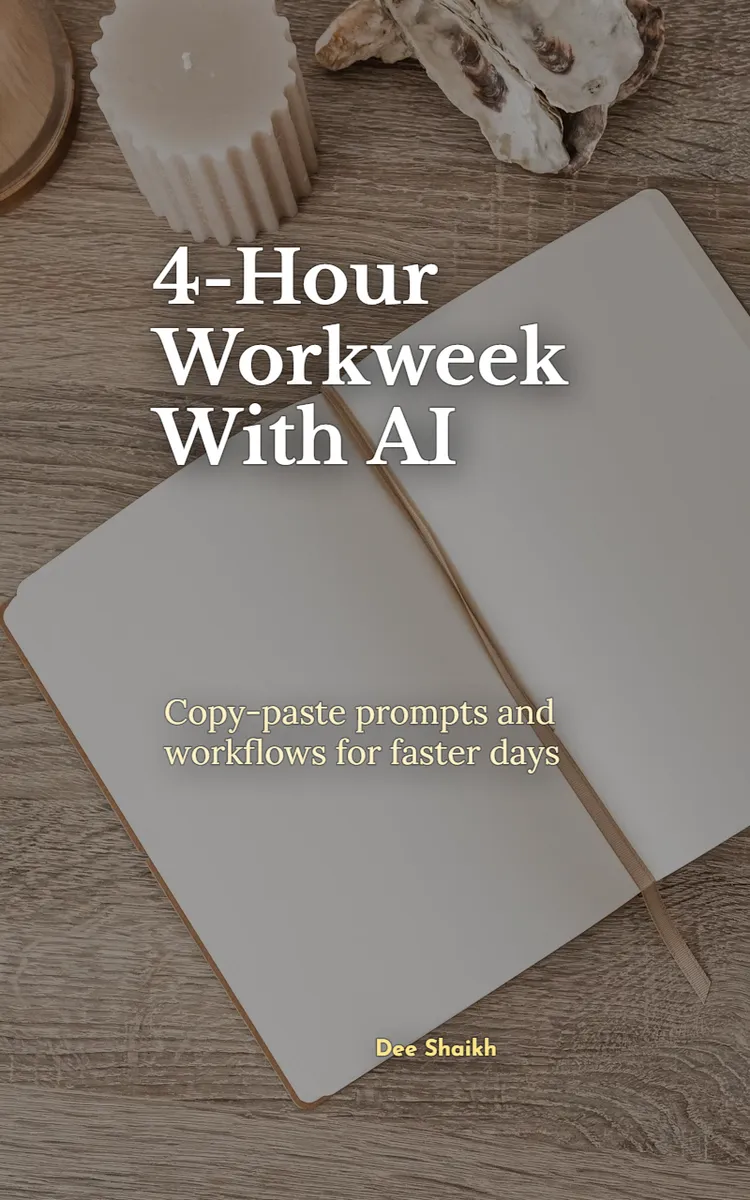
"4-Hour Workweek With AI" is a workbook by Dee Shaikh with 5 chapters and approximately 7,315 words. AI automation workflows for corporate professionals' daily tasks.
This book was created using Inkfluence AI, an AI-powered book generation platform that helps authors write, design, and publish complete books. It was made with the Workbook Generator.
Frequently Asked Questions
What is "4-Hour Workweek With AI" about?
AI automation workflows for corporate professionals' daily tasks
How many chapters are in "4-Hour Workweek With AI"?
The book contains 5 chapters and approximately 7,315 words. Topics covered include Designing Your AI Command Center, Turning Emails Into Action Plans, Automating Meeting Notes and Follow-Ups, Building Role-Based Prompt Packs, and more.
Who wrote "4-Hour Workweek With AI"?
This book was written by Dee Shaikh and created using Inkfluence AI, an AI book generation platform that helps authors write, design, and publish books.
How can I create a similar workbook?
You can create your own workbook using Inkfluence AI. Describe your idea, choose your style, and the AI writes the full book for you. It's free to start.
Write your own workbook with AI
Describe your idea and Inkfluence writes the whole thing. Free to start.
Start writingCreated with Inkfluence AI


