
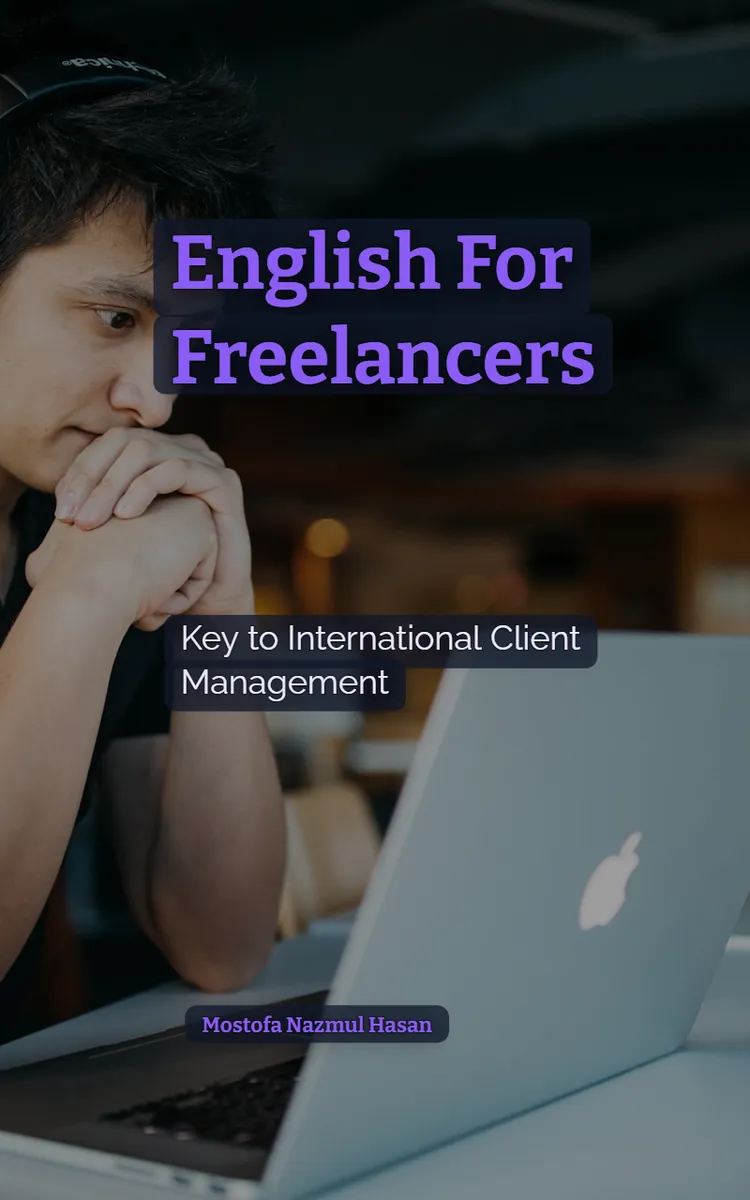
Read the first chapter
The whole of chapter one, free. About 8 min. Turn the pages with the arrows, your keyboard, or a swipe.
Chapter 1
Your First Message That Gets Replies
Why the first few lines matter
What does a client learn about you from the first three lines of your message? If those lines only say “I’m interested in your project,” the client still has to guess what you do, whether you can help, and what to do next.
A strong first message removes that guesswork. It gives the client a clear greeting, a short introduction, and one useful next step. That matters because clients often scan messages quickly. They need to understand your role before they decide whether to continue reading.
You’ll learn how to write a simple first-contact message, build a profile bio with the Hook - Credentials - CTA Profile Formula, and use the present simple for stable facts about your work. By the end, you can introduce yourself without sounding stiff, vague, or overly eager.
The Hook - Credentials - CTA Profile Formula
Your message needs three working parts: a hook, credentials, and a call-to-action (CTA). A hook gives the client a reason to keep reading. Credentials show what you do and what experience you bring. The CTA tells the client what can happen next.
Use this structure:
1. Hook - Connect your opening to the client’s need. A good hook shows that you understand the project. “I can help improve the mobile layout on your online store” works better than “I saw your post.”
2. Credentials - State your role, experience, and relevant skill. Keep this part factual. “I’m a front-end web developer with four years of experience” gives the client useful information without making a large promise.
3. CTA - Suggest one clear next step. Ask for the information you need or offer a simple action. “Could you send the current page link so I can review the layout?” gives the client an easy way to reply.
Your greeting should match the information you have. If the client gives a name, use it: “Hi Mr. Carter,” or “Hi Jordan,” depending on the client’s preferred style. If you don’t know the name, use “Hello,” followed by the business name or project title. Avoid “Dear Sir or Madam.” It sounds distant and gives the message a formal, outdated feel.
Then introduce yourself in one or two sentences. The present simple helps you describe stable facts about your work. Use it for your profession, location, regular services, and skills:
• “I work as a graphic designer.” - “I live in Manchester and work with small retailers.” - “I design product labels and social media graphics.” - “I specialise in clean, easy-to-read layouts.” - “I offer logo design and brand guidelines.”
Pay attention to the verb when you write about yourself. Use I design, I work, and I offer. With he, she, or it, add -s or -es: “She designs packaging,” “He works with local restaurants,” and “The studio offers photo editing.” This small detail affects how professional your message sounds.
A first-contact message might look like this:
> Hi Mr. Carter, > > I can help update the product pages on your online store, especially the mobile layout. My name is Rafiq, and I’m a front-end web developer with four years of experience. I build responsive pages and improve navigation for small businesses. > > I’d be glad to help. Could you send me the current website link and the main changes you want?
Notice what the message does not do. It doesn’t list every tool Rafiq has ever used. It doesn’t claim to be “the best developer.” It gives the client a clear reason to read, relevant facts, and an easy reply.
For practice, complete sentences with the correct present simple form. The answers should be design, work, specialises, and offer:
1. I _ clean websites for small businesses. 2. I _ from Leeds and serve clients online. 3. Rafiq _ in front-end development. 4. We _ monthly maintenance for online stores.
You can use the same language in your profile bio, but make the bio shorter and more general. A bio should help a visitor decide whether to contact you. It shouldn’t become a full work history.
For example:
> I design clear, practical websites for small businesses. I’m a front-end web developer with four years of experience, and I specialise in responsive layouts and simple navigation. Send me your website link and project goals, and I’ll suggest a useful next step.
The first sentence acts as the hook. The second gives credentials. The final sentence creates the CTA. The bio works because each part has a job.
A realistic first message, step by step
Suppose a client posts a project asking for help with a restaurant website. The client wants a cleaner menu page, better phone display, and a contact form that works. You can build a message around those exact needs.
Follow these steps:
1. Read the project twice and mark three details. Note the type of work, the main problem, and the requested result. Here, the details are restaurant website, poor phone display, and working contact form. This prevents you from sending a message that could fit any project.
2. Choose the greeting. The client’s name is listed as Mr. Carter, so write “Hi Mr. Carter,” This choice feels personal while staying professional.
3. Write a one-sentence hook. Use the project details: “I can help make your menu page easier to use on phones and fix the contact form.” The client can immediately see the connection.
4. Add two credential sentences. Write: “My name is Rafiq, and I’m a front-end web developer with four years of experience. I build responsive pages and test forms on desktop and mobile screens.” These sentences explain the service and support it with relevant experience.
5. Finish with one CTA. Ask for the next item: “Could you send the current website link and tell me which form problem appears first?” This question gives the client two specific tasks and makes replying simple.
6. Check the present simple verbs. Confirm that the message says “I build” and “I test,” not “I building” or “I am build.” These verbs describe regular skills and work habits, so the present simple fits.
7. Remove extra claims and send a clean version. Keep the message near 80-100 words. A short message gives the client enough information without burying the CTA.
The expected outcome isn’t an instant contract. The first useful outcome is a reply containing the website link, the form problem, or a request for your availability. That reply gives you the information needed for the next conversation.
Quick checklist
• Use the client’s name when you have it. - Mention the exact service or problem in the hook. - State your role with “I’m a…” or “I work as a…” - Use the present simple for regular facts: “I design,” “I build,” “I offer.” - Include one relevant credential, such as years of experience or a clear skill. - End with one easy CTA. - Ask for a link, file, goal, deadline, or short reply. - Read the message once for grammar and once for clarity. - Remove claims that you cannot support.
A profile bio needs the same check. Read only the first two sentences. Can a visitor identify your service and skill? Then read the last sentence. Does it tell the visitor how to contact you or what information to send? If not, the bio describes you but doesn’t guide the next step.
Mistakes that weaken a good introduction
Starting with a vague greeting
A message that begins “Hello, I’m interested in your project” forces the client to search for the useful part. The sentence doesn’t show that you understand the request.
Do this: “I can repair the broken booking form on your gym website and check its phone display.”
Not this: “I’m interested in your project and would like to know more.”
The improved version connects your skill to a visible need. Use the client’s own project detail when possible.
Listing too many credentials
Some freelancers turn a short introduction into a crowded list of software, courses, services, and unrelated jobs. The client then has to work out which facts matter.
Do this: Choose one role, one experience detail, and one skill that match the project: “I’m a graphic designer with three years of experience, and I specialise in product labels.”
Not this: “I use Photoshop, Illustrator, Canva, Figma, InDesign, Lightroom, and many other tools, and I can do logos, posters, websites, videos, menus, books, and social media.”
Relevant details build trust because they answer the client’s question. A long list creates more questions.
Using the wrong present-simple form
Errors such as “I works as a designer” or “I design websites and he design logos” can make a careful client doubt your attention to detail. The fix stays simple: use I work, I design, and I offer for yourself. Add -s when the subject is he, she, or a singular business.
Do this: “I work with local shops. My studio offers website updates.”
Not this: “I works with local shops. My studio offer website updates.”
Read your bio aloud before you publish it. Your ear often catches a missing verb ending faster than your eyes do.
Ending without a next step
A message can sound polite and still stop the conversation. “Please let me know if you’re interested” puts all the work on the client. It also doesn’t say what information you need.
Do this: “Could you send the current logo file and your preferred colours? I can then confirm the first draft date.”
Not this: “I hope to hear from you soon.”
A clear CTA makes replying easier. It also helps you avoid guessing about the project. Your first message doesn’t need to close the job. It needs to open a useful conversation. When your greeting, introduction, and bio each lead naturally to that next step, your English starts doing practical work for you.
End of chapter one. 4 more chapters in the full book.
Swipe or use the arrows to turn the page
What's inside: 5 chapters
- 1. Your First Message That Gets Replies
- 2. Direct vs. Indirect: Match Their Style
- 3. Formality Control for Every Message
- 4. Trust-Building Through Culture and Proof
- 5. Safety, Payments, and Professional Disputes
About this book
"Client-Ready English for Freelancers" is a how-to guide book by Mostofa Nazmul Hasan with 5 chapters and approximately 8,396 words. A practical guide to writing and speaking professional English for freelance and gig-economy work, from first contact to safety, research, and career growth..
This book was created using Inkfluence AI, an AI-powered book generation platform that helps authors write, design, and publish complete books. It was made with the AI Ebook Generator.
Frequently Asked Questions
What is "Client-Ready English for Freelancers" about?
A practical guide to writing and speaking professional English for freelance and gig-economy work, from first contact to safety, research, and career growth.
How many chapters are in "Client-Ready English for Freelancers"?
The book contains 5 chapters and approximately 8,396 words. Topics covered include Your First Message That Gets Replies, Direct vs. Indirect: Match Their Style, Formality Control for Every Message, Trust-Building Through Culture and Proof, and more.
Who wrote "Client-Ready English for Freelancers"?
This book was written by Mostofa Nazmul Hasan and created using Inkfluence AI, an AI book generation platform that helps authors write, design, and publish books.
How can I create a similar how-to guide book?
You can create your own how-to guide book using Inkfluence AI. Describe your idea, choose your style, and the AI writes the full book for you. It's free to start.
Write your own how-to guide book with AI
Describe your idea and Inkfluence writes the whole thing. Free to start.
Start writingCreated with Inkfluence AI


