
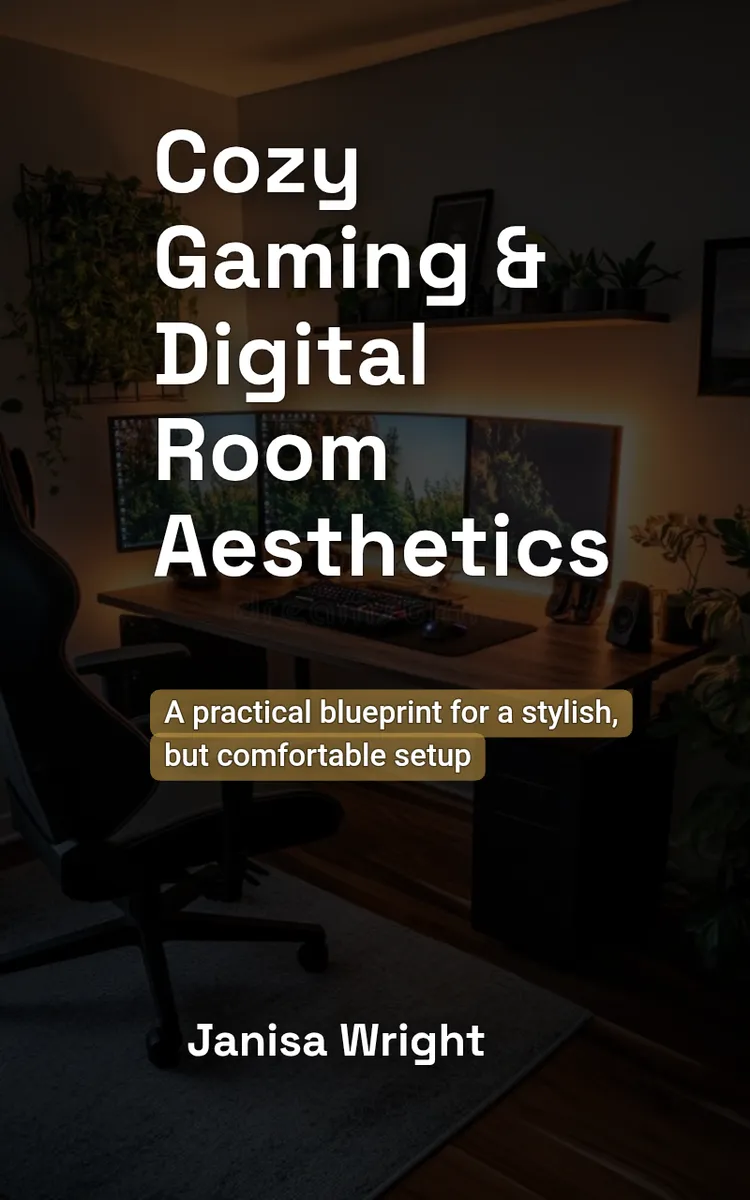

Preview: Choosing Your Cozy Gaming Theme
A short excerpt from “Choosing Your Cozy Gaming Theme”. The full book contains 5 chapters and 9,770 words.
Start With the Feeling You Want to Build
What should your gaming space feel like before you even turn on the screen: a warm reading nook, a quiet forest cabin, a colorful arcade, or a clean modern lounge?
Choosing that feeling first prevents a common setup problem: buying attractive pieces that do not work together. A neon sign, wooden shelf, pastel controller stand, and industrial lamp may each look good alone, but they can create visual noise when they share one small room. A clear theme gives those choices a simple filter.
Your theme also needs to fit the games you play and the space you have. A dark fantasy look may suit role-playing games, but it can make a narrow desk area feel heavy. A bright arcade theme may match fast multiplayer games, but flashing lights can become tiring during long sessions. By the end of this process, you will have one workable theme, a short color plan, and a setup direction that respects your room’s limits.
Start with one honest question: What do you want to see and feel during an ordinary gaming session? Write three words, such as “warm, quiet, woodsy” or “bright, playful, energetic.” Those words matter more than a theme label because they guide every later choice.
Ask yourself what currently bothers you. Does the room feel empty, cluttered, too dark, or disconnected from the games you play? Your theme should solve that specific problem. If cables and mismatched accessories make the desk look messy, a calm minimalist theme may help more than a detailed fantasy display. If the room feels plain, a small collection of themed art and lighting may add enough character without filling every surface.
Your practical takeaway: write three feeling words and one room problem before you shop for anything.
Use the Cozy Fit Compass
The Cozy Fit Compass helps you test a theme against three points: taste, games, and space. A theme fits when it feels like you, supports the mood of your games, and works within the room’s physical limits. If one point fails, the theme needs adjustment.
Use the checklist below. Give each theme a score from 0 to 2 for every point: 0 means “does not fit,” 1 means “partly fits,” and 2 means “fits clearly.” A theme with at least 5 out of 6 points deserves a closer look.
1. Taste: Do you actually enjoy the look?
Choose colors, materials, and decorations you can live with for months. If you like warm wood, soft fabric, and muted green, a forest cabin theme may feel natural. If you prefer bold color and glossy plastic, a retro arcade theme may suit you better. The why is simple: your setup should reflect your taste, not a picture you liked for five seconds online.
2. Games: Does the theme support your usual play?
List your three most-played game types. A cozy farming game, a competitive shooter, and a story-driven adventure may suggest different moods. You do not need to copy a game’s art style exactly. Instead, match the feeling. Soft lighting and natural textures can support relaxing games, while brighter accents can suit quick, energetic play.
3. Space: Can the theme fit without crowding the room?
Measure the desk width, wall space, shelf depth, and walking area. A theme that depends on large props will not work well beside a 36-inch desk with only one open wall. A compact theme can rely on a desk mat, one lamp, two framed prints, and a small plant. The why matters here: a cozy room needs usable space for your chair, hands, and movement.
4. Repeatable choices: Can you repeat the theme in small details?
Pick two main colors, one accent color, and two materials. For example: cream and walnut as the main colors, moss green as the accent, with wood and woven fabric as materials. A repeatable theme looks intentional because the same choices appear across the desk, wall, and storage.
5. Comfort: Does the theme support long sessions?
Check whether the lighting, colors, and decorations will distract you. Avoid placing a bright light directly behind the monitor or using a flashing effect as the room’s main light. Use the theme to guide comfortable choices, not replace them.
A simple scorecard makes comparison easier:
| Theme | Taste | Games | Space | Repeatable | Comfort | Total |
|---|---|---|---|---|---|---|
| Forest cabin | 2 | 2 | 2 | 2 | 2 | 10 |
| Neon arcade | 2 | 1 | 1 | 2 | 1 | 7 |
| Dark fantasy | 1 | 2 | 1 | 1 | 1 | 6 |
Use the highest score as a starting point, not a command. If two themes tie, choose the one that requires fewer large purchases. That choice protects your budget and makes the setup easier to change later.
Now turn the winning theme into a small design sentence: “My space uses [mood], [two colors], and [two materials] to support [game feeling].” For example: “My space uses a warm, quiet mood, cream and moss green, and walnut and woven fabric to support relaxed exploration games.” This sentence keeps future purchases on track.
...
What's inside: 5 chapters
- 1. Choosing Your Cozy Gaming Theme
- 2. Lighting Layers for Instant Coziness
- 3. Desk Setup Layout and Ergonomics
- 4. Digital Room Aesthetic for Your UI
- 5. Cozy Maintenance and Seasonal Refresh
About this book
"Cozy Gaming & Digital Room Aesthetics" is a how-to guide book by Janisa Wright with 5 chapters and approximately 9,770 words. Designing cozy gaming spaces and digital room aesthetics.
This book was created using Inkfluence AI, an AI-powered book generation platform that helps authors write, design, and publish complete books. It was made with the AI Ebook Generator.
Frequently Asked Questions
What is "Cozy Gaming & Digital Room Aesthetics" about?
Designing cozy gaming spaces and digital room aesthetics
How many chapters are in "Cozy Gaming & Digital Room Aesthetics"?
The book contains 5 chapters and approximately 9,770 words. Topics covered include Choosing Your Cozy Gaming Theme, Lighting Layers for Instant Coziness, Desk Setup Layout and Ergonomics, Digital Room Aesthetic for Your UI, and more.
Who wrote "Cozy Gaming & Digital Room Aesthetics"?
This book was written by Janisa Wright and created using Inkfluence AI, an AI book generation platform that helps authors write, design, and publish books.
How can I create a similar how-to guide book?
You can create your own how-to guide book using Inkfluence AI. Describe your idea, choose your style, and the AI writes the full book for you. It's free to start.
Write your own how-to guide book with AI
Describe your idea and Inkfluence writes the whole thing. Free to start.
Start writingCreated with Inkfluence AI


