

Read the first chapter
The whole of chapter one, free. About 6 min. Turn the pages with the arrows, your keyboard, or a swipe.
Chapter 1
Set Up Your First Budget in 20 Minutes
Why Your Budget Planner Feels Like a “Someday” Project (and the Fast Start Fix)
That moment when you open your budget planner… and immediately freeze? Bills are due, money’s already moving, and the last thing you want is a spreadsheet that looks complicated enough to file taxes. If your planner isn’t usable today, it’s not helping - you’re just carrying around a “maybe later” plan.
Good news: you don’t need a full budget overhaul to get unstuck. You need a fast setup that turns your planner into a working dashboard in one sitting. In this chapter, you’ll use the 20-Minute Budget Kickstart worksheet (a simple setup sheet) so your categories, starting balances, and money targets are ready right now - no waiting, no guesswork.
---
The 20-Minute Setup Tip That Makes Your Planner Work Immediately
Here’s the quickest win that actually changes what happens this week: set your budget based on “real money first,” not perfect plans. That means you start with what’s already true - your current cash/checking balance, your next bill dates, and your usual spending categories - then you fill in the rest later.
Use this ultra-simple anchor tip: write down one number to start: - Your starting balance (what’s in your checking account right now) - Then list only the next 7 days of bills (yes, just 7)
Even if your spending habits are messy, the planner becomes useful because it’s tracking timing and coverage. Most people don’t need a better budget - they need a budget that tells them, “Will I be okay before payday?” That’s what you’ll set up first.
---
The Key Idea: Your “20-Minute Budget Kickstart” Turns Guessing Into Coverage
Talia is 31, a new parent, and back to work with a schedule that changes faster than her coffee cools. Her biggest budget problem wasn’t that she didn’t care - it was that every time she tried to plan, her brain hit the same wall: “I don’t know what I can spend this week.”
So she did something different. She used a fast setup that prioritized coverage over detail. Instead of building a full monthly budget from scratch, she used the 20-Minute Budget Kickstart to answer one question fast: “Do my next bills fit inside my next paycheck?”
Here’s the proof vibe, not theory. In a 2023 survey by NerdWallet, 48% of Americans said they don’t use a budget - and the biggest reason wasn’t math skills. It was that budgeting felt too time-consuming and too hard to keep up with day-to-day life. Talia’s setup solved that exact “keep up” problem by front-loading the only parts that matter right away: starting balance + near-term bills + spending categories you can control.
The differentiator in your Kickstart is the way it forces your planner to act like a working tool, not a notebook. You’re not designing a perfect system - you’re creating a quick coverage map.
What the Kickstart does (in plain words) Your planner becomes usable when it has three things in place:
1) A starting point If you don’t know where your money starts, every number after that is just vibes. The Kickstart has you record your current checking balance as your “starting balance.”
2) A near-term reality check You list bills due in the next week so you can see what money is already spoken for.
3) A spending ceiling you can actually follow Instead of “spend less,” the Kickstart gives you a weekly limit per category (like groceries, gas, childcare, and household). Not forever - just for the next few days.
Talia didn’t magically stop spending. She stopped being surprised. That’s the whole game.
---
Do This 5-Minute Challenge: Build Your “Next 7 Days” Coverage Page
You don’t need extra tools. You just need the planner bundle worksheet (or you can copy the fields onto any sheet). Grab your planner and do this right now.
Set a timer for 5 minutes and fill in the blanks:
Write your starting balance - Checking balance right now: $_____
List only next 7 days of bills Include anything that will hit your account soon, like: - Rent/mortgage (if due soon) - Utilities - Insurance - Minimum credit card payment - Anything “automatic” you know is coming
For each bill, write: - Bill name - Due date - Amount
Add one simple “leftover” line After you total the bills due in the next 7 days, subtract from your starting balance: - Starting balance: $___ - Bills due in next 7 days: -$_ - Estimated leftover before next payday: $___
Now - this is the part that makes the planner usable - choose just two spending categories to cap for the week. Pick categories you can control without drama. Common choices are groceries and gas, or childcare and household basics.
Write weekly limits for those two categories: - Groceries weekly limit: $___ - Gas/transport weekly limit: $___ (Or swap in two categories that match your life.)
If your leftover before payday is tight, don’t panic. The limits aren’t punishment - they’re guardrails. You’re giving your future self a plan that’s realistic enough to follow.
When the timer ends, you’ll have a page that answers the only question you need today: “What’s left for me before the next paycheck?”
---
Next 10 Minutes, 24 Hours, and This Week: Make the Kickstart Stick
If you stop after the 5-minute challenge, you’ll still be ahead of where you started. But to truly make your planner usable (and not abandoned by Tuesday), here’s a clean plan across three time tiers.
Next 10 minutes: Lock your categories to your real bills Open your planner and do one quick alignment step: - Match each bill you listed to a category in your planner (or create it if your template uses flexible categories). - Confirm your two capped spending categories connect to real spending you’ll actually make.
A concrete example: if your “electric” bill is due in 5 days, make sure it sits inside your Utilities category (not floating as an “oops” expense). That one move prevents the classic problem where you budget for groceries, then realize your utilities already ate the money.
Next 24 hours: Add the one payday number that makes everything clearer Tomorrow, find your next payday and write it down on your planner page. Then do a quick check: - Are your bills due before payday covered by your starting balance and expected income? - If not, adjust your two capped categories (not your whole life).
This is where Talia got her breakthrough. When she wrote the payday date and compared it to her “next 7 days” bills, she stopped planning like she was living in a fantasy calendar. She planned like she was living in her real one.
Even a small adjustment - like lowering groceries by $25 for the week - can prevent overdrafts or last-minute credit card swings. That’s not a motivational talking point. That’s basic math doing its job.
This week: Turn your Kickstart page into a repeatable routine By the end of this week, you’ll run the Kickstart again using the same structure: - Starting balance (updated) - Next 7 days of bills - Two capped spending categories
Keep it simple on purpose. The goal isn’t perfection; it’s consistency. When you repeat the same setup, your planner stops being “work” and becomes a habit you trust.
If you want a quick benchmark: try to complete the Kickstart setup 2 times this week - once now, once midweek. People usually don’t fail budgeting because they can’t do it. They fail because they wait too long and then everything becomes urgent. Your repetition flips urgency into routine.
---
Grab the Full Bundle and Keep Your Budget Planner Alive
If you want your planner to stay usable - not decorative - grab the full Budget Planner Bundle and use the 20-Minute Budget Kickstart worksheet plus the matching templates so you can repeat this setup without reinventing the wheel every time life gets busy.
When you’re ready, the next step is simple: opt in to the bundle and start your next coverage page today. Your money doesn’t need a perfect plan - it needs a plan you’ll actually open and use.
End of chapter one. 4 more chapters in the full book.
Swipe or use the arrows to turn the page


What's inside: 5 chapters
- 1. Set Up Your First Budget in 20 Minutes
- 2. Stop Budget Leaks With the 50/30/20 Split
- 3. Build a Realistic Sinking Fund Plan
- 4. Use the Debt Snowball Worksheet to Stay Motivated
- 5. Plan Your Next Month With a Weekly Review Loop
About this book
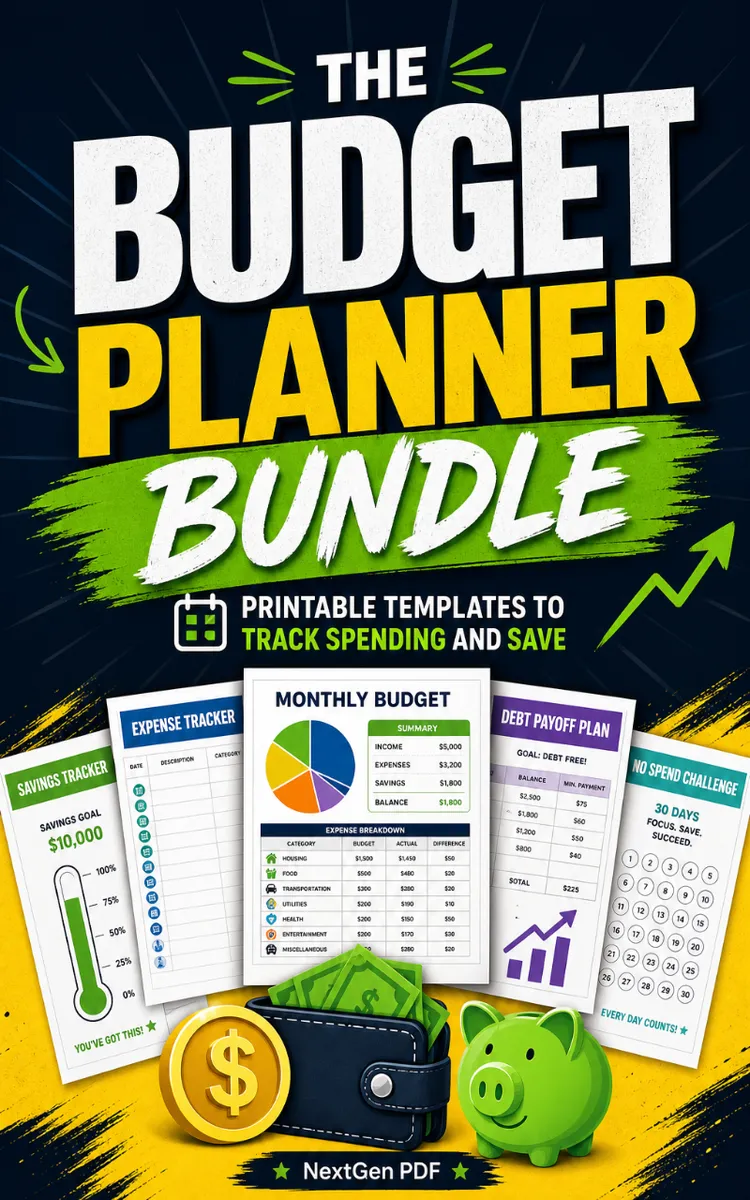
"The Budget Planner Bundle" is a lead magnet book by NextGen PDF with 5 chapters and approximately 6,513 words. Budgeting planner templates and worksheets bundle.
This book was created using Inkfluence AI, an AI-powered book generation platform that helps authors write, design, and publish complete books. It was made with the AI Lead Magnet Generator.
Frequently Asked Questions
What is "The Budget Planner Bundle" about?
Budgeting planner templates and worksheets bundle
How many chapters are in "The Budget Planner Bundle"?
The book contains 5 chapters and approximately 6,513 words. Topics covered include Set Up Your First Budget in 20 Minutes, Stop Budget Leaks With the 50/30/20 Split, Build a Realistic Sinking Fund Plan, Use the Debt Snowball Worksheet to Stay Motivated, and more.
Who wrote "The Budget Planner Bundle"?
This book was written by NextGen PDF and created using Inkfluence AI, an AI book generation platform that helps authors write, design, and publish books.
How can I create a similar lead magnet book?
You can create your own lead magnet book using Inkfluence AI. Describe your idea, choose your style, and the AI writes the full book for you. It's free to start.
Write your own lead magnet book with AI
Describe your idea and Inkfluence writes the whole thing. Free to start.
Start writingCreated with Inkfluence AI


