

Read the first chapter
The whole of chapter one, free. About 4 min. Turn the pages with the arrows, your keyboard, or a swipe.
Chapter 1
Days 1-5: Building the Foundation
Your first Python program shouldn’t feel like a mystery box-it should feel like a tool you can hold. What happens when you run your code and nothing breaks, but you still don’t know what each line is doing? That’s where the next five days take you: from “I installed Python” to “I can run small scripts with confidence and explain them.”
For the next week, we’ll build your foundation using one simple helper: the First-Run Checklist. You’ll use it every time you set up, write, and run code, so you stop guessing and start moving. I’ll keep the pace beginner-friendly and use the same example throughout: Talia, 19, a first-year college student who’s juggling classes and just wants Python to work when she needs it.
---
Day 1: Make Python run (on purpose) Tip of the Day: When you press “run” and the computer does something, that’s not magic-that’s a chain of setup steps working together. The fastest way to get unstuck is to verify the basics in the exact order you’ll need later: install Python, check the version, and confirm you can run a simple script. Talia learned this the hard way when her code “worked,” but only after she realized she was running the wrong Python version. Yep, the computer can be that sneaky.
Use the First-Run Checklist right away so you build good habits from day one. Don’t worry if it feels a little picky now. It’ll save you hours later when something weird happens (and it will-just not today, hopefully).
Today's Action: Create a file named hello.py, put this code in it, and run it: print("Hello, Python!")
---
Day 2: The First-Run Checklist (so you stop guessing) Tip of the Day: Here’s a question worth answering early: what do you do when code fails-do you start changing random things, or do you check the setup like a detective? The First-Run Checklist is your detective routine. It’s simple, and it keeps you from spiraling when you see an error message you don’t understand yet.
For Talia, the big win wasn’t “learning everything.” It was learning how to check the obvious stuff first: where Python is coming from, which command you’re using to run it, and whether your script file matches what you’re running. That’s the stuff beginners miss because it feels boring. But boring is good-it means fewer surprises.
Today's Action: Write down your First-Run Checklist as notes, then run these two checks on your machine: 1) Confirm your Python version using python --version (or python3 --version if needed). 2) Confirm you can run your hello.py again from the folder where it lives.
---
Day 3: Variables you can read (not just machines) Tip of the Day: Variables are your “sticky notes” inside the computer. Instead of typing the same number again and again, you store it once and give it a name. But naming matters-if your variable names look like x1 and x2, you’ll hate reading your own code later. Talia noticed this fast after she tried to track her weekly study time: the code worked, but it was basically written in invisible handwriting.
Today you’ll practice variables in a way that you’ll actually understand when you come back tomorrow. You’ll also learn a key idea: Python figures out the data type for you based on what you put in. That’s convenient, but you still need to know what kind of value you’re working with.
Today's Action: Create a new file called study_log.py and write code that sets two variables-hours_studied and days_studied-then prints a sentence combining them (use print and string text).
---
Day 4: Type, input, and output-make the script talk back Tip of the Day: If Day 3 was about storing information, Day 4 is about getting information from a person (you) and then responding. That’s what input() and print() are for. The funny part? input() always gives you a string, even if you type a number. So if you try to do math with it without converting, Python will complain. You don’t need to memorize everything today-you just need to see the pattern.
Talia ran into this during a late-night homework sprint: she typed 3 into input(), then tried to multiply it, and Python treated it like text. Once she added the conversion, everything clicked. That moment is exactly what you’re aiming for today: input in, output out, and you know why it works.
Today's Action: Create calculator_coach.py that: - asks for a number using input() - converts it to an integer (or float) - prints the result of adding 10 and also prints the original number.
---
Day 5: Simple decisions with if (and a tiny challenge) Tip of the Day: Not every program should blindly do the same thing. Sometimes you want it to decide. That’s where if comes in: it checks a condition and runs different code based on whether the condition is true or false. This is the first “brain” you’re adding to your scripts, and it’s surprisingly powerful.
Talia’s first if moment happened when she made a quick “pass or fail” checker for a quiz score. She didn’t need fancy features-just a clean rule: if the score is high enough, print one message; otherwise, print another. When your code can react to inputs, it stops feeling like a worksheet and starts feeling like a tool.
Today's Action: Create score_check.py that asks for a score (use input() and convert it), then prints: - “Nice work!” if the score is 60 or higher - “Keep practicing!” if it’s below 60
---
━━━━━━━━━━━━━━━━━━━━━━━━━━━━━━━━━━━━━━━━━━━━━━━━━━━━━━━━━━━━
By the end of Day 5, you’ll have done the “boring but important” setup work, written clean variables, handled input/output, and made your first real decision with if. Next, we’ll keep building on this foundation-so your code doesn’t just run, it starts getting structured in a way that’s easier to grow and reuse.
End of chapter one. 6 more chapters in the full book.
Swipe or use the arrows to turn the page


What's inside: 7 chapters
- 1. Days 1-5: Building the Foundation
- 2. Days 6-10: Writing Functions That Work
- 3. Days 11-15: Mastering Data Structures
- 4. Days 16-20: Controlling Flow Like a Pro
- 5. Days 21-25: Working with Files and Data
- 6. Days 26-28: Building a Real Portfolio App
- 7. Days 29-30: Testing, Packaging, and Launch
About this book
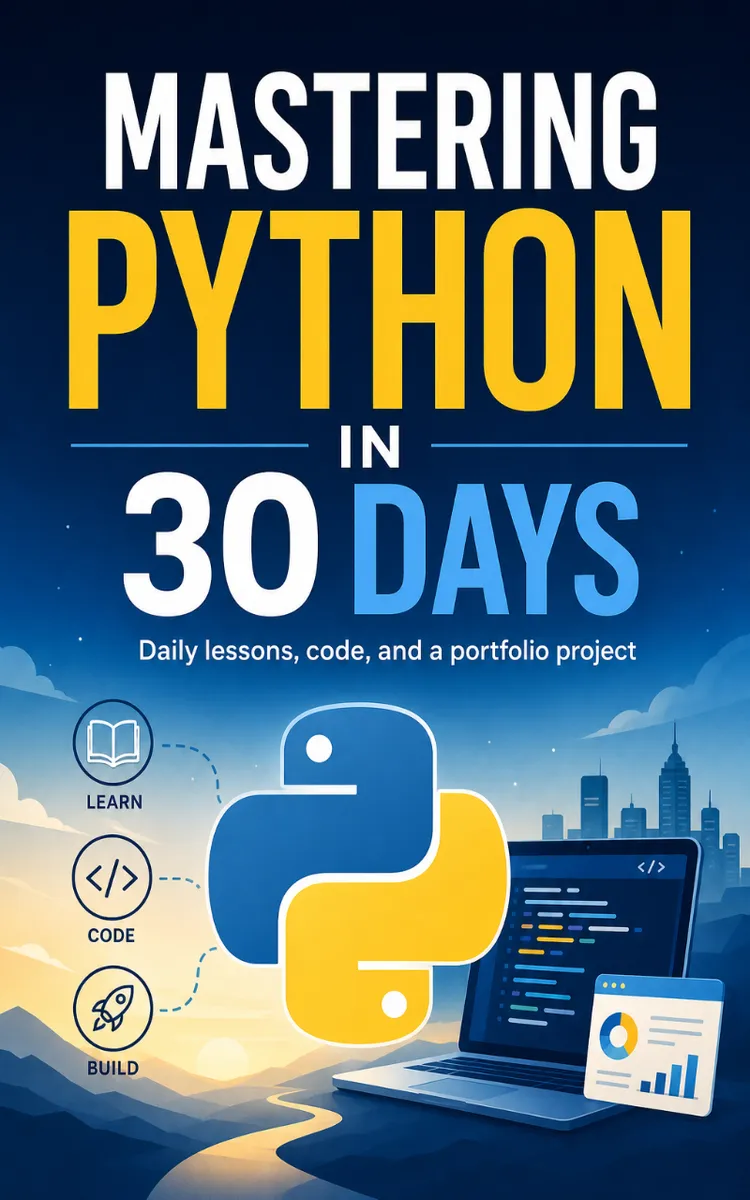
"Mastering Python In 30 Days" is a day challenge book by Inkfluence AI Demo with 7 chapters and approximately 6,815 words. 30-day beginner-to-confident Python learning plan with daily projects.
This book was created using Inkfluence AI, an AI-powered book generation platform that helps authors write, design, and publish complete books.
Frequently Asked Questions
What is "Mastering Python In 30 Days" about?
30-day beginner-to-confident Python learning plan with daily projects
How many chapters are in "Mastering Python In 30 Days"?
The book contains 7 chapters and approximately 6,815 words. Topics covered include Days 1-5: Building the Foundation, Days 6-10: Writing Functions That Work, Days 11-15: Mastering Data Structures, Days 16-20: Controlling Flow Like a Pro, and more.
Who wrote "Mastering Python In 30 Days"?
This book was written by Inkfluence AI Demo and created using Inkfluence AI, an AI book generation platform that helps authors write, design, and publish books.
Write your own day challenge book with AI
Describe your idea and Inkfluence writes the whole thing. Free to start.
Start writingCreated with Inkfluence AI


