
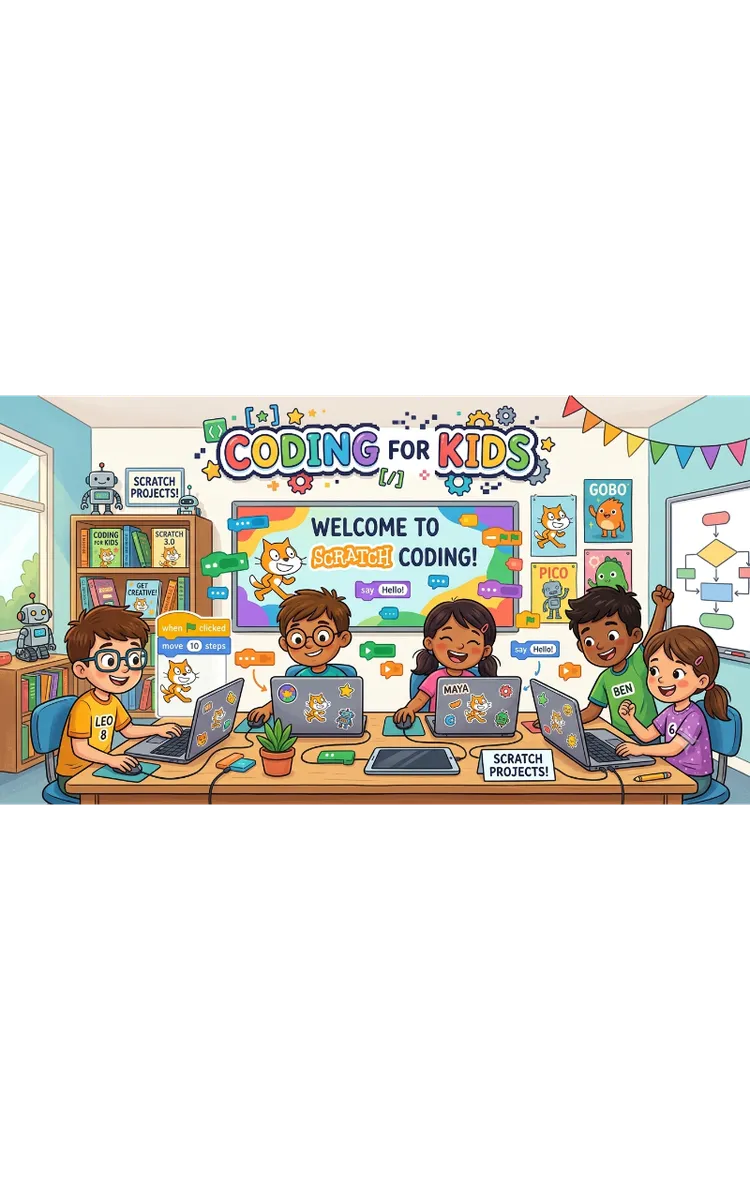
Game Coding Formulas For Kids
Created with Inkfluence AI
Kid-friendly instructions and formulas for creating games
Table of Contents
- 1. Game Idea to Storyboard Map
- 2. Scratch Blocks: Motion and Scoring
- 3. Code.org: Events and Timers
- 4. Unity: Simple Player Controller
- 5. Winning, Losing, and Level Progression
Preview: Game Idea to Storyboard Map
A short excerpt from “Game Idea to Storyboard Map”. The full book contains 5 chapters and 8,484 words.
What if you could point at your game plan and say, “This exact screen shows the player’s goal, and this exact step gets them there” - before you touch any code? That moment saves you hours. When you skip this part, you usually build something that looks cool but doesn’t clearly guide the player, and then you spend extra time fixing confusion.
If you’ve ever started coding and then asked, “Wait… what am I actually building?” you already know the problem this chapter solves. You’ll learn a kid-friendly method to turn one game idea into clear scenes, clear goals, and clear steps - so your next build feels like a straight path instead of a maze.
By the end, you’ll have a Storyboard Sprint Map filled in for your game idea. You’ll also know how to check it for missing parts (like goals that don’t match the scene or steps that skip the player’s next action). That map becomes your coding checklist on Scratch, Code.org, or Unity - no guessing required.
The Storyboard Sprint Map: Turn an Idea Into Scenes, Goals, and StepsA game idea usually sounds simple in your head: “I want to make a catching game” or “I want to make a maze game.” But games are made of repeated moments - screens where the player knows what to do next. If you don’t plan those moments, you end up coding random features and hoping they line up.
The Storyboard Sprint Map fixes that by forcing you to write down four things in a clear order:
What the player sees (the scene)
What the player must do right now (the goal)
What step they take to move forward (the action)
What changes on the screen after they act (the result)
This matters because your coding becomes easier when every block you write has a place to fit. Instead of “make player movement,” you code “after the player presses Left, the character moves 1 tile and the score updates if they land on a coin.”
To anchor this chapter, we’ll use a real beginner case: Talia, 11, a middle-school game club beginner. Talia says she wants a “collect stars and avoid monsters” game on Scratch. Her problem isn’t effort - it’s that her idea has energy, but not structure. The Storyboard Sprint Map gives her structure she can follow.
Ask yourself one quick question as you read: When someone plays your game for the first time, will they know what to do on the first screen without you talking? If the answer is “not yet,” you need scenes, goals, and steps written out.
Practical takeaway: You don’t plan a game by thinking harder - you plan it by naming each moment and its next move.
How the Storyboard Sprint Map Works (With a Concrete Example)The Storyboard Sprint Map uses a simple “scene-to-step” chain. You fill it like a storyboard for a movie, but you focus on player decisions and screen changes. Talia’s map shows how the same idea can become code-ready.
Use this framework to build your own map. Follow the order exactly so you don’t accidentally skip the most important part: the player’s next action.
Pick your first scene (Scene 1) and write what the player sees.
Write one sentence that describes the screen: “Title screen with a Start button and a Help button.”
Why this helps: you stop vague plans like “start game” and you get a real screen you can build.
Write a clear goal for that scene in one line.
Example: “Goal: Press Start to begin collecting stars.”
Why this helps: goals tell you what the player should do before anything else.
Write the player’s next action as a step (Step 1).
Example: “Action: Click Start.”
Why this helps: you can map actions directly to events in Scratch (like “when this sprite clicked”) or Code.org (like “on button click”).
Write the result that must happen right after the action.
Example: “Result: The game switches to Scene 2, the player appears on the map, and the star counter shows 0.”
Why this helps: results tell you what to code next (screen change, counters, positions).
Here’s how Talia turns her idea into a working chain. She chooses a simple first level with stars and monsters. She doesn’t try to plan every detail of the whole game. She plans the first few scenes first, so she can build and test quickly.
Talia’s mini Storyboard Sprint Map (first parts)Scene 1: Title screen
Goal: Start the game
Action (Step 1): Click Start
Result: Scene 2 loads, score shows 0, player spawns
Scene 2: Star collection level
Goal: Collect 5 stars
Action (Step 2): Move left/right to reach a star
Result: When the player touches a star, the star counter increases by 1 and the star disappears
Scene 3: Monster danger moment
Goal: Survive (don’t touch monsters)
Action (Step 3): Avoid monster by moving away
Result: If touched, Scene 4 loads (Game Over) or the level resets
Notice how each scene includes a goal, an action, and a result. Talia can code Scene 2 movement and star collection without guessing what “winning” means. The map tells her.
...
About this book
"Game Coding Formulas For Kids" is a how-to guide book by salar with 5 chapters and approximately 8,484 words. Kid-friendly instructions and formulas for creating games.
This book was created using Inkfluence AI, an AI-powered book generation platform that helps authors write, design, and publish complete books. It was made with the AI Ebook Generator.
Frequently Asked Questions
What is "Game Coding Formulas For Kids" about?
Kid-friendly instructions and formulas for creating games
How many chapters are in "Game Coding Formulas For Kids"?
The book contains 5 chapters and approximately 8,484 words. Topics covered include Game Idea to Storyboard Map, Scratch Blocks: Motion and Scoring, Code.org: Events and Timers, Unity: Simple Player Controller, and more.
Who wrote "Game Coding Formulas For Kids"?
This book was written by salar and created using Inkfluence AI, an AI book generation platform that helps authors write, design, and publish books.
How can I create a similar how-to guide book?
You can create your own how-to guide book using Inkfluence AI. Describe your idea, choose your style, and the AI writes the full book for you. It's free to start.
Write your own how-to guide book with AI
Describe your idea and Inkfluence writes the whole thing. Free to start.
Start writingCreated with Inkfluence AI


