
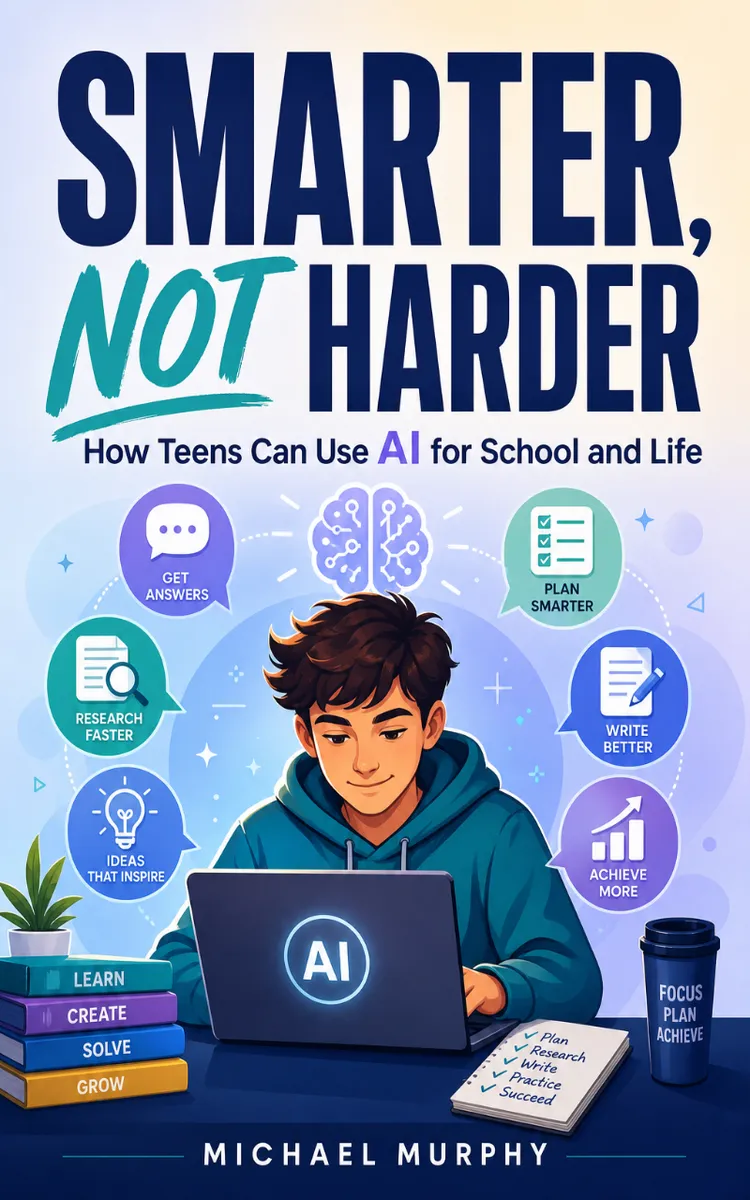
Smarter, Not Harder
Created with Inkfluence AI
Teen guide to using LLMs for school and productivity
Table of Contents
- 1. Prompting Basics: From Vague to Clear
- 2. Prompt Engineering: Simple, Then Strong
- 3. Research Help Without Copying
- 4. Writing Support: Draft, Edit, Improve
- 5. Study Sprints with AI Study Plans
- 6. Automate Life: Scheduling and Habits
Preview: Prompting Basics: From Vague to Clear
A short excerpt from “Prompting Basics: From Vague to Clear”. The full book contains 6 chapters and 9,986 words.
Smarter, Not Harder: How Teens Can Use AI for School and LifeTable of ContentsPrompting Basics: From Vague to Clear
Prompt Engineering: Simple, Then Strong
Research Help Without Copying
Writing Support: Draft, Edit, Improve
Study Sprints with AI Study Plans
Automate Life: Scheduling and Habits
Learn How to Turn Messy Thoughts Into Clear Prompts Using RoleThe fastest way to get bad output from an AI isn’t “bad AI” - it’s a messy prompt. You know that feeling when you type, “Help me with this essay” and then you stare at the response like, Why did it go off in that direction? That’s not magic. The AI guessed what you wanted, and you didn’t give it enough signals to aim correctly.
Talia, 15, a sophomore who hates writing drafts, runs into this constantly. When she asks for help, she often starts with whatever’s in her head - fragments like “main idea… add examples… make it sound better.” The AI can still generate words, but it doesn’t know which “kind” of help she wants. Is she looking for an outline? A rewrite? A list of ideas? A stronger thesis? Without a Role, the AI treats your request like a one-size-fits-all job.
A Role tells the AI what job to do and how to behave while doing it. Your Role should sound like a clear helper you’d actually hire or ask. Instead of “help me with my essay,” try: “Act as a writing coach who helps students revise for clarity and voice, not rewrite it for them.” That small change steers everything - tone, structure, and the kind of suggestions you get back.
Here’s a quick way to build your Role prompt without overthinking it. Ask yourself: What kind of helper do I need right now? Then name that helper in plain English. For Talia, the Role might be “writing coach” or “outline builder,” because she doesn’t want to start from a blank page. She wants the AI to guide her steps, not steal the work.
Use Role with one extra detail so the AI doesn’t guess your style. Add how you want the output to feel. For example, you can specify “short, direct feedback” or “step-by-step guidance with questions.” When you do this, the AI stops treating you like a random user and starts treating you like someone with a specific goal and boundaries.
Takeaway check: If you had to describe the exact helper you want - coach, tutor, editor, study partner - what would you call them in one sentence?
Constraints-so AI Understands You the First TimeRole sets the direction. Constraints make sure the AI doesn’t wander. Constraints are the “rules of the road” you give the AI so it produces something you can actually use. Without them, the AI fills gaps however it wants, and you end up with a result that’s either too broad, too long, or totally not what you asked for.
Talia learned this the hard way. She once wrote a prompt like: “Make my paragraph better.” The AI responded with a whole rewritten paragraph. That wasn’t helpful because Talia needed help planning her own draft, not outsourcing her voice. She didn’t want “better words.” She wanted “better next steps.” The fix wasn’t changing the topic - it was adding constraints that matched her real goal.
Think of constraints as limits that protect your time and your learning. You can constrain the output by length, format, and what the AI should or shouldn’t do. A good constraint also includes what you will do next. For Talia, a strong constraint might sound like: “Give me a checklist of improvements and 3 targeted questions. I will answer them and write my own sentences.”
Try the CLARITY Prompt Loop style using three core pieces: Role, Goal, and Constraints. You’re not writing a fancy robot spell - you’re making your request easy to follow. Start with a Role (“writing coach,” “tutor,” “study partner”), then state your Goal in one sentence (“help me revise my paragraph,” “help me build an outline for my assignment”), then add Constraints so the AI knows the boundaries.
Here are practical constraints you can use right away, written in teen-friendly language:
Format constraint: “Return an outline with headings and bullet points.”
Length constraint: “Keep it under 150 words.”
Action constraint: “Do not write the final draft - ask me questions and suggest revisions.”
Focus constraint: “Only improve clarity and organization, not style or vocabulary.”
Source constraint: “Use only the notes I paste; don’t assume missing facts.”
Notice the pattern: each constraint removes a guess. The AI doesn’t have to decide what “better” means. You tell it. That’s why constraints help you get results faster - you spend less time fixing the wrong output.
Now, add one “quality constraint” that forces the AI to check itself. You can ask for a quick self-review before it answers, like: “After you suggest improvements, list what you changed and why.” That helps you learn how to revise, not just get a finished product.
...
About this book
"Smarter, Not Harder" is a how-to guide book by Michael J. Murphy with 6 chapters and approximately 9,986 words. Teen guide to using LLMs for school and productivity.
This book was created using Inkfluence AI, an AI-powered book generation platform that helps authors write, design, and publish complete books. It was made with the AI Ebook Generator.
Frequently Asked Questions
What is "Smarter, Not Harder" about?
Teen guide to using LLMs for school and productivity
How many chapters are in "Smarter, Not Harder"?
The book contains 6 chapters and approximately 9,986 words. Topics covered include Prompting Basics: From Vague to Clear, Prompt Engineering: Simple, Then Strong, Research Help Without Copying, Writing Support: Draft, Edit, Improve, and more.
Who wrote "Smarter, Not Harder"?
This book was written by Michael J. Murphy and created using Inkfluence AI, an AI book generation platform that helps authors write, design, and publish books.
How can I create a similar how-to guide book?
You can create your own how-to guide book using Inkfluence AI. Describe your idea, choose your style, and the AI writes the full book for you. It's free to start.
Write your own how-to guide book with AI
Describe your idea and Inkfluence writes the whole thing. Free to start.
Start writingCreated with Inkfluence AI


