
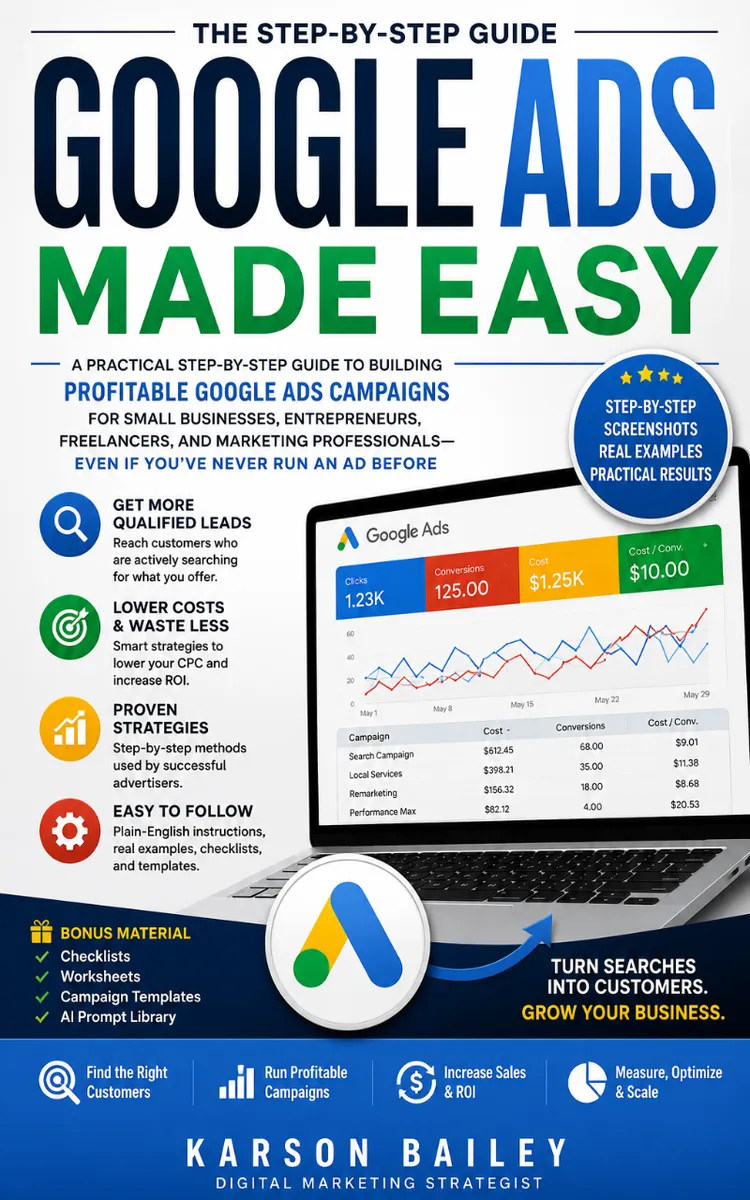
Google Ads Made Easy
Created with Inkfluence AI
Building and optimizing profitable Google Ads campaigns
Table of Contents
- 1. Google Ads Auction and Ad Rank
- 2. Quality Score and Bidding Basics
- 3. Keyword Research for Buyer Intent
- 4. Search Intent to Ad Copy Matching
- 5. Campaign Structure That Stays Profitable
- 6. Create Your First Google Search Campaign
- 7. Conversion Tracking and Landing Page Setup
- 8. Optimization, Performance Max, and Remarketing
Preview: Google Ads Auction and Ad Rank
A short excerpt from “Google Ads Auction and Ad Rank”. The full book contains 8 chapters and 15,651 words.
A lot of small businesses think Google Ads costs more because “that’s just how ads work.” Then they check their reports and realize the opposite: they’re paying high click prices because their ads don’t earn a good position in the auction. In plain terms, Google doesn’t hand out top spots for free. It scores every eligible ad and then chooses winners based on how likely the click is to turn into a useful result for the searcher - and it charges the winner a price tied to that competition.
If you want to stop guessing and start controlling your cost per click, you need one thing: understand the auction and how Ad Rank, Quality Score, and your bid turn into the real cost you pay each time someone clicks. After this chapter, you’ll be able to look at your campaign and ask the right questions like, “Why did I pay that much?” and “What should I change first to lower my cost without killing leads?”
You’ll also learn how to use a simple mental tool - the Auction-to-AdRank Map - so you can predict whether changes to keywords, ads, and bids will reduce your cost per click or just waste money. And you’ll walk through Tanya’s plumbing campaign using the same rules you’ll use in your own account.
Why the Auction Decides Your Cost Per Click (and What You Get to Control)
Google runs an auction every time someone searches. Your ad enters the auction only if it matches the search and your campaign settings allow it. Then Google ranks all the eligible ads and decides which ones show. The key point: your bid alone does not set your cost per click.
Here’s the beginner trap: you raise your bids because you want more clicks. Sometimes you get them - but you also start paying more than you needed. That happens when your ad and keyword experience don’t score well, so you “buy” a better position using money instead of relevance.
To lower your cost per click, you don’t just outbid people - you improve how Google evaluates your ad for that specific search. That evaluation shows up in Quality Score (Google’s score for how relevant and useful your keyword and ad experience are for the search). When your Quality Score improves, your Ad Rank can improve without you pushing bids as high.
Use this quick comprehension check before you go further: when someone searches “drain cleaning near me,” your business doesn’t win because you typed in the highest number. You win when your ad and landing page match that intent closely enough that Google expects the click will matter.
Practical takeaway: Your job isn’t to “pay less.” Your job is to earn a better Ad Rank for the searches you care about, so Google can charge you less for the position you want.
How the Auction Works: Ad Rank, Quality Score, and Bids in Real Terms
Think of every eligible ad as competing in a stack. Google estimates which ads will help the searcher most, and it uses that estimate to rank ads. The winner gets the best visibility, and the winner pays a cost tied to the next-best competitor - not just their own bid.
The two big pieces you control are:
- Your bid (how much you’re willing to pay per click, based on your bidding strategy).
- Your Quality Score, which depends on how well your keyword, ad, and landing page match the search intent.
Google turns these into Ad Rank (the ranking number that decides where you show). Your Ad Rank determines whether you win a top spot and strongly influences your real cost per click.
To make this simple, use the Auction-to-AdRank Map:
1. Start with intent (keyword)
- If your keyword matches the exact type of problem the customer is searching for, Google has a reason to show you. Example: “emergency plumber” should not share the same ad group as “pipe repair tips.” You want the search to line up with what your ad promises.
2. Match the ad to the search
- Your ad headline and description should repeat the core intent from the keyword. If someone searches “water heater repair,” your ad should say “water heater repair,” not just “plumbing services.”
3. Make the landing page confirm the promise
- If your ad says “emergency drain cleaning,” your landing page should immediately show emergency options, service area, and a clear call to call or request help. If the page feels unrelated, your click is less likely to turn into a useful outcome - so your Quality Score suffers.
4. Set the bid based on competition, not hope
- If you have weak relevance, raising bids usually increases cost without fixing the problem. If you improve relevance first, you can often keep bids lower and still hit the position you want.
Now put those pieces into a concrete rule you can use when you’re troubleshooting:
- If your ads show but clicks cost too much, your relevance is likely lagging (Quality Score is likely not strong for those searches).
- If your ads don’t show often, your bid and eligibility are likely too low for that keyword’s competition.
...
About this book
"Google Ads Made Easy" is a how-to guide book by Anonymous with 8 chapters and approximately 15,651 words. Building and optimizing profitable Google Ads campaigns.
This book was created using Inkfluence AI, an AI-powered book generation platform that helps authors write, design, and publish complete books. It was made with the AI Ebook Generator.
Frequently Asked Questions
What is "Google Ads Made Easy" about?
Building and optimizing profitable Google Ads campaigns
How many chapters are in "Google Ads Made Easy"?
The book contains 8 chapters and approximately 15,651 words. Topics covered include Google Ads Auction and Ad Rank, Quality Score and Bidding Basics, Keyword Research for Buyer Intent, Search Intent to Ad Copy Matching, and more.
Who wrote "Google Ads Made Easy"?
This book was written by Anonymous and created using Inkfluence AI, an AI book generation platform that helps authors write, design, and publish books.
How can I create a similar how-to guide book?
You can create your own how-to guide book using Inkfluence AI. Describe your idea, choose your style, and the AI writes the full book for you. It's free to start.
Write your own how-to guide book with AI
Describe your idea and Inkfluence writes the whole thing. Free to start.
Start writingCreated with Inkfluence AI


