

Read the first chapter
The whole of chapter one, free. About 7 min. Turn the pages with the arrows, your keyboard, or a swipe.
Chapter 1
What Makes an Ebook Feel Different
The Opening
You’d think an ebook would feel like paper with a new skin-same pages, same words, just lighter and cheaper. But the strange truth is that ebooks don’t just show text. They change the way reading happens, turning a fixed object into something closer to a conversation between your eyes, the screen, and the text itself.
Here’s the paradox: the more “digital” an ebook becomes, the less it behaves like a book you can set on a shelf. Instead of one layout that stays put, you get a layout that moves. Instead of browsing by distance-turning pages, scanning spines-you get navigation by search, jumps, and links. And instead of ownership that looks the same from day to day, you end up with a kind of access that can feel permanent until it doesn’t.
This chapter explores the everyday difference that’s easy to miss: how layout, navigation, and search quietly rewire reading, and why the “feels like a book” question is really about the body, not just the device. If an ebook lets you rearrange the text in front of you, what exactly is the “book” that you’re holding?
The Deep Dive
The biggest surprise about ebooks isn’t the screen. It’s the decision to treat text as something you can reformat on demand. Paper is stubborn: once a printer inks a page and binds it into a stack, the layout is locked. An ebook, by contrast, usually relies on a reflowable text system, where the same words can rewrap to fit different screen sizes, change font sizes, and adjust line breaks as you zoom in or out. That’s not a cosmetic feature. It changes the reading experience from “I’m moving through fixed pages” to “I’m moving through a shifting arrangement.”
To understand why that matters, it helps to look backward at what reading used to be in the most literal sense. For centuries, books were built from page turns. Even when readers didn’t consciously count pages, the physical rhythm of reading-glance, scan, turn-created a kind of mental map. You could remember where you were because the book had a spine, a thickness, a weight that behaved consistently. Libraries, classrooms, and homes trained readers into that map: you’d find a passage by knowing roughly where it lived in the bound object.
Ebooks loosen that map. Most ebook readers and apps can show reading progress in a way that doesn’t correspond to page numbers in the paper sense. Some display “location” numbers instead of pages. Others show a percentage-helpful for orientation, but different from the tactile certainty of a page count. When the text reflows, “page 73” isn’t a universal destination anymore. The same sentence might land at different vertical positions across devices or font settings, because the layout is being recalculated.
Then there’s navigation, which is where ebooks quietly pull reading apart and reassemble it. Paper gives you a few reliable tools: a table of contents, an index, bookmarks, and the physical act of flipping back and forth. Ebooks add hyperlinks, internal jumps, and search. A footnote can become a tap. A reference can become a direct jump. A keyword search can collapse hours of browsing into seconds.
It’s tempting to think of these as conveniences, the way a better pen makes writing easier. But navigation features change what readers do when they’re unsure. With paper, uncertainty often turns into wandering-thumb through sections, re-read context, look up the index entry. With ebooks, uncertainty often turns into a query: search for the term, jump to where it appears, then decide. That shift affects how knowledge feels while you’re consuming it: more “find and connect” than “follow and remember.”
A brief historical detour clarifies why this isn’t just modern gadgetry. The idea of reading text on screens predates today’s ebook readers by decades, but early digital text often carried the constraints of its era: limited display sizes, slower refresh rates, and interfaces that didn’t treat text as a navigable structure. As markup languages and digital publishing workflows matured, text could be represented in ways that preserve meaning-headings, paragraphs, lists, links-rather than only as pixels. Once content is structured, tools like search and jump links become natural. In other words, ebooks feel different because the text isn’t merely “shown”; it’s described in a format that software can manipulate.
That manipulation shows up in small, daily moments. On a paper book, you can skim by speed, but you can’t instantly jump to every occurrence of a phrase without an index. In many ebooks, you can. You can also adjust the reading experience in ways paper can’t: larger fonts for the same text, different line spacing, altered margins, even changing the “theme” to reduce glare. None of this changes the author’s sentences. It changes how those sentences occupy space in your attention.
What You Did Not Expect
The counterintuitive part is that the most ebook-like feature-search-can make reading feel less like reading and more like investigating. It’s not that readers suddenly stop reading; it’s that the presence of instant lookup changes the mental posture you bring to the page. When a word is unfamiliar, paper nudges you toward context, a guess, or a trip to the dictionary. An ebook offers a different route: tap, search within the book, and confirm with the surrounding sentences.
This matters because reading isn’t only about decoding words. It’s about tracking meaning over time. When you can instantly locate a term, you may start building meaning through repetition and pattern rather than through linear flow. That can be energising for some kinds of nonfiction-history, science, reference-heavy subjects-because it rewards cross-checking. It can also be slightly destabilising, because “where you are” becomes less fixed and more revisable. You’re still reading, but you’re also steering.
That reframing changes what “ownership” can feel like, too. If the ebook is a searchable database of text rather than a single object with pages, then the reader’s relationship shifts from keeping a physical thing to managing access to a formatted experience. The words are there, but the surface of reading-the way you move through them-can depend on software, settings, and the device that’s rendering the text in front of you.
The Human Story
Nadia is 34 and commutes every weekday, switching between audiobooks and ebooks depending on the day. On the train, she’ll listen when her hands are busy or her eyes want a break. When she needs to focus, she switches to an ebook reader app on her phone. What stands out about her experience isn’t that the text is readable; it’s that the text behaves differently depending on how she’s using it.
During a busy week, she often changes font size to match the conditions-bright morning light versus dim evening cars, tired eyes versus a clear head. On paper, font size would require a different book or strained squinting. In her ebook, the same chapter flows into a new arrangement. She’ll look back and notice that the “progress” indicator isn’t the same kind of certainty as page numbers. She knows she’s close, but she can’t predict exactly where the next sentence lands on a different device or after a settings change.
Navigation is where her habits become visible. She reads nonfiction, and when a concept gets mentioned in passing, she doesn’t always move forward first. Sometimes she searches within the book to see how the author uses the term elsewhere. Other times she jumps via links-especially when the ebook includes references, headings that function like a map, or structured notes. She’s not doing this because she’s trying to be efficient. She’s doing it because the ebook makes that kind of reading feel natural, almost built into the interface. The book becomes less of a single path and more of a network of places you can reach quickly.
Her audiobook-to-ebook switch also highlights an everyday contrast. In audio, time is linear: the narration moves forward, and you can only pause, rewind, or skip. In an ebook, the text is spatial in a different way. You can jump to a section, skim a paragraph by eye, then settle again. Nadia doesn’t experience the ebook as “paper but digital.” She experiences it as a reading tool that supports quick orientation and quick reorientation. That’s a subtle change in how she builds understanding during her commute: less about following one track, more about revisiting and stitching.
If you want a single image for why ebooks feel different, it’s this: with paper, the book holds still and the reader moves. With ebooks, the reader often holds steady while the book’s presentation shifts to meet them.
What This Tells Us
What emerges from these mechanics is a broader truth about how humans read: we don’t just process language, we process structure. The page number, the index, the table of contents-these are not decoration. They’re wayfinding tools that shape memory. When ebooks substitute reflowable layout for fixed pages and add search and links for browsing, they don’t merely change convenience. They change the cues your brain uses to form an internal map of the text.
It also suggests something a little unsettling about modern “ownership.” When a book behaves like a flexible interface-capable of changing shape with settings and device-then the familiar idea of keeping a thing you can always return to starts to blur. The content might be stable, but the reading experience is partly software-rendered, partly personal preference, and partly dependent on the ecosystem around it.
Maybe that’s the real mystery: ebooks don’t replace paper so much as they replace the relationship between reader and text. And once you notice that, you start wondering what else about reading is quietly negotiable-beyond what your eyes can see, beyond what the cover promises, and right up to the moment you hit a link and discover the book isn’t one place, but many.
End of chapter one. 4 more chapters in the full book.
Swipe or use the arrows to turn the page


What's inside: 5 chapters
- 1. What Makes an Ebook Feel Different
- 2. The Ebook File Formats You’ll Meet
- 3. How Reflow Text Changes Everything
- 4. Finding, Highlighting, and Searching Like Pro
- 5. Why Ebooks Win: Portability to Permanence
About this book
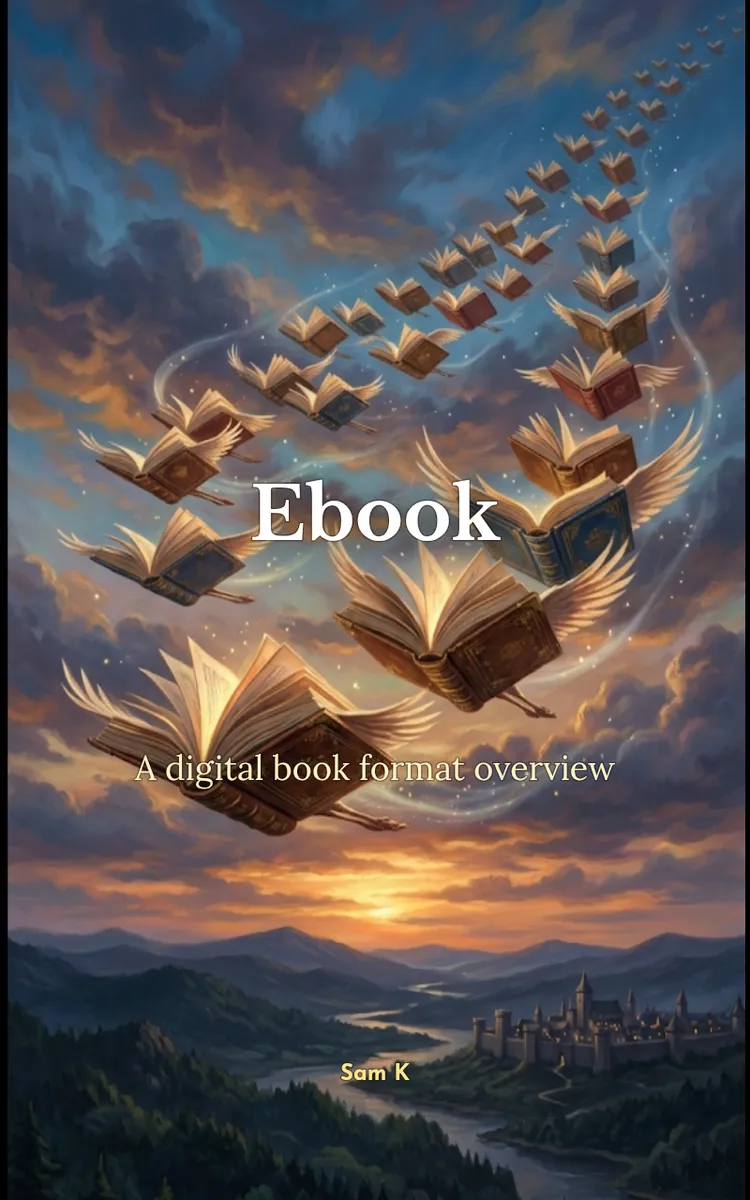
"Ebook" is a curiosity book by Sam K with 5 chapters and approximately 7,807 words. General overview of what an ebook is.
This book was created using Inkfluence AI, an AI-powered book generation platform that helps authors write, design, and publish complete books.
Frequently Asked Questions
What is "Ebook" about?
General overview of what an ebook is
How many chapters are in "Ebook"?
The book contains 5 chapters and approximately 7,807 words. Topics covered include What Makes an Ebook Feel Different, The Ebook File Formats You’ll Meet, How Reflow Text Changes Everything, Finding, Highlighting, and Searching Like Pro, and more.
Who wrote "Ebook"?
This book was written by Sam K and created using Inkfluence AI, an AI book generation platform that helps authors write, design, and publish books.
Write your own curiosity book with AI
Describe your idea and Inkfluence writes the whole thing. Free to start.
Start writingCreated with Inkfluence AI


