
Read the first chapter
The whole of chapter one, free. About 2 min. Turn the pages with the arrows, your keyboard, or a swipe.
Chapter 1
Recognizing Phishing Messages
Why Is This Cool?
Phishing messages are sneaky notes or emails that try to trick you into giving away secrets like passwords or clicking links that cause trouble. Learning to spot them is like becoming a message detective — you get to use clues and logic to stay safe online.
One fun thing: spotting a fake message uses the same skills as solving a mystery — looking for strange words, odd senders, and weird links. Fun fact: many phishing messages pretend to be from a person you know, but the email address is slightly wrong.
Knowing how to recognize phishing keeps your accounts and devices safe, and it helps your family and friends too. You’ll practice simple steps you can use again and again.
Let's Practice!
Example: Here is a short fake message: - Sender shows as "BankHelp" but the email is bankhelp@email123.com - Message says: "Click here to reset your password now!" and shows a button that says RESET
Your job: check the clues.
Activity steps: 1. Read the message slowly. Look at the sender name and the email address or phone number. If the email looks strange, mark it. 2. Look for urgent words like "now," "urgent," or "verify immediately." Circle any urgent words you find. 3. Check for links: hover (move your mouse over a link) or look without clicking. Does the link address look different from the sender? If yes, mark it as suspicious. 4. Check for requests for personal information (passwords, birthday, full name). Draw a big X next to any request for secret info. 5. Decide: Is this message safe, suspicious, or definitely phishing? Put a checkmark in one of those three boxes.
Expected outcome: You should be able to name at least one clue that made the message suspicious and choose one of the three boxes correctly.
Great job if you found the odd email address, circled urgent words, marked a risky link, and picked "suspicious" or "phishing"!
Try Something New!
• Use two different colored pens: one color for suspicious clues, another for safe clues. This makes patterns easier to see. - Time yourself and try the activity in 3 minutes to practice spotting clues faster. - Do the activity with a friend: compare the clues you each found and talk about any differences.
How Did You Do?
1. Yes / No: Did you find a strange email address? 2. Yes / No: Did the message ask you for a password or secret? 3. Circle one: Safe / Suspicious / Phishing 4. Draw a smile if you would tell an adult about this message.
Give yourself a star if you answered all questions and could explain one clue that made the message suspicious. ⭐
End of chapter one. 6 more chapters in the full book.
Swipe or use the arrows to turn the page

Cybersecurity Workbook For Grade 12

Cybersecurity Workbook For 11th Graders

Cybersecurity Workbook For 10th Grade
What's inside: 7 chapters
- 1. Recognizing Phishing Messages
- 2. Protecting Your Personal Information
- 3. Staying Safe While Gaming Online
- 4. Understanding and Preventing Cyberbullying
- 5. Exploring Your Digital Footprint
- 6. Making Smart Choices Online
- 7. Building Your Cybersecurity Confidence
About this book
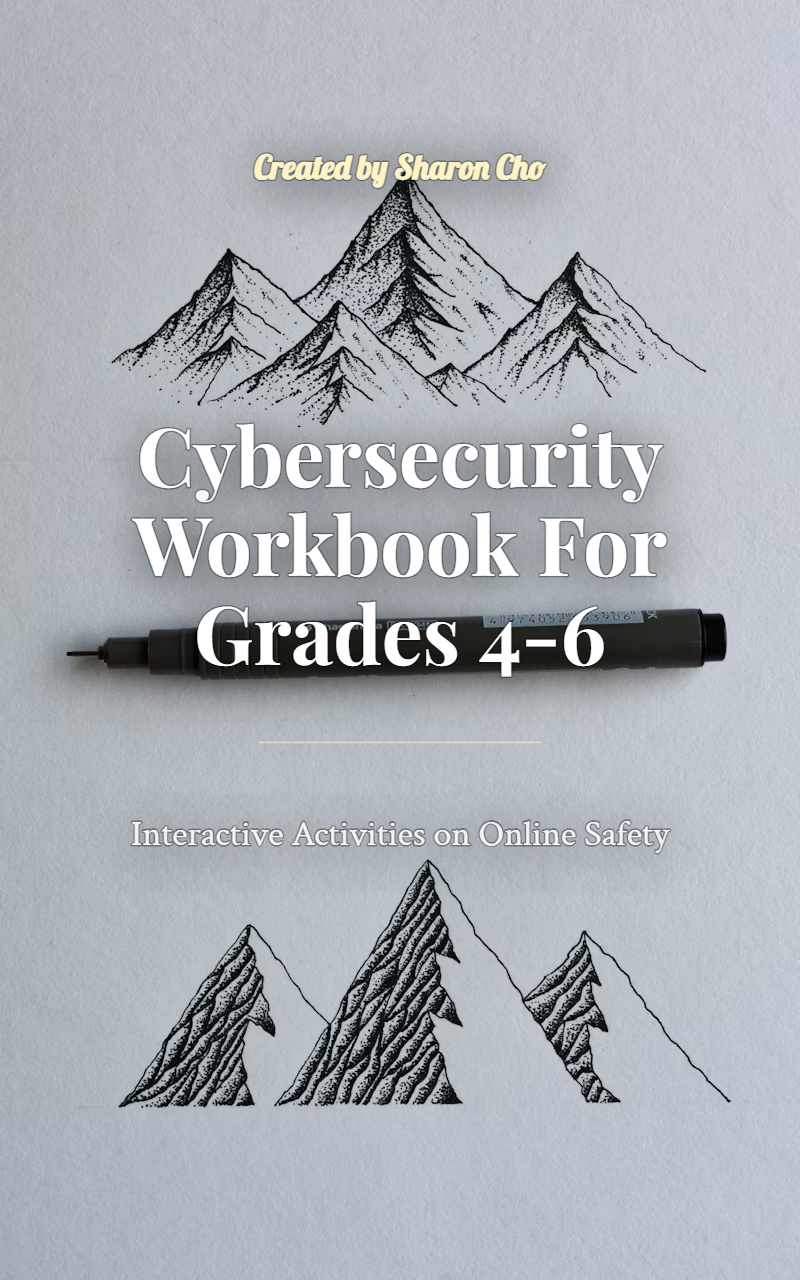
"Cybersecurity Workbook For Grades 4-6" is a workbook by Created by Sharon Cho with 7 chapters and approximately 3,167 words. Cybersecurity basics including phishing, personal info, gaming safety, cyberbullying, digital footprint.
This book was created using Inkfluence AI, an AI-powered book generation platform that helps authors write, design, and publish complete books. It was made with the Workbook Generator.
Frequently Asked Questions
What is "Cybersecurity Workbook For Grades 4-6" about?
Cybersecurity basics including phishing, personal info, gaming safety, cyberbullying, digital footprint
How many chapters are in "Cybersecurity Workbook For Grades 4-6"?
The book contains 7 chapters and approximately 3,167 words. Topics covered include Recognizing Phishing Messages, Protecting Your Personal Information, Staying Safe While Gaming Online, Understanding and Preventing Cyberbullying, and more.
Who wrote "Cybersecurity Workbook For Grades 4-6"?
This book was written by Created by Sharon Cho and created using Inkfluence AI, an AI book generation platform that helps authors write, design, and publish books.
How can I create a similar workbook?
You can create your own workbook using Inkfluence AI. Describe your idea, choose your style, and the AI writes the full book for you. It's free to start.
Write your own workbook with AI
Describe your idea and Inkfluence writes the whole thing. Free to start.
Start writingCreated with Inkfluence AI


