
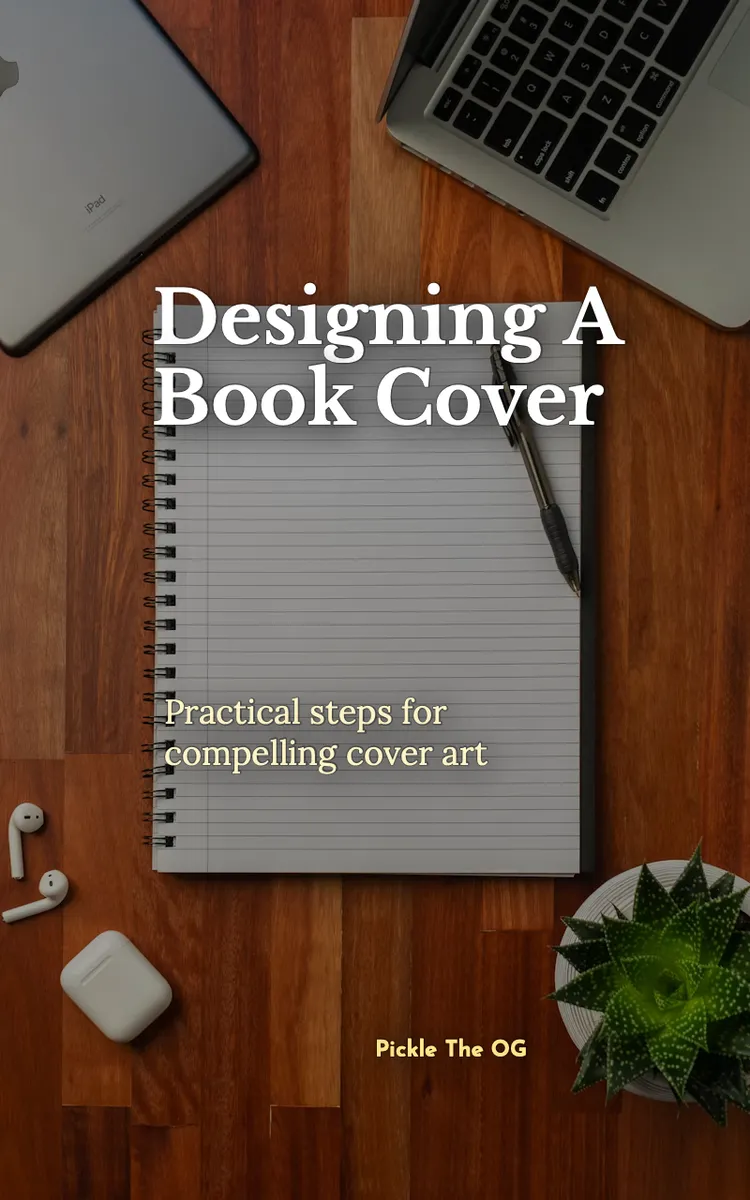
Designing A Book Cover
Created with Inkfluence AI
How to design an effective book cover
Table of Contents
- 1. Cover Goals and Audience Fit
- 2. Typography That Signals Genre
- 3. Color Palettes With Meaning
- 4. Images, Icons, and Composition Layout
- 5. Print and Thumbnail Testing Checklist
Preview: Cover Goals and Audience Fit
A short excerpt from “Cover Goals and Audience Fit”. The full book contains 5 chapters and 9,320 words.
Have you ever picked up a book, read the back cover, and still felt confused about what you were about to get? That mix-up usually starts on the front cover. Your cover does one job before anyone reads a word: it tells the right people, “This fits what I want,” and it tells the wrong people, “This isn’t for me.” When you design from that goal, you stop guessing about colors and start building a clear promise.
Nadia knows this problem firsthand. She’s a 31-year-old first-time author who wrote a practical guide for busy gym owners who want to improve results without hiring a “full-time marketing person.” She didn’t struggle with writing-she struggled with cover direction. Every time she changed fonts or added a graphic, she got more opinions and not more clarity. This chapter gives you a simple way to turn your book’s promise into cover goals you can actually design from.
Why This Matters
A book cover can’t do everything. It can’t teach your method, prove your credibility, and answer every question in one glance. But it can guide a reader’s next step: click, buy, pick up, or scroll past. If your cover goals stay vague, you end up with a design that looks “nice” but doesn’t match the reason someone would choose your book in the first place.
This chapter solves a specific problem: you don’t know how to define what your cover must accomplish, so you keep changing random elements. You’ll fix that by translating your book’s promise into clear, testable cover goals-and then choosing an audience-first direction you can build on. When you finish, you’ll be able to write a short “cover promise statement,” name your target reader in plain language, and decide what your cover must communicate at a glance.
A practical way to check yourself: if you can’t explain your cover in one sentence-who it’s for and what it helps them do-your design process will drift. You’ll end up chasing trends instead of building fit. Your takeaway: clarity beats decoration, and your cover goals come straight from your reader’s decision.
How It Works
The core technique here is the Promise-to-Cover Map. You start with your book’s promise (what results the reader gets) and you translate it into cover goals (what the cover must communicate fast), then you match those goals to an audience-first direction (the visual “language” your reader expects).
Think of it like translating a recipe into a label. You don’t just print ingredients-you print the benefit (“low sugar”), the audience (“for diabetics”), and the most important cue (“no artificial sweeteners”). Your cover needs the same kind of translation.
Use this step-by-step method:
1. Write your book’s promise in one sentence
- Keep it outcome-focused, not topic-focused.
- Example for Nadia: “This book helps gym owners improve member retention using simple weekly systems, even if they hate marketing.”
2. Name the reader who will act on that promise
- Pick a real group, not “everyone.” Use a job role plus a constraint.
- Nadia’s reader: “Gym owners who feel busy, don’t trust hype, and want practical steps they can run this week.”
3. List the “at-a-glance” decisions your cover must support
- These decisions answer what the reader needs to feel before they buy.
- Nadia’s cover might need to support: “This is practical,” “This fits my gym,” and “I can start immediately.”
4. Turn each decision into a cover goal you can design
- A cover goal should point to a design choice you can make without guessing.
- Example cover goals for Nadia:
- “Show practicality” (use clean layout, clear typography hierarchy, minimal fluff)
- “Show fit for gym owners” (use an industry-relevant cue like a simple facility icon or equipment-shaped silhouette)
- “Show ‘start now’” (use language that signals weekly systems or step-by-step guidance)
To make this concrete, you need to translate promise → cover goals → audience-first direction. Audience-first direction means you choose the style your target reader already trusts. Gym owners who avoid hype tend to prefer straightforward visuals and readable type. They usually don’t respond well to clutter, mystery imagery, or overly “slick” marketing vibes that feel like ads.
Ask yourself this quick comprehension check: when your target reader sees the cover for half a second, do they get the promise, or do they just see a theme? Your goal is promise clarity. Color and graphics matter, but they serve the promise-to-cover translation.
Here’s a simple mini-map using Nadia’s situation:
- Promise: Simple weekly systems that improve member retention
- Reader: Gym owners who want practical steps fast
- At-a-glance decisions: Practical, relevant, doable this week
- Cover goals: Clean, readable typography; gym-relevant cue; benefit-forward title/subtitle
Your practical takeaway: you don’t “design a cover.” You design a response to your reader’s decision-making....
About this book
"Designing A Book Cover" is a how-to guide book by Pickle The OG with 5 chapters and approximately 9,320 words. How to design an effective book cover.
This book was created using Inkfluence AI, an AI-powered book generation platform that helps authors write, design, and publish complete books. It was made with the AI Ebook Generator.
Frequently Asked Questions
What is "Designing A Book Cover" about?
How to design an effective book cover
How many chapters are in "Designing A Book Cover"?
The book contains 5 chapters and approximately 9,320 words. Topics covered include Cover Goals and Audience Fit, Typography That Signals Genre, Color Palettes With Meaning, Images, Icons, and Composition Layout, and more.
Who wrote "Designing A Book Cover"?
This book was written by Pickle The OG and created using Inkfluence AI, an AI book generation platform that helps authors write, design, and publish books.
How can I create a similar how-to guide book?
You can create your own how-to guide book using Inkfluence AI. Describe your idea, choose your style, and the AI writes the full book for you. It's free to start.
Write your own how-to guide book with AI
Describe your idea and Inkfluence writes the whole thing. Free to start.
Start writingCreated with Inkfluence AI


