
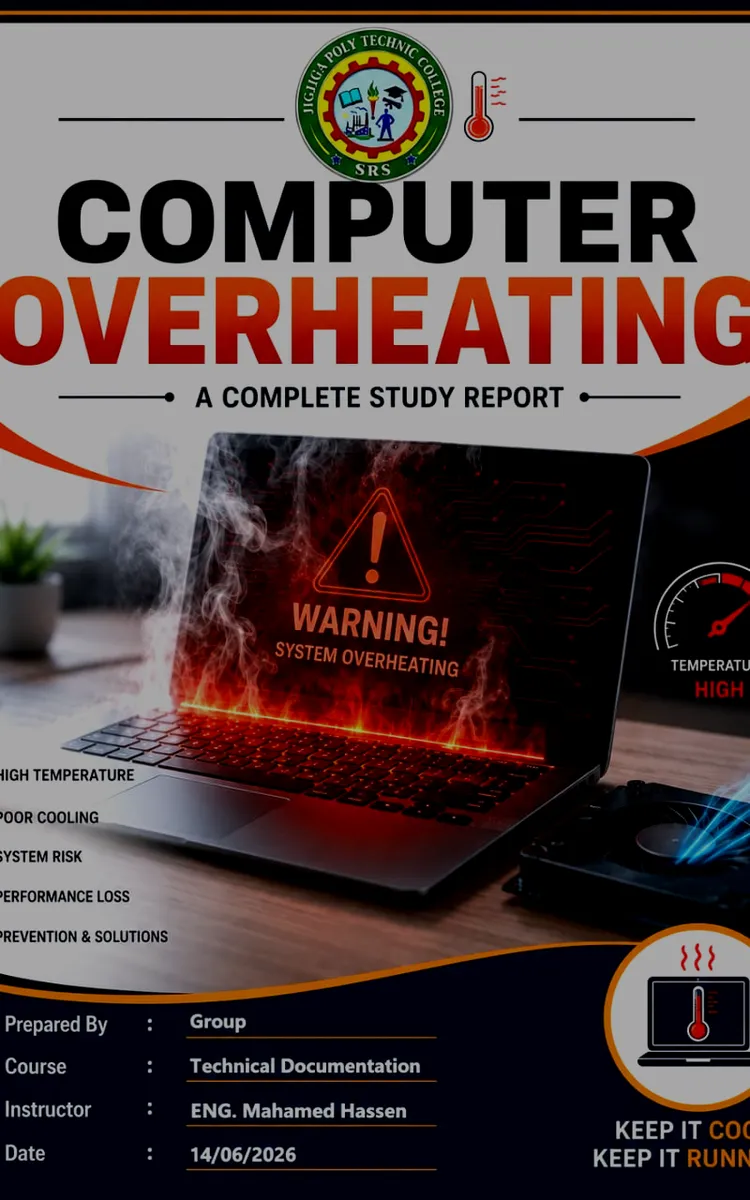
Computer Overheating
Created with Inkfluence AI
Causes, symptoms, monitoring, cooling, and troubleshooting of overheating computers
Table of Contents
- 1. Introduction to Computer Overheating
- 2. Understanding Heat Generation in Computers
- 3. Causes of Computer Overheating
- 4. Signs and Symptoms of Overheating
- 5. Effects of Overheating on Computer Systems
Preview: Introduction to Computer Overheating
A short excerpt from “Introduction to Computer Overheating”. The full book contains 5 chapters and 11,385 words.
Chapter 1: Introduction to Computer Overheating
A computer overheats when heat builds up faster than the system can move it away. You can hear it in the fan ramping up, you can feel it around the vents, and you can often confirm it in software logs that show temperatures rising past safe operating limits. Overheating does not just “cause problems” - it changes how components behave, which then triggers instability, slowdowns, crashes, and permanent damage in worst cases.
This book treats overheating like a measurable engineering problem, not a vague “keep it cool” reminder. You will learn how to recognize heat stress early, how to measure temperatures correctly, and how to build a troubleshooting path that leads from symptoms to root causes. The focus stays practical: what to check first, what to verify, and what fixes actually remove heat from the system.
To keep the troubleshooting workflow consistent, you will use the same mindset throughout the book: confirm the temperatures, connect them to the hardware that can generate the heat, verify that the cooling path can carry it away, and then remove the specific restriction you find. If you can follow that chain, you can prevent most overheating failures and diagnose the rest with confidence.
Quick Reference Figure: What “Overheating” Looks Like in a Real System
Figure 1.1: Temperature Rise and Thermal Throttling
Image Caption: CPU and GPU temperatures climb during load; the system responds by throttling or shutting down.
Image Explanation: This diagram shows a typical thermal curve: temperature rises under workload, then the system applies thermal throttling (reduced performance) or triggers a protection shutdown when temperatures exceed thresholds.
---
What “Overheating” Means in Computer Terms (and Why You Should Care)
Computers do not “run hot” randomly; they run hot because heat generation and heat removal move at different speeds. Heat generation comes from active work (for example, the CPU executing instructions or the GPU rendering graphics). Heat removal depends on airflow, heat transfer materials, cooling hardware, and how clean the path stays over time. When heat generation outpaces heat removal, temperatures rise until the system’s thermal protection mechanisms step in.
Most people notice overheating only after a failure, but you can catch it earlier by watching how the system behaves under load. Ask yourself: when the machine gets busy, does it slow down noticeably even though the workload stays the same? That symptom often points to thermal throttling, where the CPU or GPU reduces performance to prevent damage. Another clue: do you see repeated crashes only during heavy tasks, but not during idle time? Overheating often shows up as a workload-linked issue rather than a constant one.
From a practical standpoint, overheating matters because heat accelerates wear. Fans seize when dust caked on bearings prevents smooth rotation. Thermal paste dries out and loses contact quality. Solder joints and connectors experience more stress when temperatures cycle too high too often. Even when a system survives, overheating can reduce component lifetime and can corrupt data during sudden power loss.
Figure 1.2: Heat Generation vs. Heat Dissipation
Image Caption: Overheating happens when generation exceeds dissipation.
Image Explanation: This chart compares two curves over time: heat generation increases under workload, while heat dissipation depends on cooling capacity. When the generation curve rises above the dissipation curve, temperature climbs rapidly.
Key Points
- Overheating occurs when heat generation outpaces heat removal.
- Thermal throttling shows up as performance drops during load.
- Heat stress accelerates wear on fans, thermal interfaces, and solder joints.
- Workload-linked crashes often point to thermal problems.
Takeaway prompt: When you think “overheating,” identify whether you mean a temperature reading problem, a performance/throttling problem, or a shutdown problem. Those lead to different verification steps later.
---
The Heat Path Inside a Computer: Where Problems Actually Start
To troubleshoot overheating, you must understand the heat path. Heat originates at silicon (like the CPU die or GPU die). The system then transfers that heat through a stack: thermal interface material, a heat sink, and heat pipes (in many designs). Finally, the system uses fans and airflow to move that heat into the air leaving the case. If any link in that chain fails, temperatures rise.
A lot of overheating cases trace back to the heat sink not contacting the component properly or airflow not reaching the heat sink. Thermal paste and thermal pads matter because they control the microscopic contact between surfaces. Even if the heat sink looks “installed,” a thin gap or uneven pressure reduces heat transfer. Dust blocks airflow fins and restricts fan performance....
About this book
"Computer Overheating" is a how-to guide book by Anonymous with 5 chapters and approximately 11,385 words. Causes, symptoms, monitoring, cooling, and troubleshooting of overheating computers.
This book was created using Inkfluence AI, an AI-powered book generation platform that helps authors write, design, and publish complete books. It was made with the AI Ebook Generator.
Frequently Asked Questions
What is "Computer Overheating" about?
Causes, symptoms, monitoring, cooling, and troubleshooting of overheating computers
How many chapters are in "Computer Overheating"?
The book contains 5 chapters and approximately 11,385 words. Topics covered include Introduction to Computer Overheating, Understanding Heat Generation in Computers, Causes of Computer Overheating, Signs and Symptoms of Overheating, and more.
Who wrote "Computer Overheating"?
This book was written by Anonymous and created using Inkfluence AI, an AI book generation platform that helps authors write, design, and publish books.
How can I create a similar how-to guide book?
You can create your own how-to guide book using Inkfluence AI. Describe your idea, choose your style, and the AI writes the full book for you. It's free to start.
Write your own how-to guide book with AI
Describe your idea and Inkfluence writes the whole thing. Free to start.
Start writingCreated with Inkfluence AI


