
Inkfluence AI Is Live on the App Store (2025 iOS Launch)
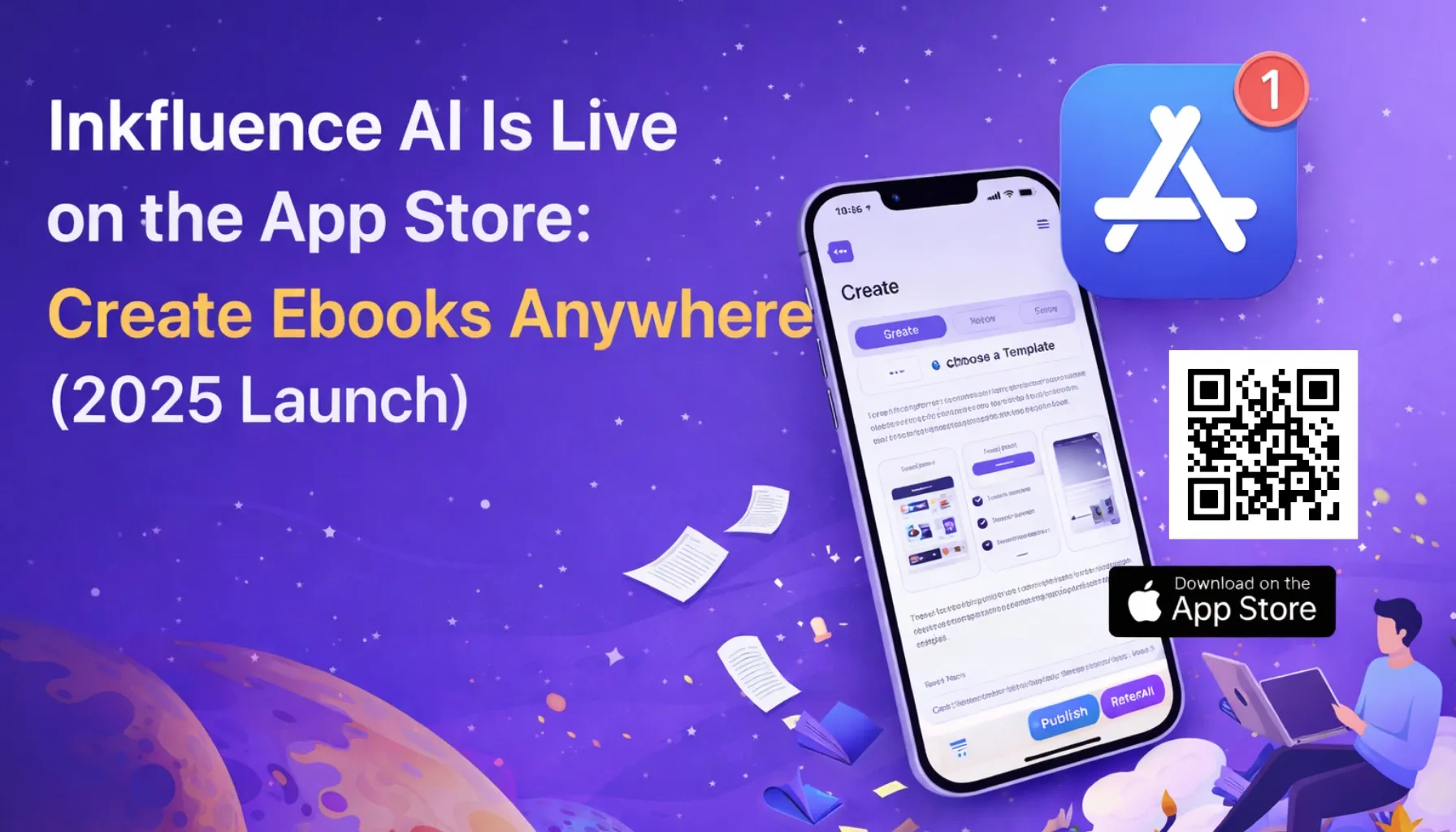
Inkfluence AI is now on iOS. Create ebooks, guides, and lead magnets from your phone with the same structure, formatting, and export workflows as desktop.
Quick Answer
Inkfluence AI is available on the App Store as a native iOS app. You can outline, draft, and export ebooks, lead magnets, and guides directly from your phone using the same structured workflow as the web-based AI ebook generator. The app supports PDF and EPUB export, cover design, and all 33 book types on mobile.
Why We Built the iOS App Now
We built Inkfluence to remove the slowest part of modern publishing: turning a strong idea into a structured, finished ebook. That problem does not only happen at a desk. It happens when you are walking, traveling, in between meetings, or catching a burst of clarity on your phone. In 2025, creators do not want more tools. They want the same publishing engine in their pocket.
The iOS launch is about closing that gap. You can now outline, draft, and export on mobile without waiting to get back to your laptop. The output is the same structured workflow you already use in the web app. If you want the fastest way to get a first draft done, start with How to Create an Ebook in Minutes.
Who the App Is For
This app is built for the people who move fast: creators turning ideas into lead magnets, coaches building client playbooks, educators converting notes into study guides, and marketers who need launch assets on demand. Mobile unlocks the ability to capture ideas immediately and move them into a structured draft before the energy fades.
For example:
- Marketers building high-converting opt-ins can start with ebook lead magnet examples.
- Students and educators can turn raw notes into structured resources with study guide workflows.
- Creators deciding what to publish next can begin with best ebook niches and validate demand first.
What You Can Create on iPhone
The iOS app ships with the same core engine as the web platform. That means you can generate:
- Full-length ebooks
- Short lead magnets and guides
- Workbooks and client resources
- Outlines and drafts you can refine later
App Features at a Glance
- Structured generation: Chapters, headings, and clean flow out of the box.
- Multi-format export: PDF, EPUB, and DOCX for distribution or editing.
- Fast iteration: Regenerate sections without restarting the draft.
- On-the-go capture: Turn a single prompt into a usable outline.
- Consistent formatting: Output stays clean across devices.
If you want to see the full process from outline to final structure, the step-by-step breakdown lives in How to Write an Ebook Step-by-Step.
A 10 Minute Quickstart (Mobile)
If you want to feel the speed difference immediately, try this short workflow:
- Open the app and paste a one sentence idea.
- Generate an outline with 5 to 7 sections.
- Draft the first section and edit for tone.
- Export a preview PDF and share it to yourself.
That is enough to test topic clarity and structure before you invest more time. If the outline feels off, adjust the niche. If the tone feels wrong, test a different voice. This is the same iteration loop described in How to Create an Ebook.
The Mobile Workflow: From Idea to Draft
The fastest path on mobile looks like this:
- Capture the idea as a prompt or a rough outline.
- Generate structure with chapters and sections.
- Draft content using the same narrative engine as desktop.
- Export to PDF, EPUB, or DOCX for distribution or editing.
That flow mirrors the web experience, which is why it works. If you want a deeper workflow guide, start with How to Create an Ebook in Minutes and the export breakdown in Multi-Format Ebook Creation.
Mobile Workflow Checklist
- Pick a narrow topic. Use a specific outcome, not a broad niche.
- Generate the outline. Confirm the flow before drafting.
- Draft the first section. If it feels wrong, revise the outline first.
- Export a preview. Check formatting and readability on mobile.
- Decide the format. PDF for downloads, EPUB for marketplaces.
Quality and Formatting Still Matter
Mobile writing should not look like a text dump. Inkfluence keeps structure intact: headings, chapters, formatting, and export-ready layouts. That is why the output can be used for actual distribution, not just internal drafts.
If you want to go deeper on formatting, the core principles are covered in Ebook Design Best Practices. For export and PDF formatting, you can pair the app with the PDF Ebook Maker.
SEO and Distribution Still Apply
Creating on mobile does not change the rules of discovery. Your ebook still needs the right title, metadata, and landing-page structure to be found. If you are publishing on Amazon or ranking on Google, the checklist still applies.
Start with the Ebook SEO Checklist and the deeper guidance in SEO for Ebooks.
Make It Convert, Not Just Publish
Speed is only useful if the asset converts. The highest performing mobile outputs are usually lead magnets, short guides, or client playbooks. If you want to build a simple funnel around a mobile draft, start with turning blog posts into lead magnets and the funnel logic in high-converting ebook funnels.

Idea Prompts (5 Quick Starts)
- "Create a 7-step onboarding guide for new coaching clients."
- "Write a lead magnet for busy founders on pricing strategy."
- "Turn my last 5 YouTube scripts into a short guide."
- "Create a revision guide for algorithms and data structures."
- "Draft a client playbook for marketing audits."
Use Cases We Expect to See First
Based on user behaviour, the most common mobile use cases will be:
- Lead magnets built fast from a single idea
- Client playbooks created between sessions
- Study guides drafted straight from lecture notes
- Outline-first ebooks created on the go
If you want to build a conversion-focused asset from a blog or thread, pair the app with turning blog posts into lead magnets and the funnel strategy in high-converting ebook funnels.
What Makes Mobile Publishing Worth It
Mobile does not replace long-form work. It accelerates validation. The fastest creators in 2025 are not the ones who write the most. They are the ones who test ideas, structure them quickly, and only expand the ones that already feel viable. The iOS app turns that loop into a habit.
Download the App
Inkfluence AI is now live on iOS. If you already use the web platform, the workflow will feel familiar. If you are new, you can start with a draft in minutes and export a polished file without touching a desktop.
Download Inkfluence AI on the App Store
We will keep shipping updates and new workflows. Track changes in the Changelog and explore what is next on the Roadmap.

Founder, Inkfluence AI
Sam is the founder of Inkfluence AI. He built the platform to make book creation accessible to everyone - from first-time authors to seasoned publishers.
Helpful links
Ready to Create Your Own Ebook?
Start writing with AI-powered tools, professional templates, and multi-format export.
Get Started FreeRelated Articles
 Company
 What's New in Inkfluence AI - Spring 2026 Update
Remix books into new formats, translate into 30+ languages, generate audiobooks, and a redesigned gallery with author spotlights.
 Company
 How We Built Remix - Turning One Book Into Infinite Formats
The story behind our most requested feature: how Remix lets you transform any book into a new tone, audience, format, or language.
 Company
 Building Inkfluence AI in 30 Days - A Real Founder Log
A day-by-day breakdown of how Inkfluence AI went from idea to functioning SaaS in the first 30 days.
Get ebook tips in your inbox
Join creators getting weekly strategies for writing, marketing, and selling ebooks.