
Building Inkfluence AI in 30 Days - A Real Founder Log
A day-by-day breakdown of how Inkfluence AI went from idea to functioning SaaS in the first 30 days.

Quick Answer
Inkfluence AI was built from idea to functioning SaaS in 30 days by a solo founder with no co-founder, no funding, and no team. This is the unfiltered day-by-day log covering architecture decisions, AI model integration, Firebase auth debugging, and the features that almost did not ship.
Most founder stories are polished retrospectives written months or years after launch. They smooth over the messy parts, skip the failures, and make everything sound inevitable.
This is not that kind of story.
This is what actually happened in the first 30 days of building Inkfluence AI - the decisions, the uncertainty, the late nights debugging Firebase auth, the features that almost did not exist, and the moments when the product started to feel real.
I built Inkfluence solo. No co-founder. No team. No funding. Just me, a laptop, a problem I wanted to solve, and 30 days to see if it could become something people would use.
Day 1-3: The Idea That Would Not Go Away
I was not trying to build a company. I was trying to solve a personal problem: writing ebooks was too slow.
I had written ebooks before - lead magnets, course materials, client deliverables. Every time, the process was the same: outline the structure, write the chapters, format everything, export to PDF, repeat for the next project. It worked, but it was exhausting.
I started experimenting with AI writing tools to speed things up. ChatGPT could generate chapter drafts. GPT-4 could follow complex prompts. But every tool I tried had the same problem: they generated text, not structured ebooks. I still had to copy-paste everything into a document, format it manually, and export it myself.
That is when the idea hit: what if the AI did not just generate text, but generated the entire ebook - chapters, headings, formatting, export, everything?
I spent three days thinking about whether this was actually useful or just a feature I wanted for myself. The more I thought about it, the more I realized: if I needed this, other creators probably did too.
Day 4-6: The Prototype That Proved It Could Work
I built the most minimal version I could imagine. A single page with a form:
- Input: ebook topic
- Button: "Generate Ebook"
- Output: six AI-generated chapters
- Export: download as PDF
The code was ugly. The design was non-existent. The AI prompts were basic. But it worked.
I tested it by generating an ebook about productivity habits. The AI wrote six coherent chapters in under a minute. The PDF export looked professional. The entire process - from idea to downloadable ebook - took less than five minutes.
That was the moment I knew this could be a product. Not because the prototype was impressive, but because it delivered value instantly. No learning curve. No setup. Just results.
Day 6 was the decision point: keep this as a personal tool, or turn it into a SaaS?
I chose SaaS.
Day 7-10: Choosing the Tech Stack
I needed to pick technologies that would let me ship fast without getting stuck in infrastructure complexity. The requirements were clear:
- Fast development (no time for custom backends)
- Low maintenance (I was building solo)
- Scalable (if it worked, I did not want to rewrite everything)
- Great developer experience (debugging had to be easy)
The stack I landed on:
- Frontend: React + Vite (fast builds, component-based UI)
- Backend: Firebase (Firestore + Auth + Cloud Storage)
- AI: OpenAI GPT-4 API (no custom training required)
- Deployment: Vercel (zero-config serverless functions)
By Day 10, the skeleton of the app existed. User authentication worked. Projects could be created. Firestore was storing data. The AI integration was functional. The export pipeline was operational.
It was not pretty, but it was the foundation everything else would build on. (Read more about why this stack works.)
Day 11-15: Building the Features That Made It Feel Real
A prototype proves an idea. A product makes the idea useful.
I spent the next five days adding the features that would turn Inkfluence from a demo into something people could actually use:
Project Management: Users needed to organize multiple ebooks. I built a project dashboard where every ebook was a separate project with its own chapters, settings, and metadata.
Chapter Editor: The AI could generate chapters, but users needed to edit them. I integrated a rich text editor (TipTap) so users could refine AI output, add their own sections, and format text without touching HTML.
Cover Generator: Every ebook needs a cover. I built an AI cover generator using Replicate's image models. Users could describe their cover or let the AI suggest one based on the ebook title.
PDF Export: The export had to look professional. I spent two days building a custom renderer that handled chapter numbering, heading hierarchy, typography rules, and page breaks. The output had to look like it came from a designer, not a script.
Writing Interface: The UI had to feel calm and focused. No distractions. Clean typography. Plenty of whitespace. I wanted users to feel like they were working in a tool designed for writing, not a generic web app.
Every feature made the product feel more real. By Day 15, I could open Inkfluence, create a new project, generate an ebook, edit it, design a cover, and export a professional PDF - all without leaving the app.
Day 16-20: The First Users Who Were Not Me
Building alone has a dangerous side effect: you stop seeing your own product clearly. You know how everything works because you built it. You know which buttons to click because you designed them.
Real users do not have that context.
On Day 16, I sent the prototype to five creators I knew - a coach, a course creator, a freelance writer, a marketer, and a podcaster. I asked them to try generating an ebook and tell me what broke.
The feedback was immediate:
- "This is fast. Way faster than writing manually."
- "The interface is cleaner than [competitor]. I can actually focus."
- "The templates save so much time. I just picked one and it worked."
- "Can you add audiobook narration? That would be perfect for my audience."
Three things stood out from that feedback:
- The speed was the biggest differentiator. Users were shocked they could generate a full ebook in under five minutes.
- The UI simplicity mattered more than I expected. Several users mentioned they had tried other tools but abandoned them because the interface was too cluttered.
- Audiobooks were not on my roadmap, but multiple users asked for them unprompted.
That last point changed everything.
Day 21-25: Building the Feature That Was Not Planned
I had not planned to build audiobook generation. It was not in the MVP. It was not even on the feature list.
But when three out of five early users asked for it, I listened.
I spent the next five days building a neural text-to-speech engine:
- Voice Selection: Integrated OpenAI's TTS API with 12 voice options (Alloy, Echo, Fable, Onyx, Nova, Shimmer, and others)
- Per-Chapter Rendering: Users could generate narration for individual chapters or the entire ebook at once
- Audio Export: MP3 and WAV formats with automatic volume normalization
- Background Processing: Long audio synthesis tasks ran asynchronously using Inngest so users did not have to wait with the tab open
The hardest part was handling the chunking logic. TTS APIs have character limits, so I had to split chapters into chunks under 4096 characters, send them to the API in parallel, and stitch the audio files together using FFmpeg.
By Day 25, the audiobook engine was live. Users could select a voice, click "Generate Audiobook," and download a fully narrated MP3 file in under two minutes.
This became one of Inkfluence's most-used features - and it almost did not exist. (Learn more about AI audiobook generation.)
Day 26-30: Branding, UI Polish, and Launch Prep
The product worked. The features were solid. But the design was still rough.
I spent the final five days redesigning the entire UI:
- Visual Identity: Purple gradients, soft shadows, rounded corners, smooth animations. The aesthetic had to feel modern but calm.
- Typography: Switched to Inter for UI text and a serif font for ebook previews. The type hierarchy had to guide users through the interface without explanation.
- Spacing and Layout: Added generous whitespace. Every section had breathing room. The dashboard, editor, and settings pages all followed the same grid system.
- Micro-interactions: Hover states, loading animations, success confirmations. Every interaction had to feel intentional.
I also built the homepage, wrote the copy, and filmed a 50-second product demo showing the entire workflow from empty project to exported ebook.
On Day 30, I launched.
What I Learned from 30 Days of Solo Building
Looking back, here is what mattered:
Momentum beats perfection. The prototype on Day 6 was ugly, but it worked. That was enough to keep going. If I had waited until it was "ready," it would still be in development.
User feedback is not optional. I thought I knew what creators needed. The first five users taught me I was wrong. Audiobooks were not on my radar - they made them a priority.
Build for speed, then scale. Firebase let me skip infrastructure complexity. Vercel handled deployment. OpenAI provided the AI. I did not have to build everything from scratch - I just had to connect the pieces intelligently.
Features do not matter if the UX is confusing. Multiple users mentioned they abandoned competitor tools because they were too complicated. A clean interface is a feature.
Solo does not mean slow. You do not need a team to ship fast. You need focus, ruthless prioritization, and the willingness to cut features that do not matter yet.
What You Actually Need to Build a SaaS in 30 Days
If you are reading this because you want to build your own product, here is what you actually need:
- A real problem you understand deeply. I built Inkfluence because I was frustrated with existing tools. That frustration gave me clarity.
- A tech stack that gets out of the way. Use managed services. Avoid custom infrastructure. Ship features, not servers.
- A willingness to launch before it feels ready. The first version of Inkfluence was rough. It still delivered value. That is all that mattered.
- Early users who will tell you the truth. Find five people who will actually use your product and listen to what they say.
You do not need funding. You do not need a co-founder. You do not need a perfect plan.
You need one thing users want, built fast enough that you still have the energy to improve it.
What Happened After Day 30
Inkfluence is no longer a 30-day prototype. It is a live SaaS with users across dozens of countries. Creators use it to generate lead magnets, course materials, client deliverables, and published ebooks.
The tech stack is still the same. The core features are still the ones I built in the first month. But the product has evolved based on what users actually need - not what I thought they would need.
And it all started with 30 days, a laptop, and a problem that would not go away.
Try Building Your Own 30-Day Project
If you want to see what a solo-built SaaS looks like in action, try Inkfluence AI for free. Generate an ebook, export it to PDF, turn it into an audiobook. See how fast you can go from idea to finished product.
Read more about building solo:

Founder, Inkfluence AI
Sam is the founder of Inkfluence AI. He built the platform to make book creation accessible to everyone - from first-time authors to seasoned publishers.
Helpful links
Ready to Create Your Own Ebook?
Start writing with AI-powered tools, professional templates, and multi-format export.
Get Started FreeRelated Articles
 Company
 What's New in Inkfluence AI - Spring 2026 Update
Remix books into new formats, translate into 30+ languages, generate audiobooks, and a redesigned gallery with author spotlights.
 Company
 How We Built Remix - Turning One Book Into Infinite Formats
The story behind our most requested feature: how Remix lets you transform any book into a new tone, audience, format, or language.
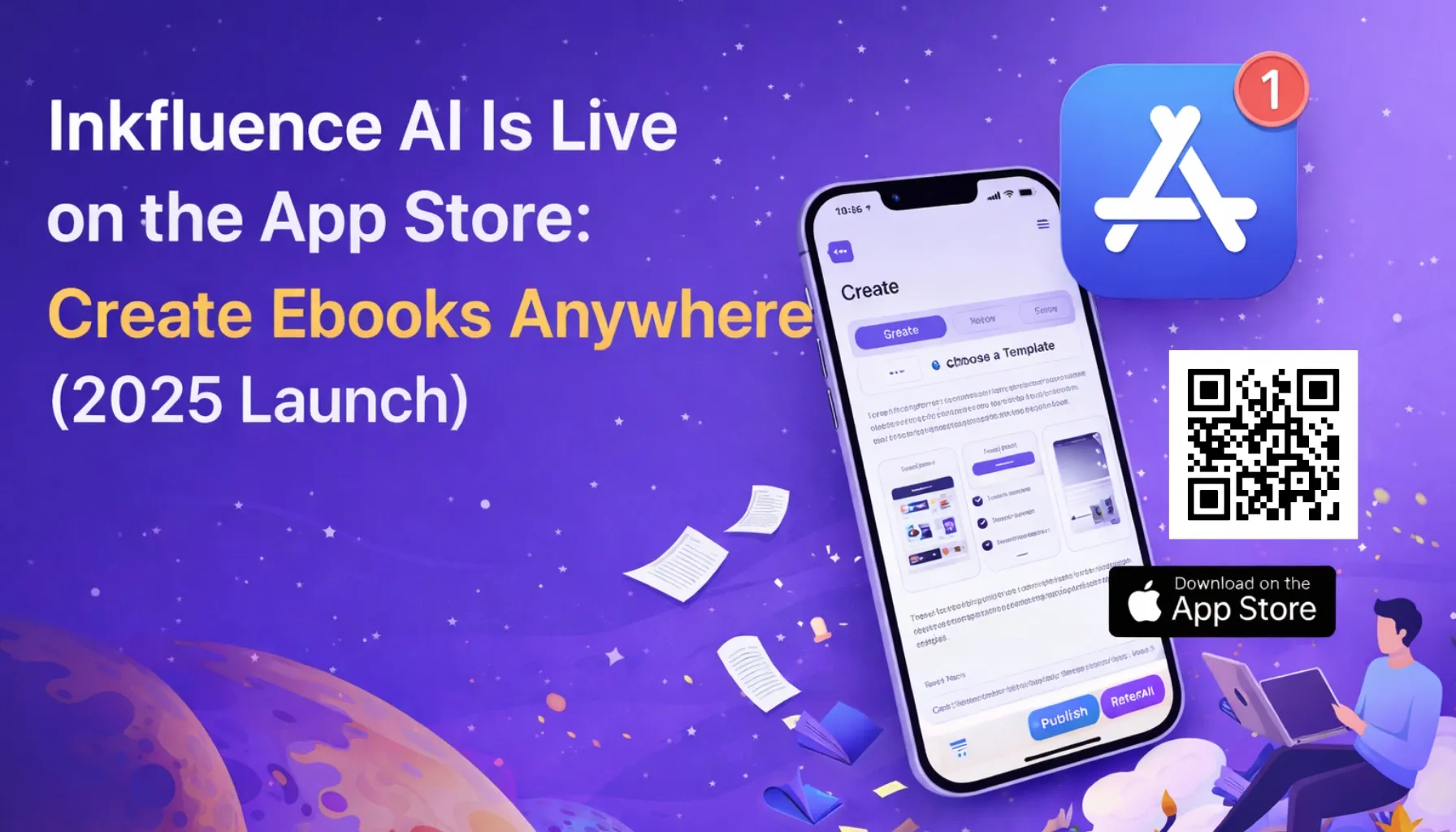 Company
 Inkfluence AI Is Live on the App Store (2025 iOS Launch)
Inkfluence AI is now on iOS. Create ebooks, guides, and lead magnets from your phone with the same structure, formatting, and export workflows as desktop.
Get ebook tips in your inbox
Join creators getting weekly strategies for writing, marketing, and selling ebooks.