
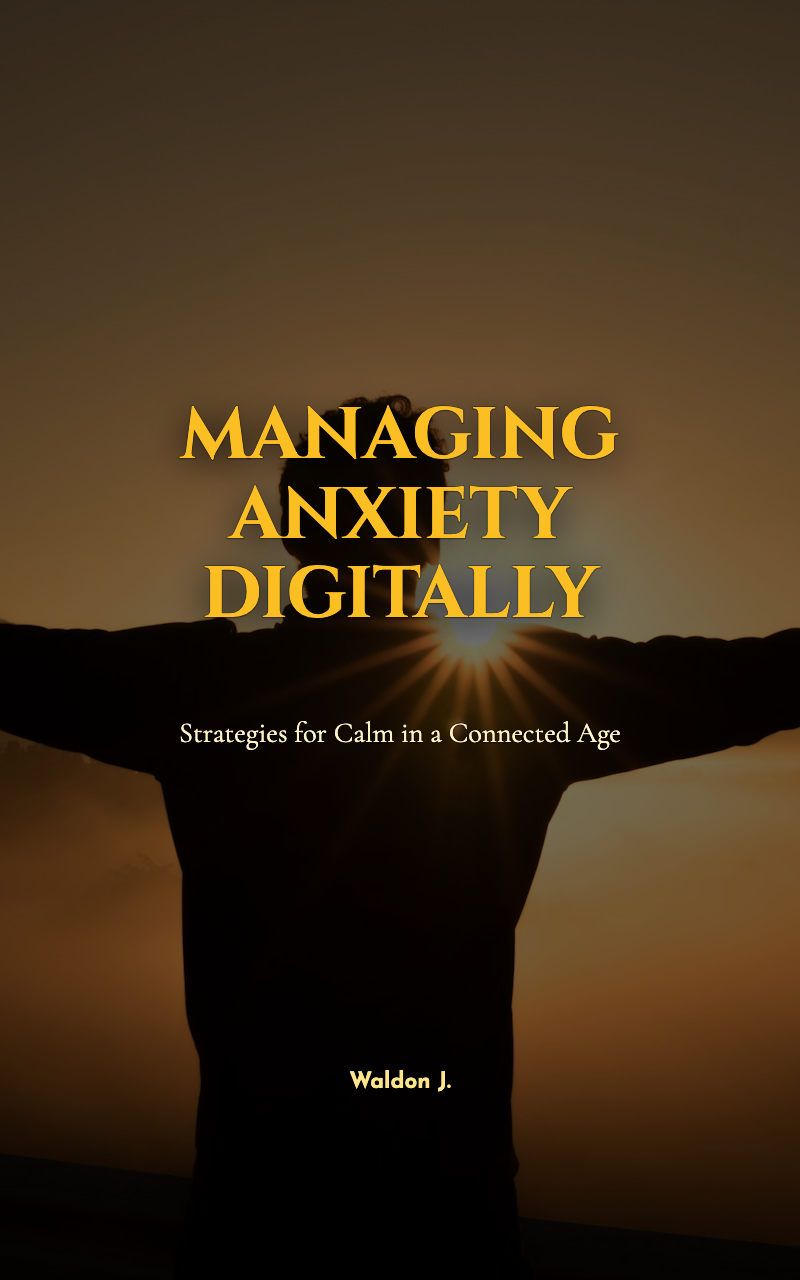

Read the first chapter
The whole of chapter one, free. About 4 min. Turn the pages with the arrows, your keyboard, or a swipe.
Chapter 1
Recognizing Digital Anxiety Triggers
Picture This
You’re at a coffee shop with your laptop open. A calendar notification pops up: “Meeting in 10 minutes.” Your inbox shows 237 unread messages. Your phone buzzes — a Slack DM from your manager with a red dot and a GIF you don’t understand. You close the lid, tell yourself you’ll check “just in five minutes,” and stare at the ceiling while your heart rate climbs. You don’t even need to open the messages to feel the churn in your chest.
Sound familiar? Maybe it’s the ping of a social app that makes you compare yourself to coworkers, or the cold anxiety of waiting for an answer after you hit send. Or maybe it’s the paralyzing scroll at 2 a.m. when your brain insists one more feed will solve the worry. What if the thing making you anxious isn’t a single notification but a pattern of digital interactions you’ve normalized? Can you spot which digital moments are actually creating your anxiety — and what to do about them?
The Mindset Shift
| Old Pattern | New Pattern | |---|---| | “Everything must be answered immediately.” | “Not every message needs an instant reply; I control my response rhythm.” | | Reacting to every notification | Choosing which notifications earn my attention (and which go quiet). | | Constantly checking metrics (likes, opens, views) | Setting a limited time or goal for metric-checking, then stepping away. |
Most of us operate on autopilot: notifications demand attention, and attention feeds stress. The shift here is from reactive urgency to intentional response. That doesn’t mean ignoring responsibilities. It means deciding when and how technology deserves your emotional energy.
Start by noticing that urgency is often manufactured — by app design (red badges, push pings), by workplace culture (expectations of “always-on”), or by your own habit loops. When you reframe responsiveness as a choice rather than a reflex, you remove the automatic emotional charge. That space lets you make calmer, more productive decisions.
Going Deeper
Anxiety in digital life often grows from tiny repeated moments: a 30-second check that turns into 15 minutes; a feeling of falling behind because someone replied faster; the dread of opening a message containing bad news. These micro-interactions aggregate — like small leaks that flood a room over time.
What’s happening neurologically is straightforward: each ping triggers a mild stress response (cortisol, adrenaline). Over time, your nervous system begins to associate certain apps or interfaces with that stress reaction. The good news is that because the triggers are specific — a Slack thread, a nightly habit of doom-scrolling, a calendar filled without buffer — you can identify and interrupt them.
Signs this pattern is running your life: 1. You check your phone within 5 minutes of waking and again within 5 minutes of going to bed. 2. You feel tense or distracted when a red badge shows a number greater than 0. 3. You can’t finish a task without switching to social media “for a quick break.” 4. You avoid opening certain apps because you already feel stressed about what you’ll find.
The Bottom Line: Small, repeated digital habits shape big emotional outcomes — which means small, targeted changes can have outsized benefits.
Reflection & Self-Assessment
1. Which digital moment today made me tense the most? Describe what happened and how your body reacted. - Example: “I opened email and felt my jaw clench when I saw an urgent label; I immediately lost focus.”
2. How many times did I check notifications between 9 a.m. and noon? Is that number higher or lower than I expected? - Example: “I checked 18 times; realizing it’s that many helped me see the pattern.”
3. What app or platform consistently leaves me feeling worse after I use it? Why do I keep returning? - Example: “Scrolling X leaves me comparing myself; I go back because it’s my default boredom fix.”
4. If I set a 15-minute limit for checking messages, what would change in my day? List one likely positive effect. - Example: “I’d probably finish a focused work session and feel calmer before lunch.”
5. When a notification arrives, what is my immediate urge — reply, ignore, or check? What would a more intentional choice look like? - Example: “My urge is to reply instantly; a better choice is to mark it unread and schedule time to respond.”
Growth Challenge
7-Day Notification Experiment - For the next 7 days, turn off push notifications for all non-essential apps (social media, news, most email), leaving only calendar and one communication app you choose for urgent work. - Schedule three 20-minute “check windows” each day (morning, midday, evening) when you will review messages and notifications. Outside of those windows, use Do Not Disturb or silence your phone. - Keep a simple log: once per check window, jot one line about your emotional state before and after checking (e.g., “anxious → calm”).
Expected difficulty: Medium
You’ll know it’s working when... - You notice fewer spikes of anxiety during the day. - You complete focused tasks with fewer interruptions. - Your total time spent in social apps drops, and you feel less compulsive about checking.
Key Takeaway
Recognition is the first act of reclaiming calm: name the digital triggers, then choose how they get your attention.
• Digital anxiety often comes from repeated micro-habits, not a single event. - You can reframe responsiveness from reflex to choice and reduce stress. - Concrete signs (badges, checking frequency, avoidance) reveal where to intervene. - A short, structured experiment can reset your nervous system and prove the change works.
Ready to move from naming triggers to building practical boundaries? In the next chapter we’ll design simple rules and tools to protect your attention without missing what matters.
End of chapter one. 7 more chapters in the full book.
Swipe or use the arrows to turn the page


What's inside: 8 chapters
- 1. Recognizing Digital Anxiety Triggers
- 2. Reframing Beliefs About Technology Use
- 3. Establishing Mindful Digital Habits
- 4. Setting Boundaries Without Digital Guilt
- 5. Communicating Anxiety Needs in Digital Spaces
- 6. Using Technology Tools to Support Calm
- 7. Building Resilience Against Digital Overwhelm
- 8. Aligning Digital Life With Personal Purpose
About this book
"Managing Anxiety Digitally" is a self-help book by Waldon J. with 8 chapters and approximately 8,009 words. Techniques to manage anxiety caused by digital environments and technology use.
This book was created using Inkfluence AI, an AI-powered book generation platform that helps authors write, design, and publish complete books. It was made with the AI Self-Help Book Writer.
Frequently Asked Questions
What is "Managing Anxiety Digitally" about?
Techniques to manage anxiety caused by digital environments and technology use
How many chapters are in "Managing Anxiety Digitally"?
The book contains 8 chapters and approximately 8,009 words. Topics covered include Recognizing Digital Anxiety Triggers, Reframing Beliefs About Technology Use, Establishing Mindful Digital Habits, Setting Boundaries Without Digital Guilt, and more.
Who wrote "Managing Anxiety Digitally"?
This book was written by Waldon J. and created using Inkfluence AI, an AI book generation platform that helps authors write, design, and publish books.
How can I create a similar self-help book?
You can create your own self-help book using Inkfluence AI. Describe your idea, choose your style, and the AI writes the full book for you. It's free to start.
Write your own self-help book with AI
Describe your idea and Inkfluence writes the whole thing. Free to start.
Start writingCreated with Inkfluence AI


