
Read the first chapter
The whole of chapter one, free. About 5 min. Turn the pages with the arrows, your keyboard, or a swipe.
Chapter 1
Understanding Digital Products and Market Basics
Why This Matters
Starting to sell digital products can feel overwhelming: there are thousands of tools, competing creators, and many ways to package an idea. The friction most beginners face is not a lack of good ideas but uncertainty about what counts as a digital product and how to pick one that fits their skills and market demand. This chapter clears that fog.
By the end of this chapter you’ll understand what digital products are, the common types that actually sell, and the basic market mechanics you need to succeed. You’ll be able to identify two or three product formats that match your skills, estimate a realistic price range, and know where customers look for these products online (for example, Gumroad, Etsy Digital, Udemy, or a simple Shopify site). These are practical skills you can use immediately to test an idea and start earning your first sales.
How It Works
A digital product is any deliverable that's created once and sold repeatedly, delivered electronically. That simplicity is powerful: no inventory, no shipping, and low marginal cost. Here are the main product categories beginners should consider, with concrete examples and common price ranges.
1. Ebooks and Guides - Short how-to ebooks or in-depth guides (10–60 pages). Example: "30-Day Social Media Planner" sold as a PDF for $9–$29. Tools: Google Docs or Canva for layout; Gumroad to sell. 2. Courses and Workshops - Video lessons, slide decks, and worksheets. Example: a 4-module video course on "Basic Excel for Freelancers" with 40 minutes of content priced at $49. Platforms: Teachable, Thinkific, or a private Vimeo + Stripe combo. 3. Templates and Tools - Downloadable templates people use to save time: spreadsheets, resume templates, Notion templates. Example: a budgeting Google Sheet with built-in formulas sold for $7–$19. Tool: Google Sheets or Excel; distribution via Shopify or Gumroad. 4. Design Assets and Media - Fonts, icons, stock photos, audio loops, and video overlays. Example: a pack of 50 social media icons for $15 on Creative Market or Etsy Digital. 5. Memberships and Subscriptions - Ongoing access to exclusive content or community. Example: $10/month membership for weekly templates and a private Slack group. Tools: Memberful, Patreon, or Circle. 6. Software as a Download or License - Small apps, plugins, or scripts. Example: a WordPress plugin that automates image compression sold for $39/year with license keys via Paddle.
How the market works in practice: customers search for solutions, not products. They want "a simple invoice template" or "learn Instagram ads fast." Your product’s title and first 20 seconds of description decide whether they click. Price is often less important than perceived time saved: a $15 template that saves two hours of work offers clear value.
Core steps to bring a product to market: 1. Define the problem clearly (what time or pain does it save?) 2. Choose the product format that matches the solution 3. Build a minimal version (MVP) you can sell and iterate 4. Publish on a platform your audience uses 5. Measure early feedback and adjust price or content
Putting It Into Practice
Scenario: You are a graphic designer who wants to sell a set of social media templates.
1. Define the problem and audience: - Problem: Small business owners spend 90+ minutes creating each Instagram post. Audience: local cafés and fitness coaches. - Expected outcome: save 60–90 minutes per post.
2. Choose format and tools: - Product: 30 Canva-ready Instagram templates, 1080x1080 px, includes color swatches and font suggestions. - Tools: Design in Canva Pro or Adobe Illustrator. Export one example PNG and include a Canva share link.
3. Build the MVP: - Create 10 templates first (minimum viable product). - Time: aim for 10–15 hours of work total. - Price: launch at $19 to test demand.
4. Launch and distribution: - Platform: Gumroad for instant delivery and payment processing. - Copy: Title: "Cafe & Coach: 10 Editable Canva Instagram Templates — Post Faster." Include one preview image and a 30-second demo GIF. - Promotion: Post one organic Instagram Reel showing a before/after in 60 seconds; pin the product link in your Instagram bio.
5. Measure and iterate: - Metrics to track first 30 days: 200 product page views, 5–20 sales (conversion 2.5–10%), revenue $95–$380 at $19. - If conversion 5%, add two more templates and raise price to $29.
Quick checklist: - Define the specific problem you solve and who has it. - Pick a format that fits both problem and your skills. - Create an MVP and set a low-entry price to test. - Publish on a marketplace or sell directly via Gumroad/Shopify. - Track views, conversion, and initial revenue; iterate based on feedback.
What to Watch For
Bold mistake: Overbuilding before testing - Explanation: Spending 100+ hours creating a huge course without validating demand is common. Fix: Build a minimum viable product (10–30% of your final plan), sell it at a lower price, and use early buyers as testers. Aim for 5–20 sales in the first month as validation.
Bold mistake: Choosing the wrong platform - Explanation: Listing design assets on a niche marketplace (like ThemeForest) without matching audience expectations reduces visibility. Fix: Match product to platform—stock photos on Shutterstock, Canva templates on Etsy or Gumroad, courses on Udemy/Teachable. Research a competitor’s top 10 sellers to see where they sell.
Bold mistake: Ignoring delivery and support - Explanation: Customers expect instant, smooth access (downloads, clear install instructions). Fix: Include step-by-step setup (3–5 bullet points), a contact email, and a short FAQ. For licensed software, use Gumroad or Paddle to deliver license keys and handle refunds.
Do this / Not this: - Do this: Launch an MVP for $9–$29 or a subscription at $5–$15/month to test market fit quickly. - Not this: Wait to perfect your product or price it at $199 before any customer validation.
This chapter gives you a clear map to choose a digital product, test it quickly, and start earning. The next chapter will show how to write product pages and craft headlines that convert browsers into buyers.
End of chapter one. 7 more chapters and about 7,493 words in the full book.
Swipe or use the arrows to turn the page


What's inside: 8 chapters
- 1. Understanding Digital Products and Market Basics
- 2. Identifying Profitable Niches for Digital Sales
- 3. Creating Your First Digital Product
- 4. Setting Up an Online Storefront
- 5. Pricing Strategies for Digital Products
- 6. Marketing Digital Products on Social Media
- 7. Building and Engaging an Email List
- 8. Handling Customer Support and Feedback
About this book
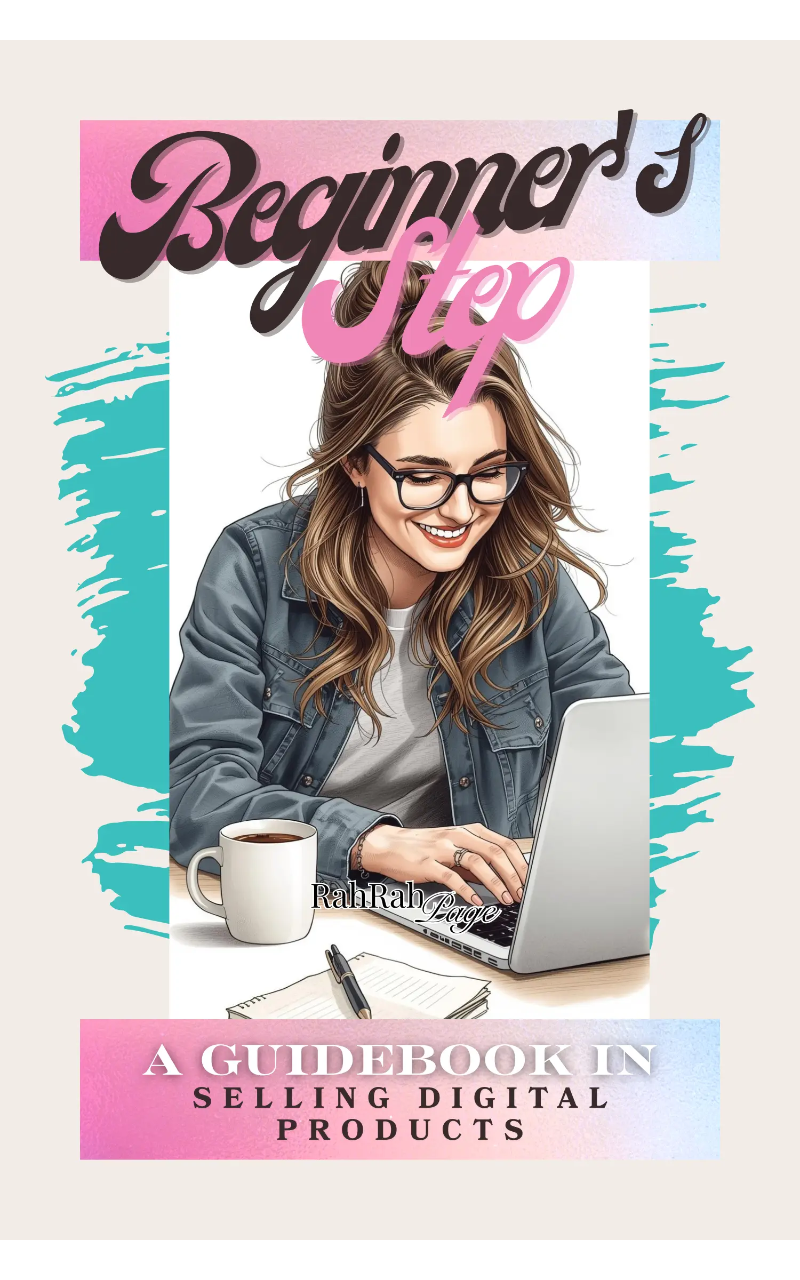
"Beginner's Step Guidebook" is a business book by RahRah Page with 8 chapters and approximately 7,493 words. Fundamentals and strategies for selling digital products online.
This book was created using Inkfluence AI, an AI-powered book generation platform that helps authors write, design, and publish complete books. It was made with the AI Business Book Writer.
Frequently Asked Questions
What is "Beginner's Step Guidebook" about?
Fundamentals and strategies for selling digital products online
How many chapters are in "Beginner's Step Guidebook"?
The book contains 8 chapters and approximately 7,493 words. Topics covered include Understanding Digital Products and Market Basics, Identifying Profitable Niches for Digital Sales, Creating Your First Digital Product, Setting Up an Online Storefront, and more.
Who wrote "Beginner's Step Guidebook"?
This book was written by RahRah Page and created using Inkfluence AI, an AI book generation platform that helps authors write, design, and publish books.
How can I create a similar business book?
You can create your own business book using Inkfluence AI. Describe your idea, choose your style, and the AI writes the full book for you. It's free to start.
Write your own business book with AI
Describe your idea and Inkfluence writes the whole thing. Free to start.
Start writingCreated with Inkfluence AI


