
Read the first chapter
The whole of chapter one, free. About 6 min. Turn the pages with the arrows, your keyboard, or a swipe.
Chapter 1
Item #1-10: Understanding the Fundamentals of AI Tools For Students (2026)
Overview If your AI study setup breaks after 2 weeks-missing files, random prompts, logins you can’t find-that’s not “student error,” it’s a tool-choice and workflow problem. This chapter gives you Item #1-10 to pick the right AI tools for school in 2026, set accounts safely, and build a simple daily workflow that actually sticks.
You’ll get a scannable checklist style: what goes wrong, exactly what to do, and what you should see as a result (with concrete examples like prompt templates, folder naming, and a 20-minute daily loop).
The Breakdown
#1: Choose Tools by “Job,” Not by Hype Problem: Students usually download 3-5 AI apps based on trending posts, then use none of them consistently. After a week, you end up with scattered outputs, incompatible file formats, and prompts you can’t reproduce. That kills progress because studying needs repeatable steps, not one-off “cool results.” Solution: Pick one “job” first, then match tools to that job. Use this mini-table as your filter: | Study Job | Best Tool Type | Example Output | |---|---|---| | Summarize readings | AI text assistant | 1-page summary | | Draft essays | Writing assistant | thesis + outline | | Practice questions | Q/A generator | quiz + answers | | Citations | Citation helper | source list | Create a rule: for the next 7 days, only use 1 tool per job. Keep everything else “optional” until you prove the workflow works. Result: Your workflow becomes predictable. You’ll spend more time studying and less time cleaning up tool chaos.
#2: Run a “Privacy Safety Check” Before You Sign In Problem: Many student accounts get created fast, then you forget where they are. Later you realize you used the wrong email, shared data in a tool you don’t trust, or turned on a setting like “history” without meaning to. One mistake can turn into months of messy logins and risky data exposure. Solution: Do this before entering any real assignments or personal info: - Use a dedicated email alias (example: school+ai@gmail.com) for AI signups. - Turn on two-factor authentication (2FA) in every AI account you use. - Check whether the tool offers “chat history” controls and set it to your preference (off or minimal, depending on your comfort). Write down the login email + 2FA method in a simple note titled “AI Accounts.” Result: You reduce risk and eliminate the “where is my account?” problem when deadlines hit.
#3: Use One Prompt Template for Every Assignment Start Problem: Without a prompt template, you’ll rewrite instructions every time, and the quality will swing wildly. That leads to rework-especially when you need a summary, outline, or study guide quickly. In practice, students lose 30-60 minutes per assignment just “trying prompts.” Solution: Start every assignment with the same 4-part prompt structure: 1) Task: “Summarize and extract key points.” 2) Input constraints: paste text or upload file + word limit (e.g., “under 250 words”). 3) Output format: “bullet list by section, then 5 quiz questions.” 4) Tone/level: “high-school/college level, plain English.” Example starter: “Task: Create a study guide. Input: [paste]. Output: (a) 8 bullets, (b) 5 Q/A flashcards. Constraints: under 300 words. Level: college.” Result: Your outputs become consistent, and you cut prompt time down to 1-2 minutes.
#4: Separate “Drafting” From “Learning” in Your Workflow Problem: Students often use AI to both draft and “learn,” then can’t tell what they actually understand. When an essay is generated, you may not practice the concepts behind it. That creates a gap between what you submit and what you can explain on an exam. Solution: Create two modes in your routine: - Draft mode (AI helps create text): outlines, rewrites, clarity edits. - Learning mode (AI helps you study): quizzes, explanations, step-by-step walkthroughs. Use different folders (example: AI/Drafts and AI/Study) and different prompt templates for each. In learning mode, always ask for “check your understanding” questions. Result: You’ll submit better drafts and still build exam-ready knowledge.
#5: Build a Folder System That Matches Your Semester Problem: If your files are named like final_v3.docx and stored across Downloads, Drive, and desktop, you’ll waste time searching later. When a teacher asks for “the sources,” you’ll scramble. This is the #1 reason AI study systems collapse after the first grading cycle. Solution: Use this folder structure (simple, works on Google Drive and local folders): - 2026-Semester - 01-Reading - 02-Drafts - 03-Study_Notes - 04-Sources - 05-Exports_AI Name files like: YYYY-MM-DD_topic_task_version (example: 2026-09-12_bio_summary_v1). Result: You can find an output in under 30 seconds, even during exam week.
#6: Keep a “Prompt Log” for Reproducible Results Problem: AI outputs change depending on phrasing and context. If you don’t save the exact prompt, you can’t recreate a good result when you need it again. Students end up chasing the “perfect prompt” instead of progressing. Solution: Add a PROMPTS.md file inside each course folder. For every AI session, paste: - Date - Tool used - Prompt text - Key settings (if any) - What worked / what didn’t (1-2 lines) Keep it short-aim for 5-10 entries per week, not a novel. Result: Next time you need the same output, you reuse what worked and move faster.
#7: Use a 20-Minute Daily Loop (No More, No Less) Problem: Random AI use feels productive but doesn’t build momentum. Students who jump between tasks lose focus, then stop using AI once the novelty wears off. You need a loop that fits into real schedules. Solution: Run this daily routine: 1) 5 min: review today’s task list (one assignment + one study goal) 2) 10 min: AI in one job (summarize OR quiz OR outline) 3) 5 min: write your own notes from the AI output (3 bullets + 1 question) Example: If you’re reading Chapter 4, use AI for summary, then write 3 bullets you can explain aloud. Result: You’ll steadily improve without burning time or losing track.
#8: Check Outputs with a “Reality Pass” Checklist Problem: AI can sound correct but be wrong, outdated, or missing key details. If you submit that directly, you risk losing marks and learning the wrong thing. The fix is not “use AI less,” it’s checking with a consistent pass. Solution: After every AI output, run a 4-point Reality Pass: - Match the assignment prompt: did it follow word count + format? - Verify key facts: cross-check 2-3 claims against your reading or slides. - Check structure: headings/logical order make sense. - Spot missing parts: ask AI, “What did you leave out?” once. Keep a small checklist at the top of your notes. Result: Fewer mistakes, cleaner submissions, and less “I don’t know why this is wrong” stress.
#9: Manage Citations Early with Source-First Notes Problem: Students often generate text first, then search for sources later. That’s when citations fall apart-missing page numbers, wrong links, or accidental plagiarism risk. It also wastes time right before submission. Solution: Use Source-First Notes: - Create 04-Sources with folders per topic. - When you summarize, save the source link + page/section in the same note file. - Ask AI to produce a citation draft, but only after you’ve saved the source info. Quick check: every claim that matters should point to a source you already stored. Result: Your essay becomes easier to reference, and your citation work stays controlled.
#10: Set “Limits” So AI Can’t Hijack Your Work Problem: If AI is allowed to do everything, you lose ownership of ideas and your learning. Also, long chats can drift away from your assignment requirements. Students end up with a final product that feels disconnected from what they studied. Solution: Put guardrails in place: - Use word limits in prompts (example: “250 words max”). - Ask for “outline only” for the first pass on essays. - After AI drafts, you must edit using your own notes (minimum: 5 changes or 5 inserted facts from your sources). End each session with: “Summarize what you changed and why.” Result: You keep control, learn the content, and still get the speed benefits of AI.
What Comes Next Now that you’ve got the tool-choice rules, account safety, and a daily workflow, the next step is making those workflows smarter-turning your prompt log and study notes into faster outputs for each subject type (reading, writing, and practice) without losing accuracy. In the next chapter, you’ll start applying these fundamentals to specific student tasks and output formats.
End of chapter one. 4 more chapters and about 6,874 words in the full book.
Swipe or use the arrows to turn the page
What's inside: 5 chapters
- 1. Item #1-10: Understanding the Fundamentals of AI Tools For Students (2026)
- 2. Item #11-20: Getting Started with AI Tools For Students (2026)
- 3. Item #21-30: Essential Skills for AI Tools For Students (2026)
- 4. Item #31-40: Building Your AI Tools For Students (2026) Practice
- 5. Item #41-50: Overcoming Common AI Tools For Students (2026) Challenges
About this book
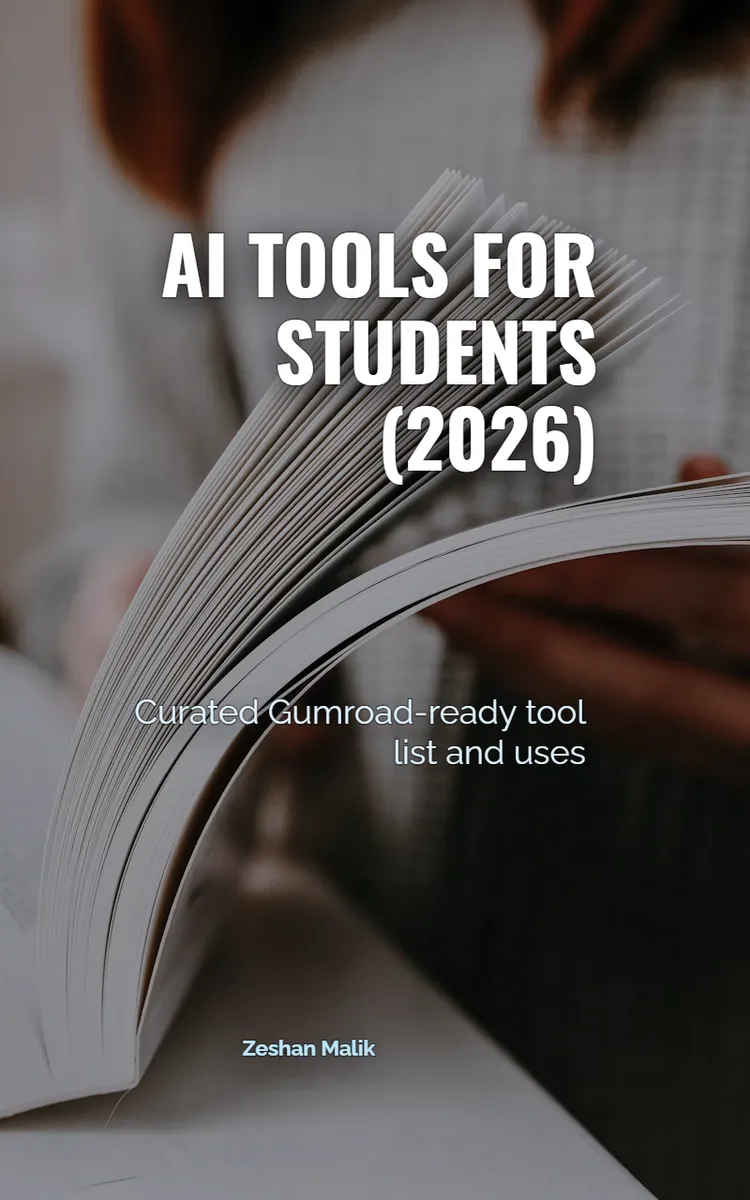
"AI Tools For Students (2026)" is a list book by Zeshan Malik with 5 chapters and approximately 6,874 words. Curated list of AI tools for students in 2026.
This book was created using Inkfluence AI, an AI-powered book generation platform that helps authors write, design, and publish complete books.
Frequently Asked Questions
What is "AI Tools For Students (2026)" about?
Curated list of AI tools for students in 2026
How many chapters are in "AI Tools For Students (2026)"?
The book contains 5 chapters and approximately 6,874 words. Topics covered include Item #1-10: Understanding the Fundamentals of AI Tools For Students (2026), Item #11-20: Getting Started with AI Tools For Students (2026), Item #21-30: Essential Skills for AI Tools For Students (2026), Item #31-40: Building Your AI Tools For Students (2026) Practice, and more.
Who wrote "AI Tools For Students (2026)"?
This book was written by Zeshan Malik and created using Inkfluence AI, an AI book generation platform that helps authors write, design, and publish books.
Write your own list book with AI
Describe your idea and Inkfluence writes the whole thing. Free to start.
Start writingCreated with Inkfluence AI


