

Read the first chapter
The whole of chapter one, free. About 6 min. Turn the pages with the arrows, your keyboard, or a swipe.
Chapter 1
Prompting Lesson Plans From Standards
Why standards-aligned plans save time (and student confusion) in one generation
When you pull a standard and start writing a lesson from scratch, you burn time twice: once chasing what to teach, and again fixing what you missed. Standards-aligned lesson plans prevent that second round because they force your objectives, tasks, and pacing to point at the same target.
This chapter shows you a copy-paste prompt that generates a lesson plan you can actually teach: clear objectives, materials, and a realistic day-by-day pace. After you read it, you will be able to take any grade-level standard set, paste it into the prompt, and get a usable draft you can edit instead of building from a blank page.
You will also learn how to structure your inputs (grade, time, assessment type) so the AI doesn’t guess. Ask yourself: if you had to teach tomorrow with only the plan in front of you, would it list what you need and when you’ll do it? This chapter targets that exact outcome.
Practical takeaway: You’ll generate a standards-aligned lesson plan draft that matches your time constraints and classroom reality.
The Standards-to-Plan Bridge: a copy-paste prompt that produces objectives, materials, and pacing
Use this prompt when you already have your standard(s) and you want a full lesson draft in one pass. Replace the bracketed fields with your details.
Copy-paste prompt
You are an instructional planning assistant for K-12 teachers.
Task: Generate a standards-aligned lesson plan with objectives, materials, and pacing.
Inputs: - Subject/Grade: [Subject], [Grade] - Standard(s) (paste exact wording): [Standards] - Lesson length: [e.g., 60 minutes total or 2 class periods] - Class context: [e.g., reading level range, typical misconceptions, ELL needs] - Instructional approach: [e.g., guided practice + independent practice] - Assessment type: [e.g., exit ticket + rubric, short quiz, performance task] - Differentiation requirements: [e.g., scaffolds for below grade level, extensions for advanced] - Safety/access notes (if any): [e.g., lab safety, tech access limits]
Output format (use these headings exactly): 1) Lesson snapshot (1-3 sentences) 2) Objectives (3-5 measurable objectives mapped to the standard language) 3) Materials checklist (teacher + student; include quantities or counts when possible) 4) Vocabulary/skills list (include brief definitions) 5) Pacing plan (minute-by-minute or period-by-period; include teacher actions and student actions) 6) Learning activities (2-4 activities that match the objectives; include steps) 7) Check for understanding (when it happens and what evidence you collect) 8) Assessment plan (what students submit, criteria, and timing) 9) Differentiation supports (below/at/above level; concrete examples) 10) Teacher notes (common pitfalls and how to prevent them)
Rules: - Keep pacing realistic for the provided lesson length. - Align each objective and activity to the standard(s). - Use plain language teachers can follow without extra interpretation. - If any input is missing, ask up to 3 focused clarification questions before generating. Why each prompt component matters (so the output stays aligned)
• Paste exact standard language so the plan can mirror it in objectives.
• Give lesson length + class context so pacing matches your constraints and student needs.
• Force the output headings so you get objectives, materials, and pacing every time.
• Require alignment mappings so activities don’t drift away from the standard.
Practical takeaway: You control alignment by feeding exact standards and enforcing the output structure.
Applying the Standards-to-Plan Bridge to a real 6th-grade science lesson (Talia)
Use Talia’s planning inputs as a concrete template. Adjust only the bracketed parts.
Inputs to paste
• Subject/Grade: Science, Grade 6
• Standard(s): Paste your exact state standard(s)
• Lesson length: 2 class periods (50 minutes each)
• Class context: Students read 5th - 7th grade band; common misconception: “heat” and “temperature” mean the same thing; ELL support needed
• Instructional approach: Modeling + guided practice + lab-style investigation (no open flames)
• Assessment type: Exit ticket + short rubric
• Differentiation requirements: Scaffolds for below grade level; extensions for advanced
• Safety/access notes: No open flames; limited lab materials (groups of 4)
Steps (and what you should expect)
• Paste standards verbatim into the prompt.
• Expected outcome: Objectives reuse the standard language instead of paraphrasing loosely.
• Set lesson length to “2 class periods (50 minutes each).”
• Expected outcome: The pacing plan splits into Period 1 and Period 2 with time blocks.
• Include the misconception and ELL need in “Class context.”
• Expected outcome: The plan adds check-for-understanding moments and language supports.
• Specify “no open flames” and “groups of 4.”
• Expected outcome: Materials checklist lists safe items and group-ready quantities.
• Ask for “exit ticket + short rubric.”
• Expected outcome: The assessment section names what students submit and when.
Quick checklist
• [ ] Standards pasted exactly
• [ ] Lesson length stated in minutes/periods
• [ ] Class context includes misconceptions + ELL needs
• [ ] Prompt output headings included (objectives, materials, pacing)
• [ ] Assessment type specified
Practical takeaway: The plan quality rises when you remove guesswork from your inputs.
What to watch for (and how to fix it fast)
Mismatch drift (objectives don’t match the standard)
Do this: Verify that each objective line references the standard wording and that activities list steps tied to those objectives. Then re-run with “Map each activity step to objective numbers.”
Not this: Accept a plan where activities sound relevant but never name the target skill.
Unteachable pacing (time blocks don’t fit your day)
Do this
Do this: Tell the model your real constraints (bell schedule, transitions, lab setup time) and force it to include a “buffer” block (5-7 minutes) in each period. Add “If any block exceeds the period length, revise.”
Not this: Accept time blocks that sum to more than your period, then try to cut later.
Overstuffed materials list (too many items to manage)
Do this: Provide a countable set of supplies and a grouping rule (example: “materials for 4 students”). Add “List only what students need to complete the task; exclude teacher-only demos unless essential.”
Not this: Let the model invent extra tools “to make it engaging,” then spend your prep time deleting them.
Output format breaks (missing required sections)
Do this: Re-include a “Required sections” block in the prompt and set “Return in this exact order.”
Not this: Read a great draft but have no objectives/materials/pacing headings to copy into your lesson template.
Ask yourself: When you skim the output, can you point to (1) the standard-aligned objective, (2) the student task that hits it, and (3) the time block for that task - without guessing?
Standards-to-Plan Bridge: copy-paste prompt template
Use this block as your default. Replace bracketed text only.
You generate a standards-aligned lesson plan.
INPUTS - Subject/Grade: [ ] - Standard(s) (paste exact text): [ ] - Lesson length: [e.g., 2 x 50 minutes] - Class context (needs, misconceptions, language supports): [ ] - Instructional approach (e.g., model → guided practice → investigation): [ ] - Materials constraints (counts, group size, safety rules): [ ] - Differentiation (supports + extensions): [ ] - Assessment (what students submit + when): [ ]
REQUIRED OUTPUT (use these exact headings, in this exact order) 1) Objectives (numbered; map each objective to the standard text) 2) Materials (checklist; include quantities and safety/access notes) 3) Pacing (Period 1 / Period 2; minute-by-minute blocks; include a 5-7 minute buffer) 4) Activities (steps; each step references objective numbers) 5) Exit ticket or assessment (items; align to objectives) 6) Differentiation notes (below-grade supports + advanced extensions)
Rules - Use the standard wording in the objectives. - Tie every activity step to objective numbers. - Do not exceed the lesson length; if needed, shorten steps and keep alignment. - Keep it classroom-ready (no open-ended “and discuss” without a concrete prompt). Practical takeaway: A fixed prompt template turns alignment into a repeatable production step, not a one-time craft project. Next, you’ll build on this by
End of chapter one. 7 more chapters in the full book.
Swipe or use the arrows to turn the page


What's inside: 8 chapters
- 1. Prompting Lesson Plans From Standards
- 2. Differentiation Prompts by Student Needs
- 3. Writing Rubrics With Clear Criteria
- 4. Assessment Design and Quick Checks
- 5. Parent Communication Templates That Educate
- 6. Modifying for Accommodations and IEPs
- 7. Sequencing Prompts for Unit Planning
- 8. Quality Control With Prompt Iteration
About this book
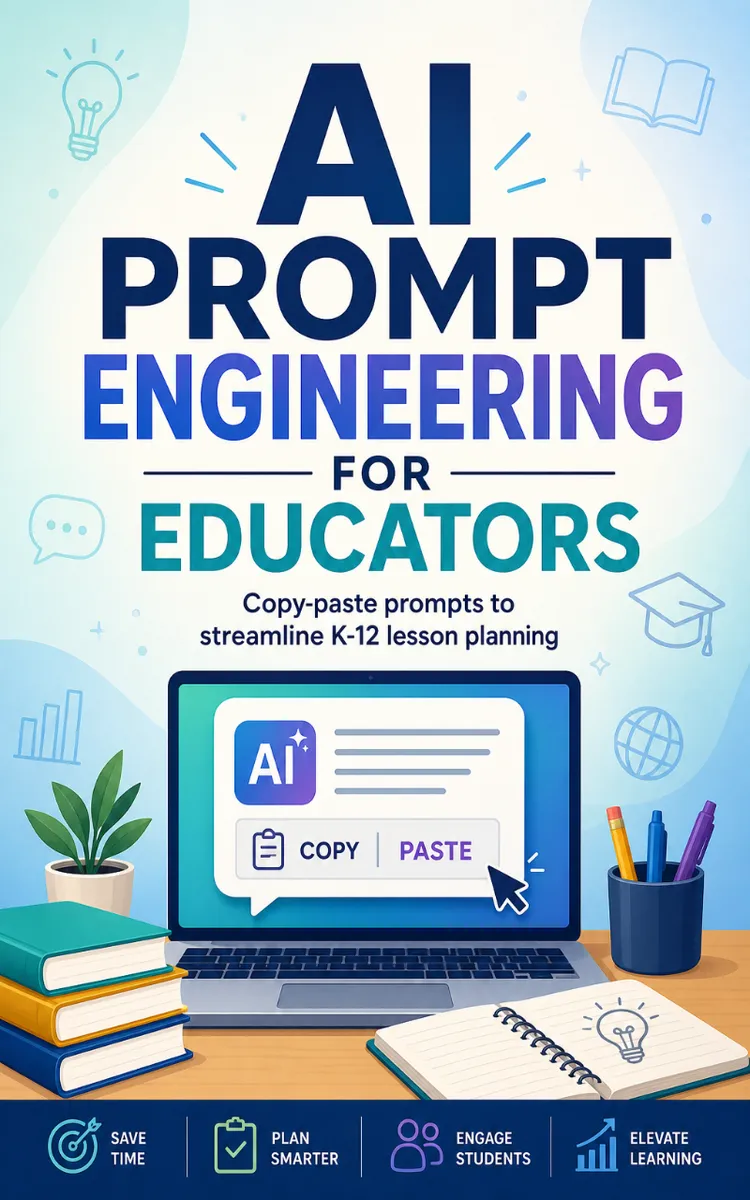
"AI Prompt Engineering For Educators" is a how-to guide book by NextGen PDF with 8 chapters and approximately 7,757 words. Prompt engineering for educators to generate lesson plans and rubrics.
This book was created using Inkfluence AI, an AI-powered book generation platform that helps authors write, design, and publish complete books. It was made with the AI Ebook Generator.
Frequently Asked Questions
What is "AI Prompt Engineering For Educators" about?
Prompt engineering for educators to generate lesson plans and rubrics
How many chapters are in "AI Prompt Engineering For Educators"?
The book contains 8 chapters and approximately 7,757 words. Topics covered include Prompting Lesson Plans From Standards, Differentiation Prompts by Student Needs, Writing Rubrics With Clear Criteria, Assessment Design and Quick Checks, and more.
Who wrote "AI Prompt Engineering For Educators"?
This book was written by NextGen PDF and created using Inkfluence AI, an AI book generation platform that helps authors write, design, and publish books.
How can I create a similar how-to guide book?
You can create your own how-to guide book using Inkfluence AI. Describe your idea, choose your style, and the AI writes the full book for you. It's free to start.
Write your own how-to guide book with AI
Describe your idea and Inkfluence writes the whole thing. Free to start.
Start writingCreated with Inkfluence AI


