
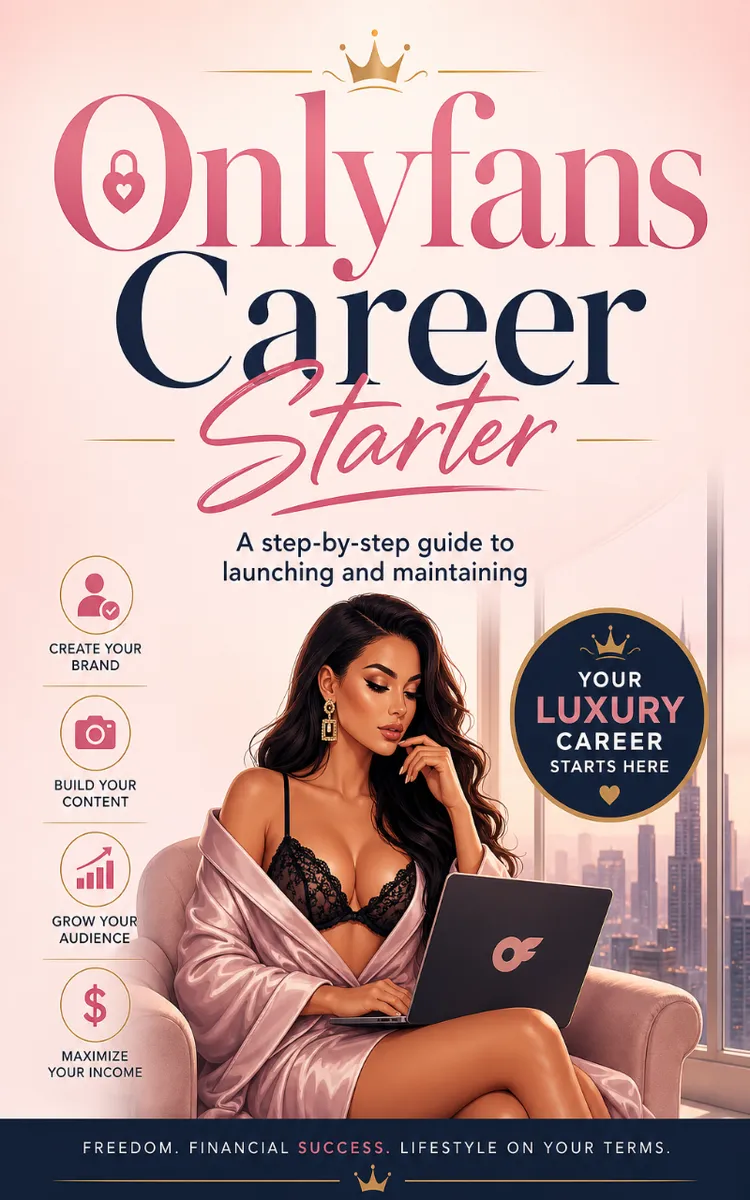
Onlyfans Career Starter
Created with Inkfluence AI
Launching and maintaining an OnlyFans account online
Table of Contents
- 1. Setting Up Your Account Profile
- 2. Choosing Your OnlyFans Niche
- 3. Creating Your Content Pillars Plan
- 4. Shooting Photos and Videos Efficiently
- 5. Writing Captions That Drive Subscriptions
- 6. Pricing Your Subscriptions and Tips
- 7. Designing Your Welcome Message
- 8. Planning Your First 14-Day Launch
- 9. Promoting Off-Platform Without Breaking Rules
- 10. Managing Messages and Subscriber Retention
- 11. Using Analytics to Improve Weekly
- 12. Scaling Content and Income Over Time
Preview: Setting Up Your Account Profile
A short excerpt from “Setting Up Your Account Profile”. The full book contains 12 chapters and 23,472 words.
A profile that looks “almost done” costs you real money. On OnlyFans, the first thing a new visitor does is scan your banner, avatar, and bio for three answers: What do you post? Who is this for? Why should I click Subscribe? If those answers take too long (or feel unclear), people leave before they ever see your paid content.
Derek, 31, a fitness coach, learned this the hard way. He had solid workout videos ready, but his profile looked like a generic creator page - small avatar, text-packed banner, and a bio that talked about himself instead of the member. He didn’t need better content first; he needed a clearer profile that converts first visits into subscriptions.
After you finish this chapter, you will be able to build a complete OnlyFans profile with a banner, avatar, bio, and links that guide a new visitor to the right next step. You’ll also know exactly what to check so your profile stays consistent when you add new offers.
Set the context: why your bio, banner, avatar, and links must convert first visits
Your profile acts like a storefront window. A visitor might not read everything, but they will make a fast decision based on what they see in the first few seconds. The banner tells the vibe and promise. The avatar builds recognition. The bio answers the “what’s in it for me” question. The links help people take action without hunting.
Most beginners get stuck because they treat profile setup as a one-time “fill in the blanks” task. Instead, you should treat it like a conversion checklist. Derek’s fix started with something simple: he changed the banner message from “Coach, trainer, lifestyle” to a specific promise that matched his feed - “Weekly training plans + form checks for busy lifters.” That one change made visitors instantly understand what they could get.
When your profile matches your content, fewer people bounce. When it doesn’t, you create confusion. Confusion feels like “maybe later,” and later turns into “never.” Your goal here is to make the visitor’s path obvious: they see the promise, recognize the creator, read a short bio that confirms the promise, and click the right link (or follow the right on-page action).
Profile Conversion Checklist (what you’ll build in this chapter):
- Banner that states a clear offer in plain words
- Avatar that stays recognizable at small sizes
- Bio that answers 3 questions in the first screen
- Links that send people to one next step, not five distractions
Ask yourself this before you edit anything: if someone lands on your page right now, could they tell what you post and who it’s for within 5 seconds?
How it works: build your profile so a visitor gets answers fast
OnlyFans profile elements work together. Your banner grabs attention, your avatar earns recognition, your bio seals the deal, and your links give the visitor a simple next step. If one element contradicts the others, visitors feel like they landed on the wrong page.
Use Derek’s fitness setup as your mental model: he posts training content, so his banner highlights training outcomes, his avatar shows his face clearly (not a blurry logo), and his bio lists what members get each week. He didn’t add more words - he added clarity.
Follow this numbered build, in order. Each step includes the “why,” so you know what to do and what outcome to expect.
1. Set your avatar first (so your page looks “real” immediately).
Choose a clear photo of your face or a recognizable image that looks sharp even when small. Crop it so your face or main subject fills the frame.
Why: visitors scan quickly; a blurry avatar makes you look unfinished and lowers trust.
Expected outcome: your page looks professional even before someone reads your bio.
2. Design a banner that states one promise, not your whole life story.
Put one short line of value on the banner, plus a supporting detail. For Derek, it looked like: “Training plans + form checks” and underneath, “For busy lifters.”
Why: a banner with multiple themes forces visitors to guess. Guessing increases leaving.
Expected outcome: visitors understand your niche and outcome immediately.
3. Write a bio that answers: What you post, who it’s for, and what happens after they join.
Keep it tight. Derek’s bio structure worked because it stayed specific:
- What you post (training plans, form checks, workouts)
- Who it’s for (busy lifters, beginners who want structure, intermediate lifters who want feedback)
- What members get (weekly plan drops, check-in prompts, content schedule)
Why: your bio turns “interest” into “I know what I’d get.”
Expected outcome: visitors feel confident enough to subscribe.
4....
About this book
"Onlyfans Career Starter" is a how-to guide book by Anonymous with 12 chapters and approximately 23,472 words. Launching and maintaining an OnlyFans account online.
This book was created using Inkfluence AI, an AI-powered book generation platform that helps authors write, design, and publish complete books. It was made with the AI Ebook Generator.
Frequently Asked Questions
What is "Onlyfans Career Starter" about?
Launching and maintaining an OnlyFans account online
How many chapters are in "Onlyfans Career Starter"?
The book contains 12 chapters and approximately 23,472 words. Topics covered include Setting Up Your Account Profile, Choosing Your OnlyFans Niche, Creating Your Content Pillars Plan, Shooting Photos and Videos Efficiently, and more.
Who wrote "Onlyfans Career Starter"?
This book was written by Anonymous and created using Inkfluence AI, an AI book generation platform that helps authors write, design, and publish books.
How can I create a similar how-to guide book?
You can create your own how-to guide book using Inkfluence AI. Describe your idea, choose your style, and the AI writes the full book for you. It's free to start.
Write your own how-to guide book with AI
Describe your idea and Inkfluence writes the whole thing. Free to start.
Start writingCreated with Inkfluence AI


