
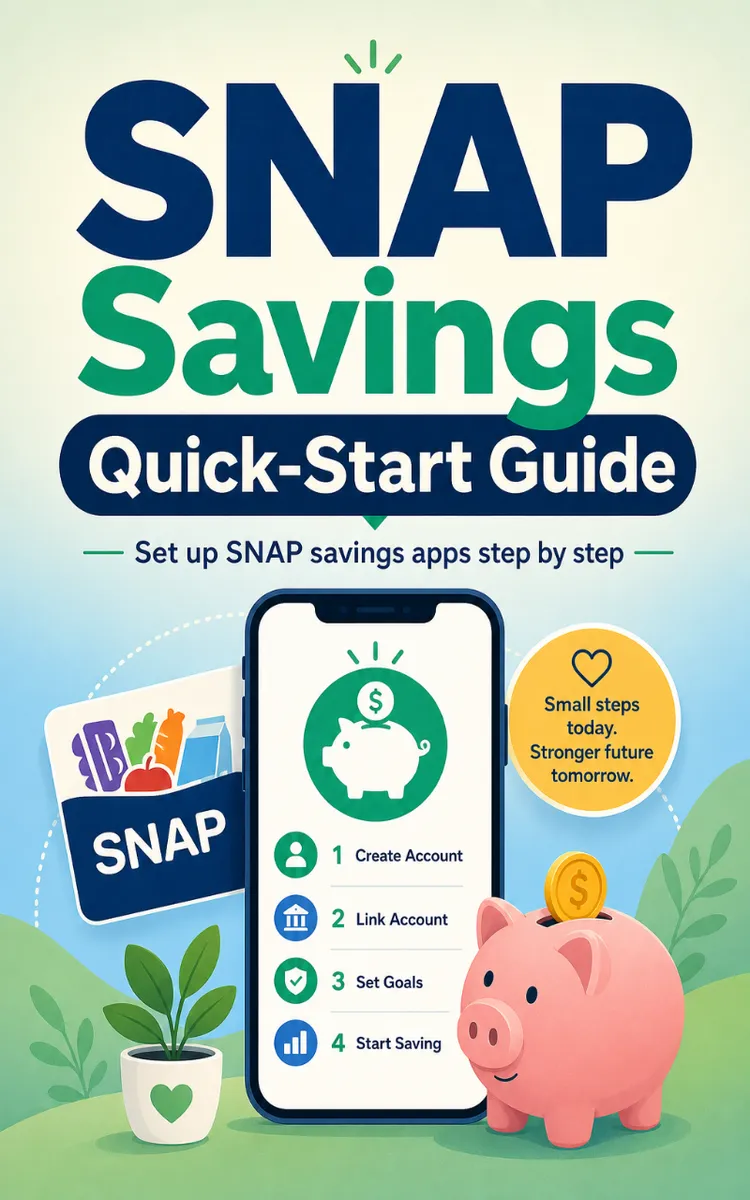
SNAP Savings Quick-Start Guide
Created with Inkfluence AI
Downloading and using SNAP savings apps for EBT users
Table of Contents
- 1. Using This Guide and Quick-Start
- 2. Setting Up Your State EBT App
- 3. Using Propel Providers for Discounts
- 4. Getting Started with Ibotta Offers
- 5. First Flashfood Purchase with Referral Code
- 6. Clipping Flipp Coupons by ZIP
- 7. Planning Meals with FoodFinder and SuperCook
- 8. Finding Free Food with Falling Fruit, Swagbucks, Olio
Preview: Using This Guide and Quick-Start
A short excerpt from “Using This Guide and Quick-Start”. The full book contains 8 chapters and 12,883 words.
Last-minute grocery runs get expensive fast when you forget to turn on the right app features. One day you scan a receipt and miss an offer because you didn’t activate it first. Another day you stand at the register trying to remember whether you already clipped the coupon. Those small misses don’t feel like much - until you add them up across a month.
Tasha, 34, a single parent balancing work and groceries, ran into this exact problem. She wasn’t “bad at saving” - she just didn’t have a simple order to follow. So she kept doing setup steps at random times, then she got stuck when an app asked for an extra check later.
This chapter teaches you how to follow the guide in the right order, complete the app setup checkboxes, and use the follow-up tracker without getting lost. After you finish, you’ll know exactly what to do first, what to tap next, and how to come back later for the tasks that only show up after setup.
The 3-Step Loop for Following the Guide, Checkboxes, and the Follow-Up Tracker
Here’s the method you’ll use for every app in this book: The 3-Step Loop (Download, Checklist, Follow-Up). It keeps you from jumping around, and it makes sure you finish the steps that matter most.
The “Download” part helps you get the correct app on your phone (iPhone or Android) so it can actually work with your SNAP benefits. The “Checklist” part makes you finish the setup actions that unlock savings or protection. The “Follow-Up” part catches the extra steps that often happen after you install or sign in - like linking accounts, confirming credits, or fixing login issues.
You also get a fast reference called the 1-Page Quick-Start. It lists the apps in order and gives you checkboxes so you can see what’s done and what’s next. Use the quick-start when you feel stuck mid-setup. Use the full guide when you need details for a specific screen.
Before you start, remember this: apps change. Features, availability, and requirements can shift, so you should always review each app’s terms and privacy policy before you use it. Treat the steps below as your default plan, then adjust based on what the app shows you.
Your takeaway for this section: You’ll save more by following one order (Download → Checklist → Follow-Up) instead of doing random setup taps and hoping everything connects.
How to Complete Setup Checkboxes in the Right Order (So Offers Actually Work)
The key mistake beginners make is finishing only the first screen they see. Many apps need a second action - like turning on notifications, linking your EBT card, or activating offers - before they will help you at checkout. That’s why the guide uses quick-action checkboxes and a follow-up tracker.
Use the SNAP Savings Quick-Start Guide Your Step-by-Step Companion for Setting Up and Using SNAP Savings Apps. It’s organized so you can move step-by-step through each app. It includes clear steps for iPhone and Android, quick-action checkboxes, and follow-up tasks so you always know what to do next.
Follow this order every time you start an app:
1. Download the app to your phone (Download).
Why: the app can’t connect to your account or send you savings prompts until it’s installed. Use the iPhone or Android steps in the guide so you download the right version.
2. Complete every “Quick-Action Checkbox” you see for that app (Checklist).
Why: the checkboxes focus on the actions that unlock the money-saving feature. For example, you must log in with your EBT card before you can use an EBT-related app the way it’s meant to work.
3. Open the follow-up tasks when the app asks for them (Follow-Up).
Why: some steps only appear after you install or sign in. The guide’s follow-up tracker helps you finish linking accounts, confirm credits, or fix login issues so you don’t miss the chance to apply an offer.
4. Use the 1-Page Quick-Start as your fast reference while you work.
Why: you don’t need to hunt through the full guide every time. The quick-start keeps your place so you don’t redo steps or skip ahead.
Quick note on the guide’s structure (so you don’t get stuck)
The guide tells you: Start at the top and work through each app in order. After you download an app, you complete the setup checkboxes. Then you jump to the Follow-Up Tracker to finish tasks that need extra steps later (like linking accounts, confirming credits, or fixing login issues). This order matters because many apps only “unlock” savings after you finish the earlier steps.
Ask yourself: When you open an app, do you see an offer you can use today - or does it ask you to activate, link, or confirm something first? If it asks for something first, treat that as part of your checklist.
Practical takeaway: Finish checkboxes in order before you try to save at the store. If you do it the other way around, you’ll often end up with a missed offer.
Applying the 3-Step Loop with Tasha’s Real Setup Flow (Apps 1-5)
...
About this book
"SNAP Savings Quick-Start Guide" is a how-to guide book by By POS with 8 chapters and approximately 12,883 words. Downloading and using SNAP savings apps for EBT users.
This book was created using Inkfluence AI, an AI-powered book generation platform that helps authors write, design, and publish complete books. It was made with the AI Ebook Generator.
Frequently Asked Questions
What is "SNAP Savings Quick-Start Guide" about?
Downloading and using SNAP savings apps for EBT users
How many chapters are in "SNAP Savings Quick-Start Guide"?
The book contains 8 chapters and approximately 12,883 words. Topics covered include Using This Guide and Quick-Start, Setting Up Your State EBT App, Using Propel Providers for Discounts, Getting Started with Ibotta Offers, and more.
Who wrote "SNAP Savings Quick-Start Guide"?
This book was written by By POS and created using Inkfluence AI, an AI book generation platform that helps authors write, design, and publish books.
How can I create a similar how-to guide book?
You can create your own how-to guide book using Inkfluence AI. Describe your idea, choose your style, and the AI writes the full book for you. It's free to start.
Write your own how-to guide book with AI
Describe your idea and Inkfluence writes the whole thing. Free to start.
Start writingCreated with Inkfluence AI


