
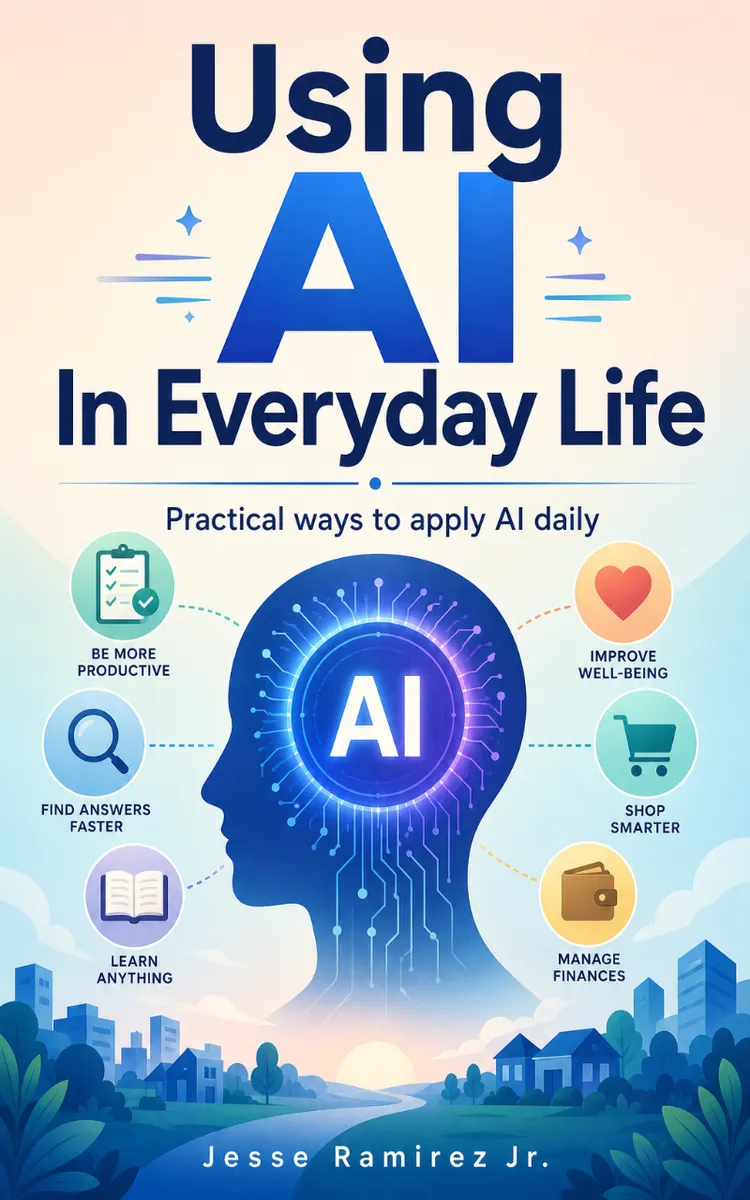
Using AI In Everyday Life
Created with Inkfluence AI
Practical guidance for using AI tools in daily routines
Table of Contents
- 1. Choosing the Right AI Tool
- 2. Writing Prompts That Get Results
- 3. Turning Notes Into Action Plans
- 4. Using AI for Emails and Messages
- 5. Planning Meals and Grocery Lists
- 6. Scheduling Your Day with AI
- 7. Creating Study Plans and Quizzes
- 8. Staying Safe and Checking AI Output
Preview: Choosing the Right AI Tool
A short excerpt from “Choosing the Right AI Tool”. The full book contains 8 chapters and 14,062 words.
Why “the right AI tool” saves you time (and frustration) in daily lifeHave you ever tried an AI app for a task and thought, “Why does this feel harder than doing it myself?” That moment usually comes from using the wrong tool - or using the right tool with the wrong expectations. Picking the right AI tool turns “I hope this works” into “I know what to try next,” which saves you time and helps you get results you can actually use.
This chapter gives you a simple, practical way to choose AI tools for your specific tasks. You’ll learn a quick fit-check method (called the Daily Fit Checklist) that helps you decide which tool to use for writing, planning, summarizing, or everyday problem-solving - before you waste hours testing random apps.
After this chapter, you’ll be able to: (1) match an AI tool to a task using clear starter criteria, (2) run a fast test with predictable outcomes, and (3) spot when a tool will likely fail for your needs. You’ll also know what to watch for so you don’t accidentally share sensitive info or create work you still have to redo.
The Daily Fit Checklist for choosing AI tools (before you commit)AI tools differ in one key way: they handle different “inputs” and produce different “outputs” well. Some tools write smoothly but struggle with facts. Some summarize well but can miss details. Some help you plan, others help you brainstorm, and others help you rewrite. Your job is to match the tool to what you need - fast.
Use Daily Fit Checklist as your decision tool. It works like a mini test drive. You don’t need to understand how the AI works under the hood; you just need to check whether it fits the job you’re doing today. Tanya, 34, a busy parent and planner, uses this approach because she’s juggling school forms, meal planning, and work emails - and she can’t afford trial-and-error that eats her evenings.
Here are the four checks that make the checklist work:
Input fit: Can the tool take what you have?
Ask: “What do I already have - text, a link, a photo, a spreadsheet, or a voice note?” Then check if the tool accepts it.
Example: If Tanya needs to summarize a school email, she picks a tool that can paste text or handle email content. If she needs to read a printed form, she picks a tool that supports images.
Output fit: Does it produce the format you need?
Ask: “Do I need a checklist, a draft email, a table, a short summary, or step-by-step instructions?” Then test whether the output matches that format.
Example: Tanya often needs “reply-ready” email drafts. She chooses the tool that outputs full messages with a clear tone, not just bullet ideas.
Control fit: Can you steer it with simple instructions?
Ask: “Can I tell it the length, tone, and rules?” Look for tools that respond well to clear prompts like “Keep it under 120 words” or “Use a friendly but firm tone.”
Example: When Tanya writes a message to a teacher about a schedule change, she wants control over tone and length. She uses the same prompt structure every time to compare tools.
Risk fit: Will it handle my content safely and consistently?
Ask: “Does this tool let me avoid sharing sensitive info?” Look for basic options like not pasting private details, using “private” modes if available, and understanding what you’re uploading.
Example: Tanya avoids pasting her child’s full medical details into any tool. She tests on a cleaned version first, then replaces the sensitive parts after it generates a structure.
Practical takeaway: Pick tools by matching inputs and outputs, then test control and safety. That combo prevents most “this tool isn’t for me” disappointments.
Putting the Daily Fit Checklist into practice on a real taskLet’s walk through a realistic use case Tanya faces: she needs to draft a short, polite message to the school after a schedule change. She wants it ready to send in under 5 minutes, and she wants the message to sound like her - clear and calm, not robotic.
Use this exact process:
Write down the task and the deliverable (one sentence).
Tanya writes: “Draft a reply to the school about the new pickup time, under 90 words, friendly tone, and with one clear question.”
Select 2 tool options you already have access to (or try quickly).
Tanya picks two AI tools she can open right away on her phone or laptop. She does not download five new apps.
Expected outcome: She compares apples to apples and finishes faster.
Run the same mini test prompt in both tools.
Tanya uses a consistent prompt template so the comparison stays fair:
“Write a reply email to the school. Tone: friendly and clear. Length: under 90 words. Include: (1) confirm you saw the change, (2) ask one question about pickup instructions.”
Then she pastes the school’s message text (after removing anything sensitive, like medical details).
Expected outcome: Each tool returns a draft email that matches the requested length and tone.
...
About this book
"Using AI In Everyday Life" is a how-to guide book by Jesse Ramirez Jr. with 8 chapters and approximately 14,062 words. Practical guidance for using AI tools in daily routines.
This book was created using Inkfluence AI, an AI-powered book generation platform that helps authors write, design, and publish complete books. It was made with the AI Ebook Generator.
Frequently Asked Questions
What is "Using AI In Everyday Life" about?
Practical guidance for using AI tools in daily routines
How many chapters are in "Using AI In Everyday Life"?
The book contains 8 chapters and approximately 14,062 words. Topics covered include Choosing the Right AI Tool, Writing Prompts That Get Results, Turning Notes Into Action Plans, Using AI for Emails and Messages, and more.
Who wrote "Using AI In Everyday Life"?
This book was written by Jesse Ramirez Jr. and created using Inkfluence AI, an AI book generation platform that helps authors write, design, and publish books.
How can I create a similar how-to guide book?
You can create your own how-to guide book using Inkfluence AI. Describe your idea, choose your style, and the AI writes the full book for you. It's free to start.
Write your own how-to guide book with AI
Describe your idea and Inkfluence writes the whole thing. Free to start.
Start writingCreated with Inkfluence AI


