
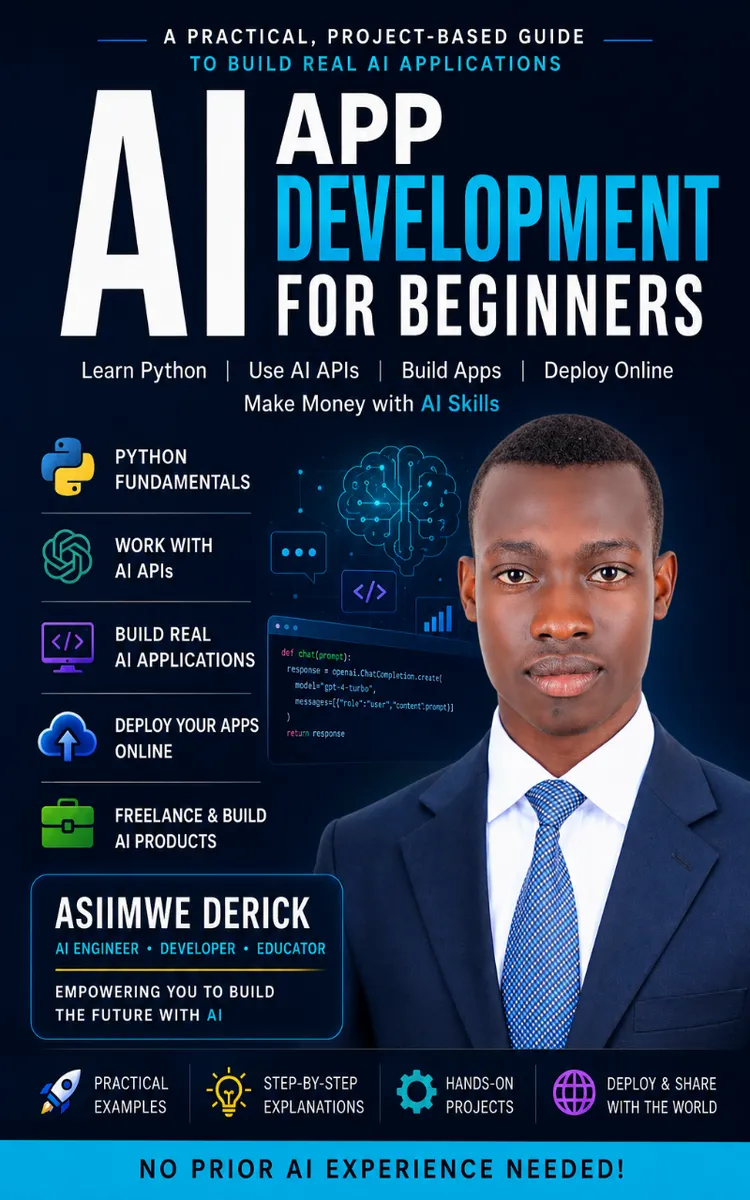
AI App Development For Beginners
Created with Inkfluence AI
Beginner-friendly guide to building and deploying AI apps
Table of Contents
- 1. What Is Artificial Intelligence?
- 2. AI Developer Roles and Freelance Paths
- 3. Installing Python and VS Code Setup
- 4. Python Variables, Loops, and Functions
- 5. JSON and File Handling for AI Data
Preview: What Is Artificial Intelligence?
A short excerpt from “What Is Artificial Intelligence?”. The full book contains 5 chapters and 3,258 words.
Overview
When you ask a chatbot a question and it answers back, what’s actually happening under the hood? This section defines artificial intelligence (AI) in plain language, gives a quick history, and maps the main types of AI-so you can recognize them in products and APIs. It also ties the concepts to the AI Map Framework so you can categorize a system by behavior.
Quick Reference
| Category | Plain-English definition | Typical examples you’ll see |
|---|---|---|
| Narrow AI (Weak AI) | AI built for one job or a small set of related jobs | Translation, spam detection, recommendations |
| General AI (Strong AI) | AI that can understand and learn any task like a human | Not available today; a research goal |
| Rule-based AI | Decisions come from explicit rules you write | If/else systems, deterministic workflows |
| Machine Learning (ML) | Model learns patterns from data instead of hand-written rules | Classification, forecasting |
| Generative AI | Produces new text/image/audio based on learned patterns | Chatbots, text generation, summarizers |
AI Map Framework (how to classify an AI system)
- Input: What data it consumes (text, images, events)
- Goal: What output it produces (label, prediction, response)
- Method: Rules, ML model, or generative model
- Limits: What it can’t reliably do (hallucinations, missing context, bias)
Parameters
This chapter also includes an API-ready way to think about “AI types” as parameters you’ll see in developer guides.
| Parameter | Type | Required | Description |
|---|---|---|---|
| `task_type` | `str` | Yes | One of: `"classification"`, `"prediction"`, `"generation"` |
| `ai_mode` | `str` | Yes | One of: `"rule_based"`, `"machine_learning"`, `"generative"` |
| `prompt_or_input` | `str` | Yes | The text (or instruction) sent to the model, or the input text to classify/predict |
| `temperature` | `float` | No (for generative) | Controls randomness in generation; higher values vary outputs more |
| `max_tokens` | `int` | No | Caps output length (prevents very long responses) |
| `top_p` | `float` | No (for generative) | Alternative sampling control to temperature |
| `return_format` | `str` | No | Output shape hint, e.g. `"json"` for structured results |
Code Example
Below is a minimal Python example that uses the same classification idea from the AI Map Framework: choose `ai_mode` and `task_type`, then call an API that returns structured results.
import os
import requests

API_URL = "https://api.example.com/v1/ai"  # Replace with your provider endpoint

def run_ai(task_type: str, ai_mode: str, prompt_or_input: str, max_tokens: int = 200):
    payload = {
        "task_type": task_type,          # "classification" | "prediction" | "generation"
        "ai_mode": ai_mode,              # "rule_based" | "machine_learning" | "generative"
        "prompt_or_input": prompt_or_input,
        "max_tokens": max_tokens,
        "return_format": "json",
    }

    headers = {
        "Authorization": f"Bearer {os.environ['AI_API_KEY']}",
        "Content-Type": "application/json",
    }

    resp = requests.post(API_URL, json=payload, headers=headers, timeout=30)
    resp.raise_for_status()
    return resp.json()

if __name__ == "__main__":
    # Nina-focused concept mapping: generative mode for response generation
    result = run_ai(
        task_type="generation",
        ai_mode="generative",
        prompt_or_input="Explain what AI is in one paragraph.",
        max_tokens=120,
    )
    print(result)
Response Format
Expected JSON structure (typical for API responses that support structured outputs):
{
  "id": "req_12345",
  "task_type": "generation",
  "ai_mode": "generative",
  "output": {
    "text": "string result",
    "confidence": 0.0
  },
  "usage": {
    "input_tokens": 0,
    "output_tokens": 0
  },
  "error": null
}
Field notes:
- `task_type`: mirrors the parameter you sent (`classification`, `prediction`, `generation`)
- `ai_mode`: mirrors the parameter you sent (`rule_based`, `machine_learning`, `generative`)
- `output.text`: generated or summarized text
- `output.confidence`: may be omitted depending on the endpoint
- `usage`: token counts for cost and limits tracking
- `error`: null on success; an object on failure
Notes & Best Practices
- Rate limits: Use fewer requests by batching inputs when possible; check provider docs for `429` handling.
- Error handling: Always call `resp.raise_for_status()` (or check status codes) and log `resp.text` for debugging.
- Edge cases: Generative AI may return plausible but incorrect statements; treat outputs as drafts unless your task has verifiable sources.
- Beginner mistake to avoid: Mixing “rule-based” expectations with “generative” outputs-if you need exact labels, prefer `classification` with `machine_learning` instead of free-form generation.
...
About this book
"AI App Development For Beginners" is a technical book by Asiimwe Derick with 5 chapters and approximately 3,258 words. Beginner-friendly guide to building and deploying AI apps.
This book was created using Inkfluence AI, an AI-powered book generation platform that helps authors write, design, and publish complete books. It was made with the AI Documentation Generator.
Frequently Asked Questions
What is "AI App Development For Beginners" about?
Beginner-friendly guide to building and deploying AI apps
How many chapters are in "AI App Development For Beginners"?
The book contains 5 chapters and approximately 3,258 words. Topics covered include What Is Artificial Intelligence?, AI Developer Roles and Freelance Paths, Installing Python and VS Code Setup, Python Variables, Loops, and Functions, and more.
Who wrote "AI App Development For Beginners"?
This book was written by Asiimwe Derick and created using Inkfluence AI, an AI book generation platform that helps authors write, design, and publish books.
How can I create a similar technical book?
You can create your own technical book using Inkfluence AI. Describe your idea, choose your style, and the AI writes the full book for you. It's free to start.
Write your own technical book with AI
Describe your idea and Inkfluence writes the whole thing. Free to start.
Start writingCreated with Inkfluence AI


