
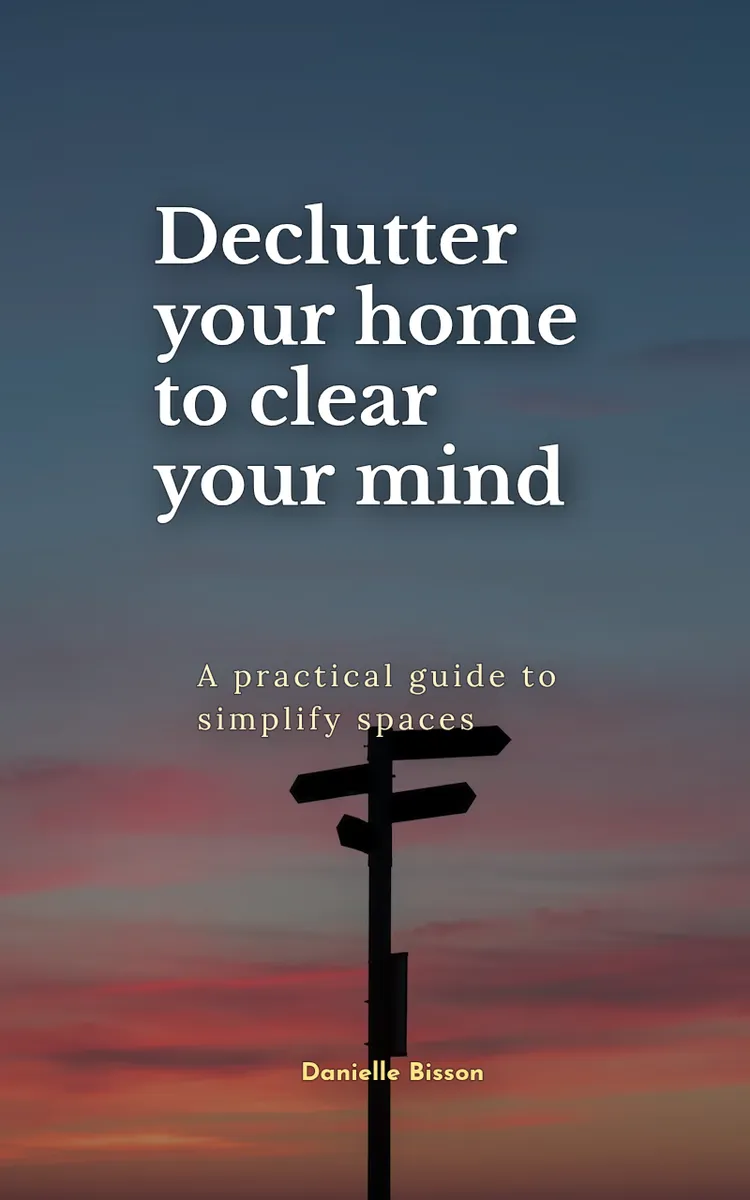
Declutter Your Home
Created with Inkfluence AI
Step-by-step home decluttering and organization methods
Table of Contents
- 1. Start With the 15-Minute Reset
- 2. Use the Four-Box Sorting System
- 3. Declutter by Category, Not Location
- 4. Create Zones and Home Bases
- 5. Maintain With Weekly Reset Routines
Preview: Start With the 15-Minute Reset
A short excerpt from “Start With the 15-Minute Reset”. The full book contains 5 chapters and 8,806 words.
Why This Matters
What’s the fastest way to stop clutter from taking over your day? Start a reset you can finish in one sitting. When your home feels messy, you don’t need a whole “life overhaul”-you need a short, repeatable session that clears space and proves to your brain that change is possible.
This chapter gives you a beginner-friendly first decluttering session called the 15-Minute Reset Sprint. You’ll set a timer, pick one starting zone, and follow clear “stop rules” so you don’t run out of steam or turn the session into a half-day project. You’ll also learn how to decide what to move, what to toss, and what to put back without overthinking.
After you do this once, you’ll be able to walk into any messy corner (like a kitchen counter full of mail and random items) and begin with confidence. You’ll know what to do for the next 15 minutes, when to stop, and how to leave the area looking noticeably better-so momentum carries into the next session instead of fading by tomorrow.
Takeaway to hold onto: you’re not trying to “fix the whole house”-you’re training your process. Ask yourself, “If I can finish 15 minutes, what else can I finish this week?”
How It Works
The 15-Minute Reset Sprint works because it removes two common decluttering problems: you start too big, and you don’t know when to stop. You’ll use a timer to limit the time, a single starting zone to limit the scope, and a stop-rule checklist to limit the decision fatigue.
Use this method exactly the way it’s written. You can adjust details later, but the structure keeps you moving.
1. Set a timer for 15 minutes (and keep it visible).
Choose a phone timer or kitchen timer. Put it where you can see it. The timer creates urgency without chaos, and it tells you when you’re done.
2. Pick one starting zone, not “the whole room.”
Your starting zone can be a small area like “the top of the coffee station,” “one drawer,” or “the entryway bench surface.” Pick the messiest spot you can reach in one pass.
3. Clear only what sits on top first.
Start with items you can grab immediately: paper piles, loose items, obvious trash, and things that don’t belong in that zone. You build quick wins before you start lifting heavier categories like stored items.
4. Use stop rules so you finish even if you still see mess.
Stop rules prevent the classic “I’ll just keep going…” spiral. When you hit a stop rule, you end the sprint, even if the area isn’t perfect.
5. End with one action: reset the zone to a “good enough” state.
You don’t need a perfect system yet. You need the zone to look calmer and easier to use. That means returning rightful items, trashing obvious waste, and placing “maybe” items into a temporary holding spot.
Here’s what the stop rules look like in real life. If your sprint is the kitchen counter, a stop rule might be: “When the timer ends, stop.” Another stop rule might be: “If you reach three ‘maybe’ decisions, stop deciding and place them in the holding bin.” These rules keep you from turning the sprint into a debate with yourself.
To make this concrete, think about Talia, 31, a busy parent who deals with clutter that piles up fast: snacks, school papers, receipts, and random “just set it here” items. Talia doesn’t start with the pantry or the whole living room. She starts with a single surface-like the counter by the coffee maker-because she can see results immediately. That quick reset helps her make tomorrow morning smoother.
Practical takeaway: your sprint needs boundaries-time, place, and decision rules-so you can finish.
Quick reflection: After you read this, locate one surface in your home that looks “doable in 15 minutes.” Point at it with your eyes.
Putting It Into Practice
Now you’ll run your first 15-Minute Reset Sprint step by step. Follow it like a recipe. Use your kitchen, entryway, or a bathroom counter-choose the place where clutter makes the biggest daily annoyance.
Talia’s first sprint (a common real scenario) starts on the kitchen counter near the coffee station. The counter has a coffee scoop, a stack of mail, a couple of kids’ snack wrappers, and a small pile of “things to deal with later.” She can clear the top layer quickly, and the area affects mornings, so it’s a smart starting zone.
Step-by-step sprint
1. Grab your supplies (2 minutes max).
Keep it simple. You need a way to sort fast without turning it into a chore.
- A trash bag or trash can access
- A “holding” box or basket (for items you’re not ready to decide on)
- A small stack of “put back” items (or just a clear spot on the counter)
2. Set your timer to 15 minutes.
Place the timer where you can see it. Start the timer before you touch the first item. This prevents the “I’ll just reorganize first” detour.
3....
About this book
"Declutter Your Home" is a how-to guide book by Danielle Bisson with 5 chapters and approximately 8,806 words. Step-by-step home decluttering and organization methods.
This book was created using Inkfluence AI, an AI-powered book generation platform that helps authors write, design, and publish complete books. It was made with the AI Ebook Generator.
Frequently Asked Questions
What is "Declutter Your Home" about?
Step-by-step home decluttering and organization methods
How many chapters are in "Declutter Your Home"?
The book contains 5 chapters and approximately 8,806 words. Topics covered include Start With the 15-Minute Reset, Use the Four-Box Sorting System, Declutter by Category, Not Location, Create Zones and Home Bases, and more.
Who wrote "Declutter Your Home"?
This book was written by Danielle Bisson and created using Inkfluence AI, an AI book generation platform that helps authors write, design, and publish books.
How can I create a similar how-to guide book?
You can create your own how-to guide book using Inkfluence AI. Describe your idea, choose your style, and the AI writes the full book for you. It's free to start.
Write your own how-to guide book with AI
Describe your idea and Inkfluence writes the whole thing. Free to start.
Start writingCreated with Inkfluence AI


